VSCode
快捷鍵
option + Up/Down : 行前後移
Cmd + X : 剪下
Cmd + C : 複製
Cmd + V : 貼上
Cmd + Z : 取消
Cmd + S : 存檔
Cmd + / : 註釋設定或取消
Cmd + Left/Right : 跳至行最前/最後
Cmd + F : 搜尋
Cmd + Up/Down : 跳至檔案最前/最後
Cmd + ]/[ : 縮排加/減
control + G : 跳至指定行
Cmd + K : 清除終端機
control + Cmd + F : 全螢幕
shift + Cmd + P : 命令列
截圖
Shift + Cmd + 3 : 截圖螢幕
Shift + Cmd + 4 : 截圖選取
Shift + Cmd + 4 + Sapce : 截圖視窗
Shift + Cmd + 5 : 截圖選擇功能
install
1
2
3
4
5
6
7
8
9
10
11
12
13
14
15
16
|
xcode-select --install
xcode-select -p
xcode-select --print-path
ls /Library/Developer
softwareupdate --list
softwareupdate --install -a
|
1
2
| sudo xcode-select --reset
sudo rm -rf /Library/Developer/CommandLineTools
|
Homebrew
install
1
2
3
4
5
6
7
8
9
10
11
12
|
/bin/bash -c "$(curl -fsSL https://raw.githubusercontent.com/Homebrew/install/HEAD/install.sh)"
export PATH="/opt/homebrew/bin:$PATH"
source ~/.zshrc
ls /opt/homebrew/bin/brew
brew --version
echo $PATH
|
basic command
1
2
3
4
5
6
7
8
9
10
11
12
13
|
brew search package_name
brew install package_name
brew update
brew upgrade
brew list
|
maintain
1
2
3
4
5
6
7
8
|
brwe doctor
brew info package_name
brew cleanup
|
git
install
command
1
2
|
git checkout brecnch_name
|
node.js
install
1
2
3
4
|
node --version
npm --version
|
hexo
install
1
2
3
| npm install -g hexo-cli
hex version
|
python
install
1
2
3
4
5
6
7
8
9
10
11
12
13
14
15
16
17
18
19
20
21
22
23
24
25
26
27
28
29
30
31
32
33
34
35
36
37
38
39
40
41
42
43
44
|
brew install pyenv
pyenv --version
pyenv install --list
pyenv install 3.10.12
pyenv uninstall 3.10.12
python --version
Python 3.10.12
pyenv version
3.10.12 (set by /Users/gaoyiping/.pyenv/version)
pyenv versions
system
* 3.10.12 (set by /Users/gaoyiping/.pyenv/version)
3.11.6
3.11.6/envs/my3116
my3116 --> /Users/gaoyiping/.pyenv/versions/3.11.6/envs/my3116
pyenv global 3.11.6
pyenv versions
system
3.10.12
* 3.11.6 (set by /Users/gaoyiping/.pyenv/version)
3.11.6/envs/my3116
my3116 --> /Users/gaoyiping/.pyenv/versions/3.11.6/envs/my3116
python --version
Python 3.11.6
brew install pyenv-virtualenv
pyenv virtualenv 3.1.16 my3116
gaoyiping@gaoyipingdeMacBook-Pro ~ % pyenv activate my3116
(my3116) gaoyiping@gaoyipingdeMacBook-Pro ~ % pyenv versions
system
3.10.12
3.11.6
3.11.6/envs/my3116
* my3116 --> /Users/gaoyiping/.pyenv/versions/3.11.6/envs/my3116 (set by PYENV_VERSION environment variable)
(my3116) gaoyiping@gaoyipingdeMacBook-Pro ~ % python --version
Python 3.11.6
|
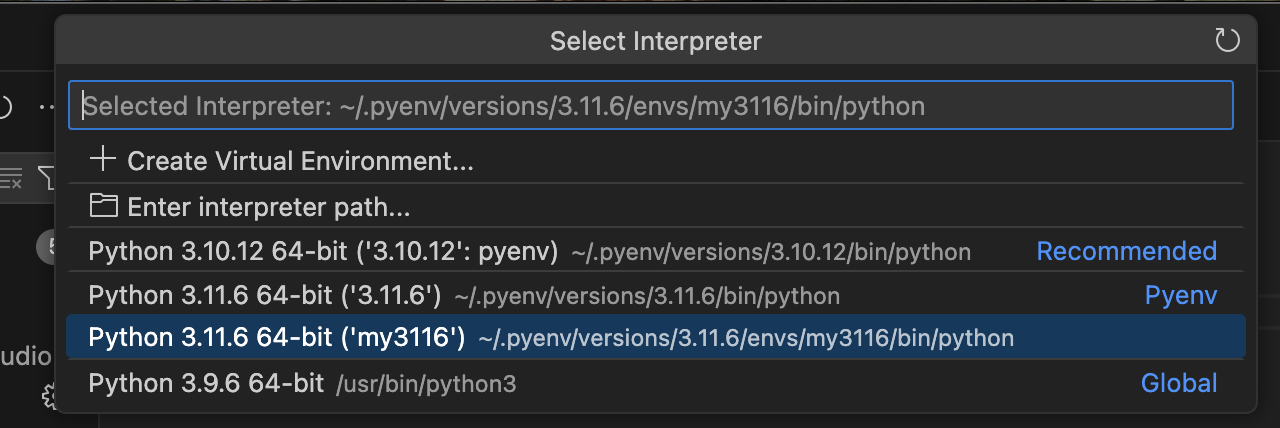
set VS Code python version
Shift + Cmd + P
nano
- control + O : 儲存
- control + X : 離開程式
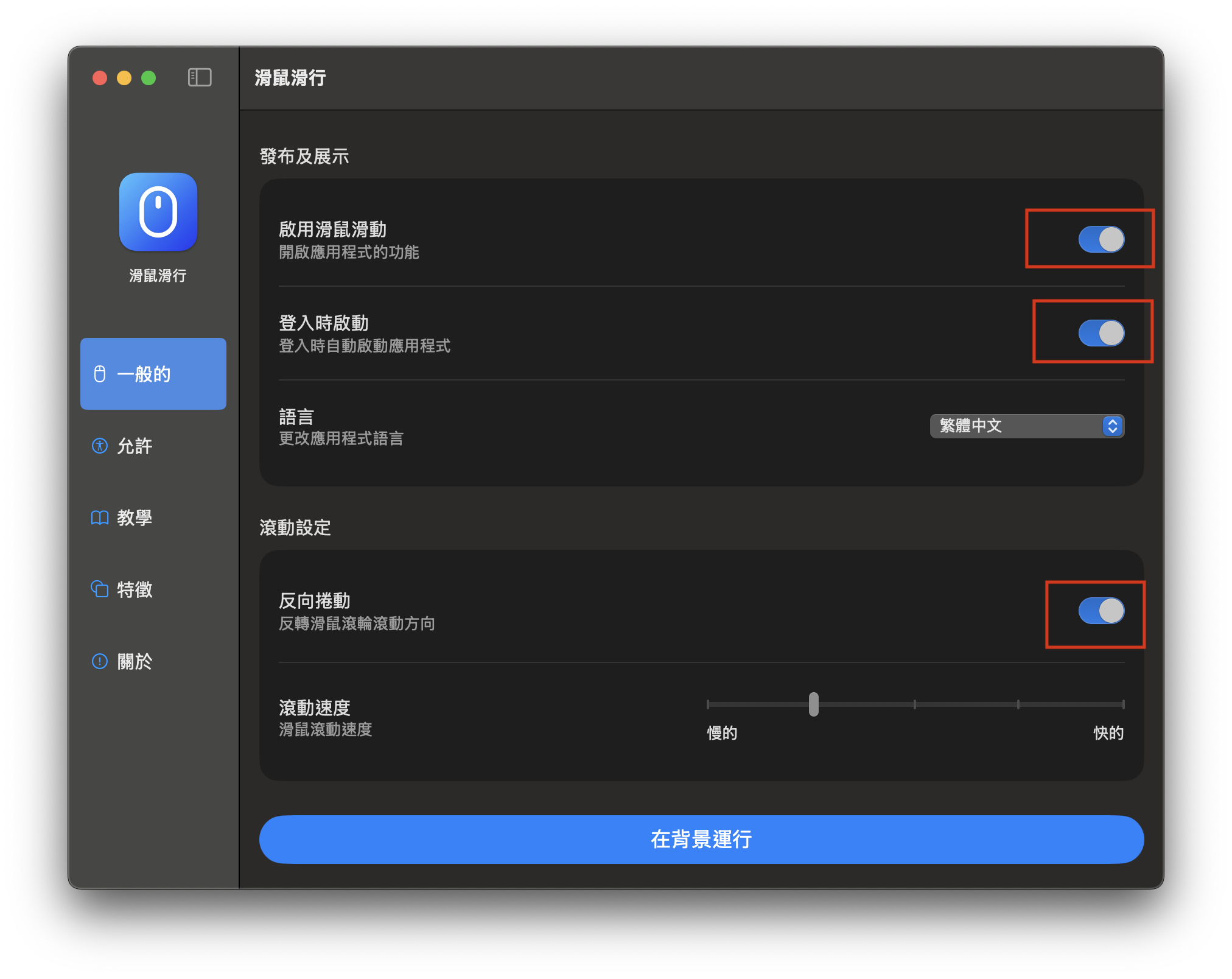
滑鼠運行(修正滑鼠滑動方向)
marta(檔案總管)
1
2
|
brew install --cask marta
|
參考資料