Python connect to google sheet

a connect example

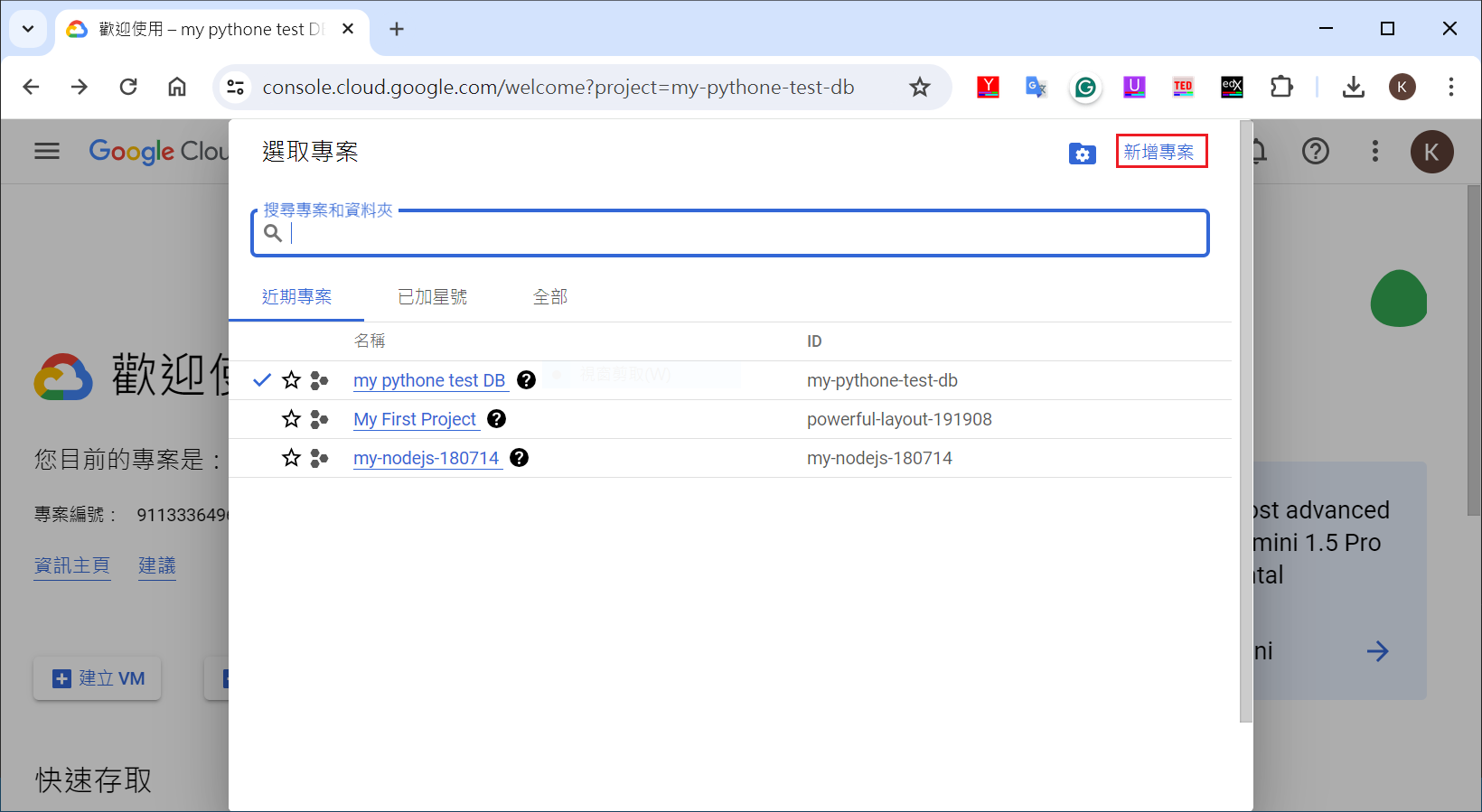
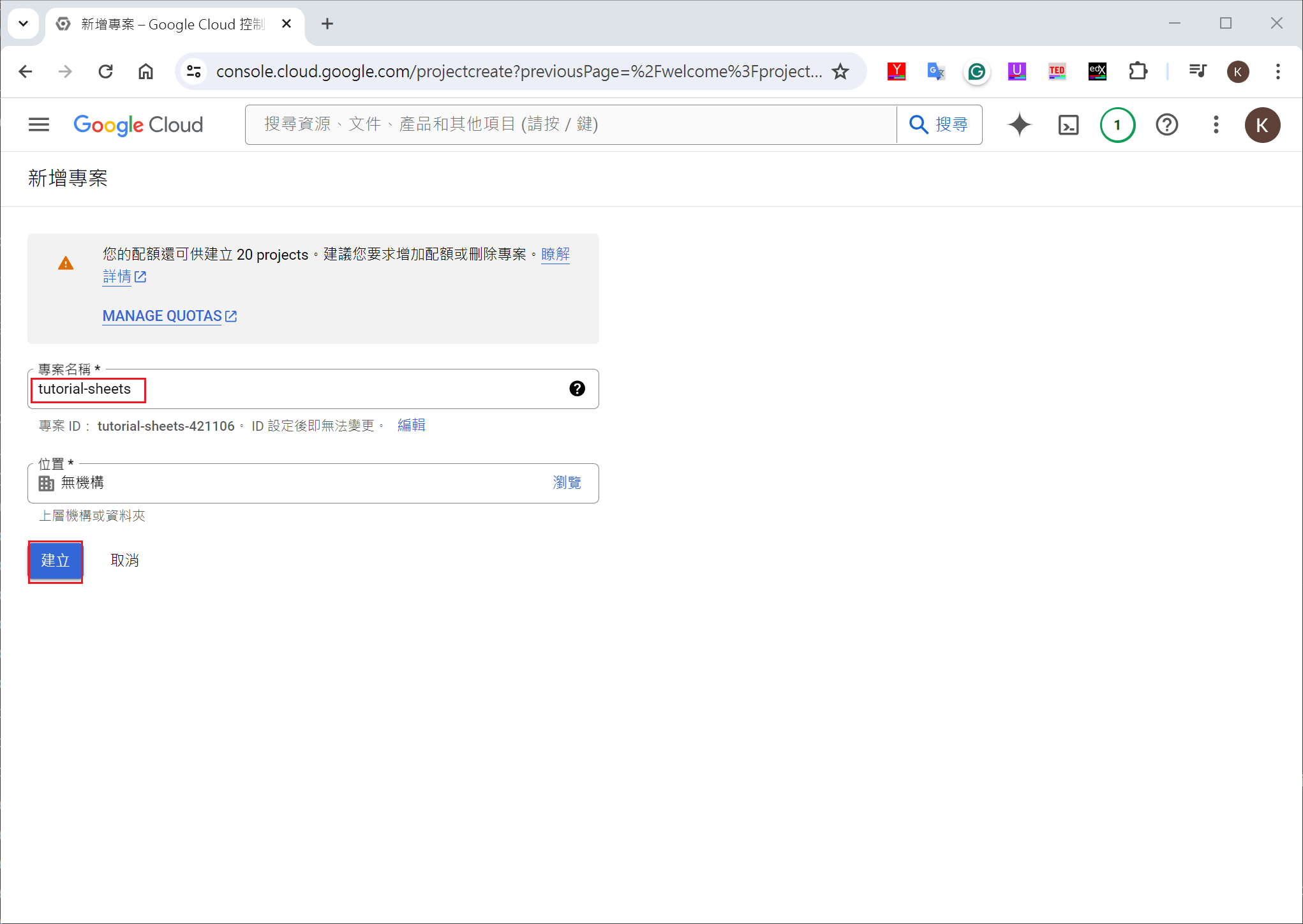
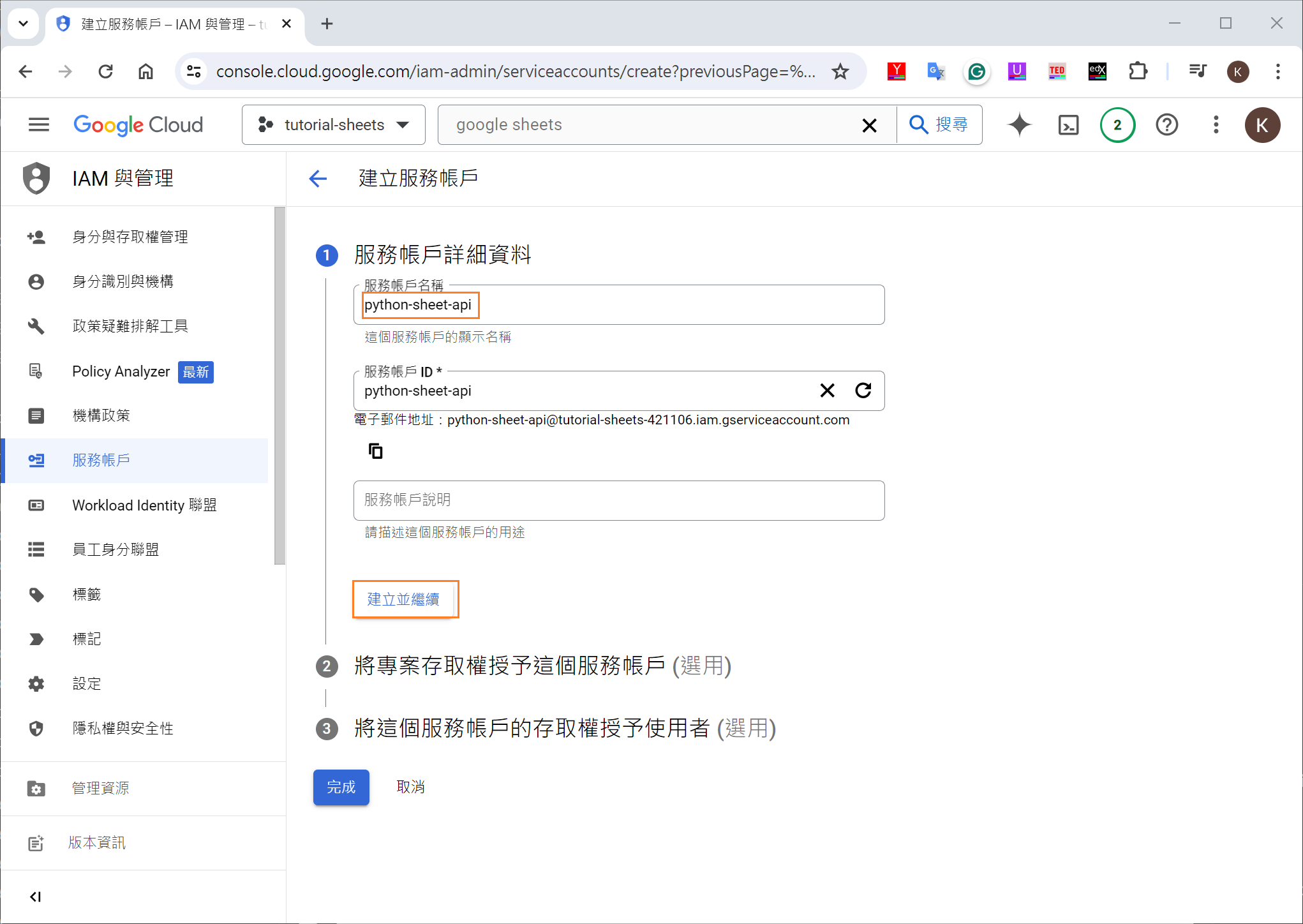
create google project

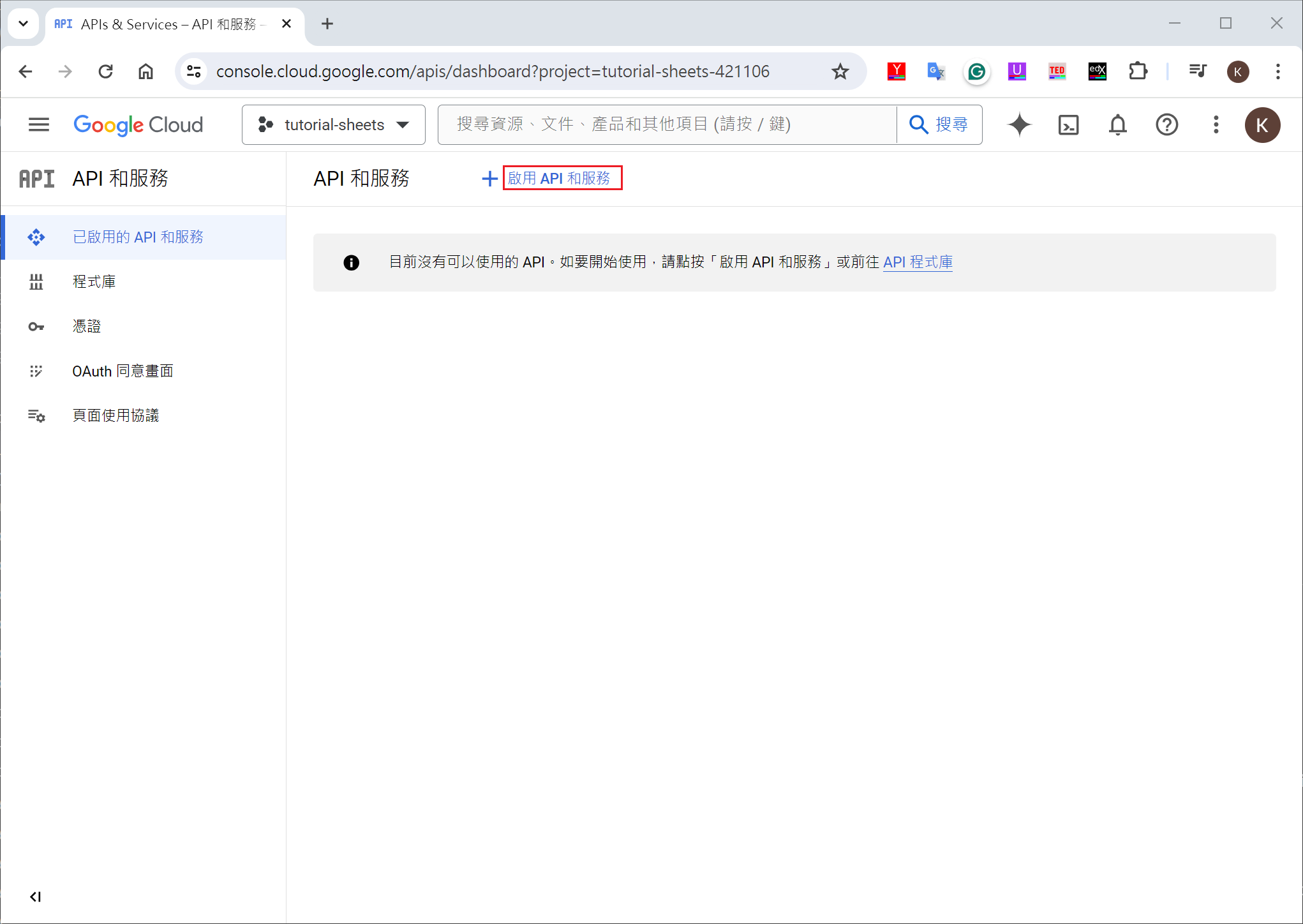
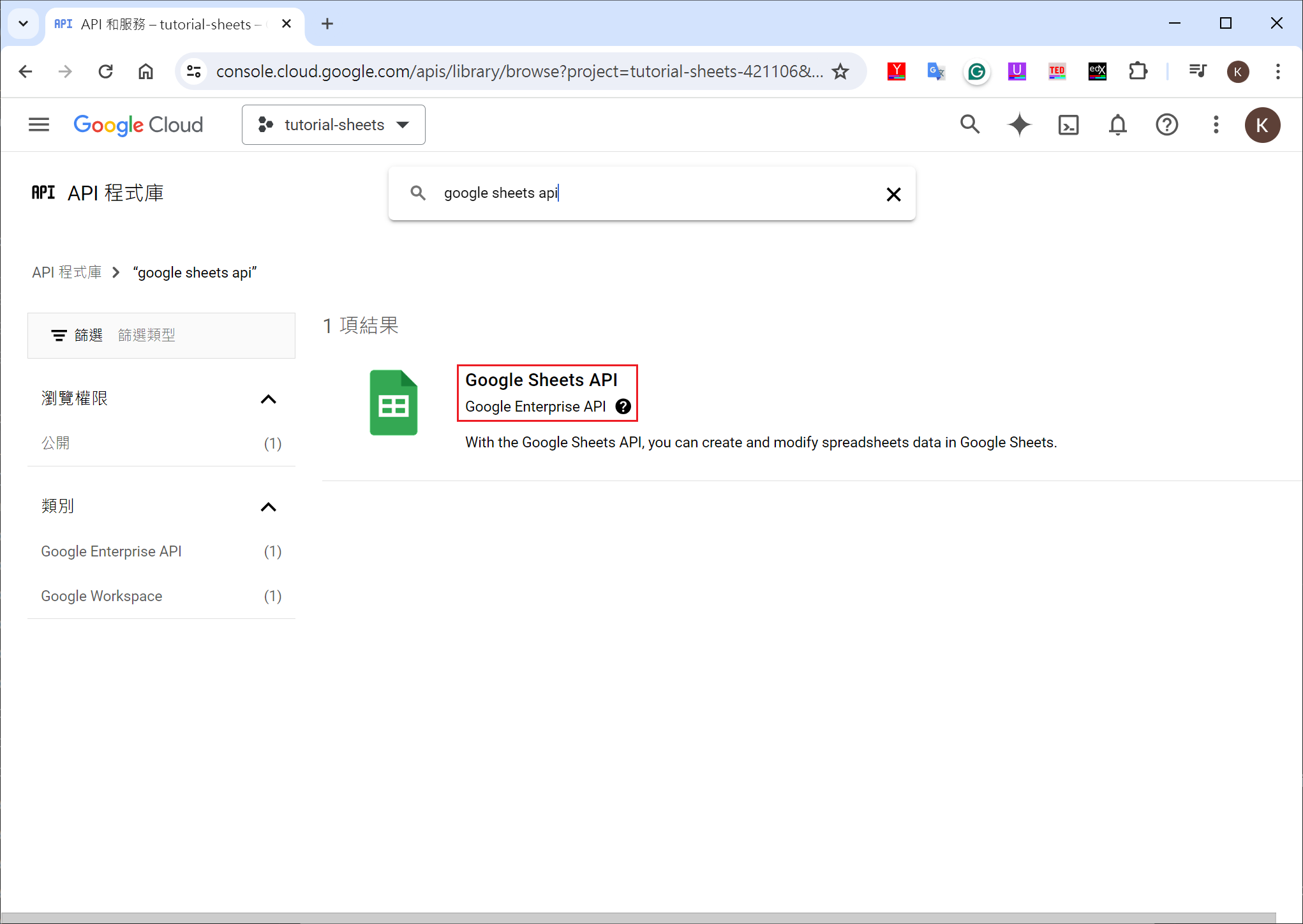
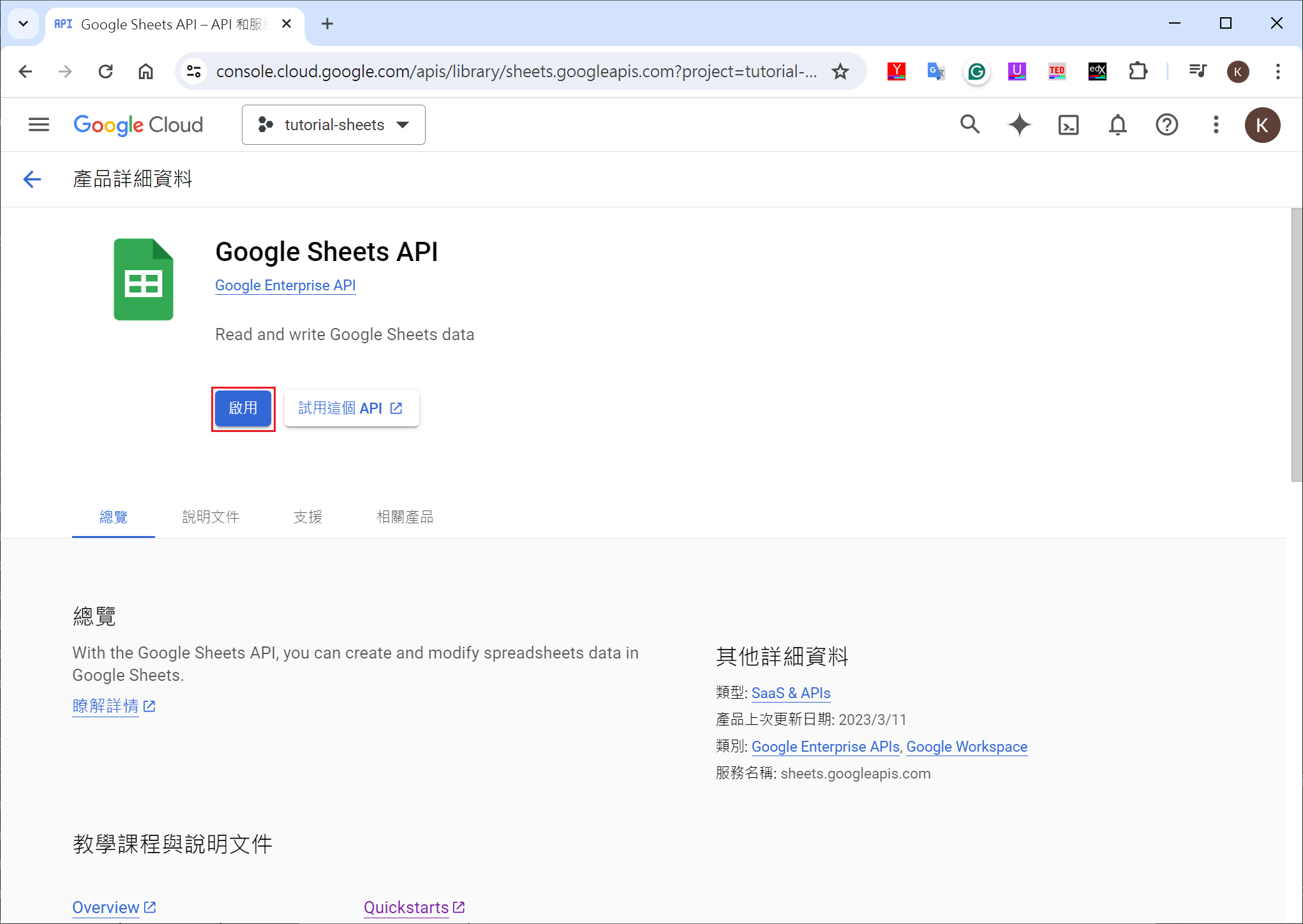
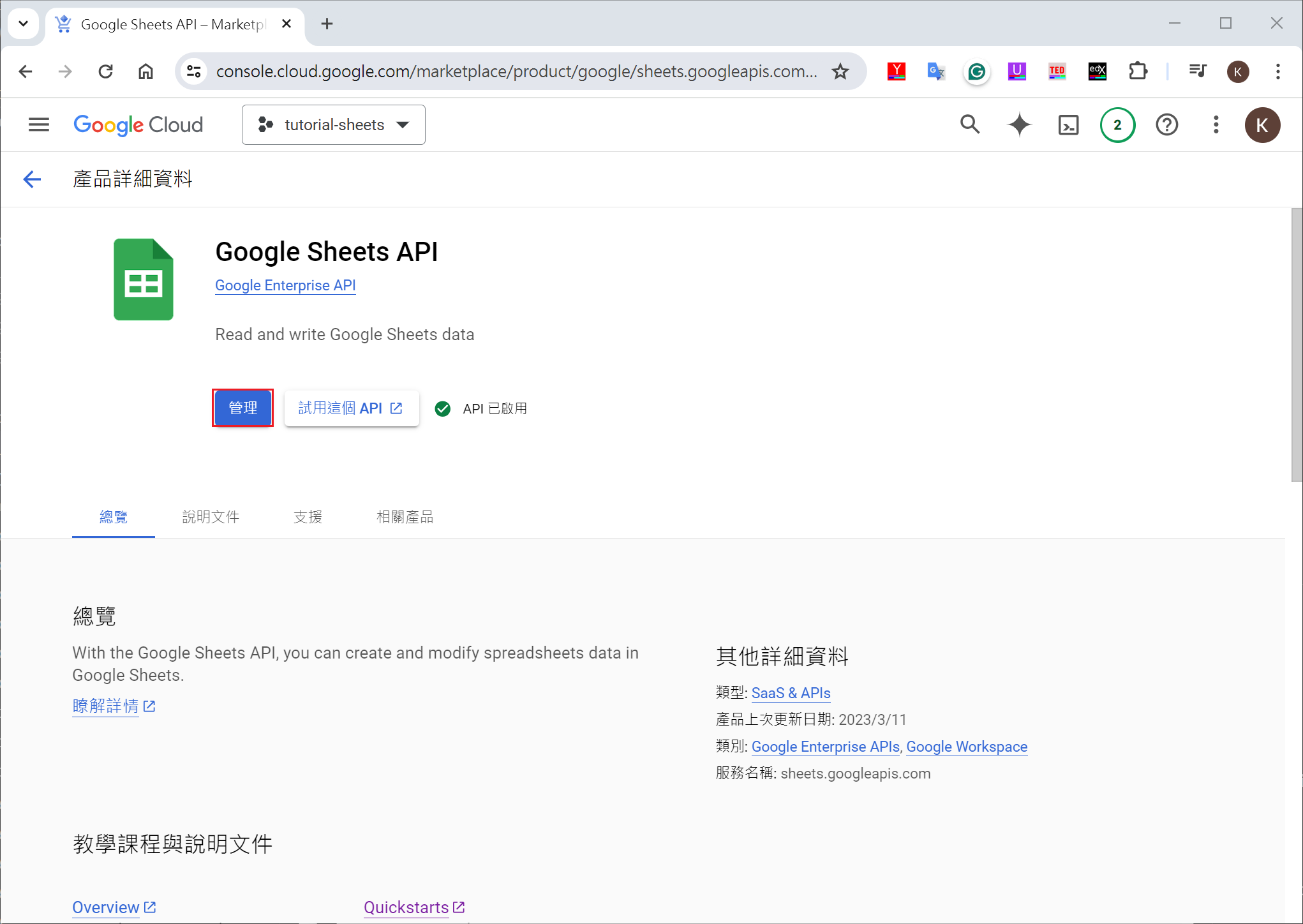
enable google sheet API

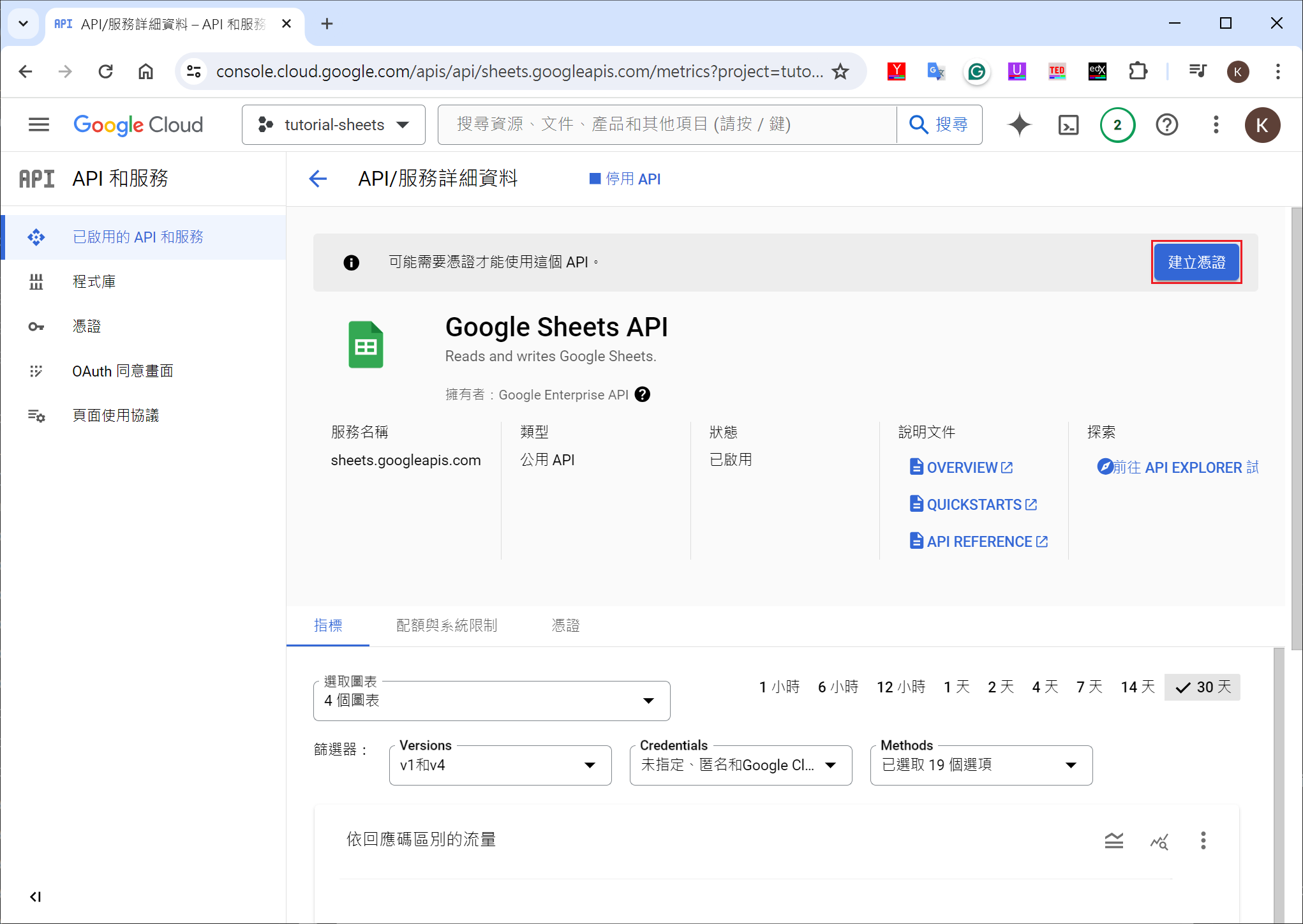
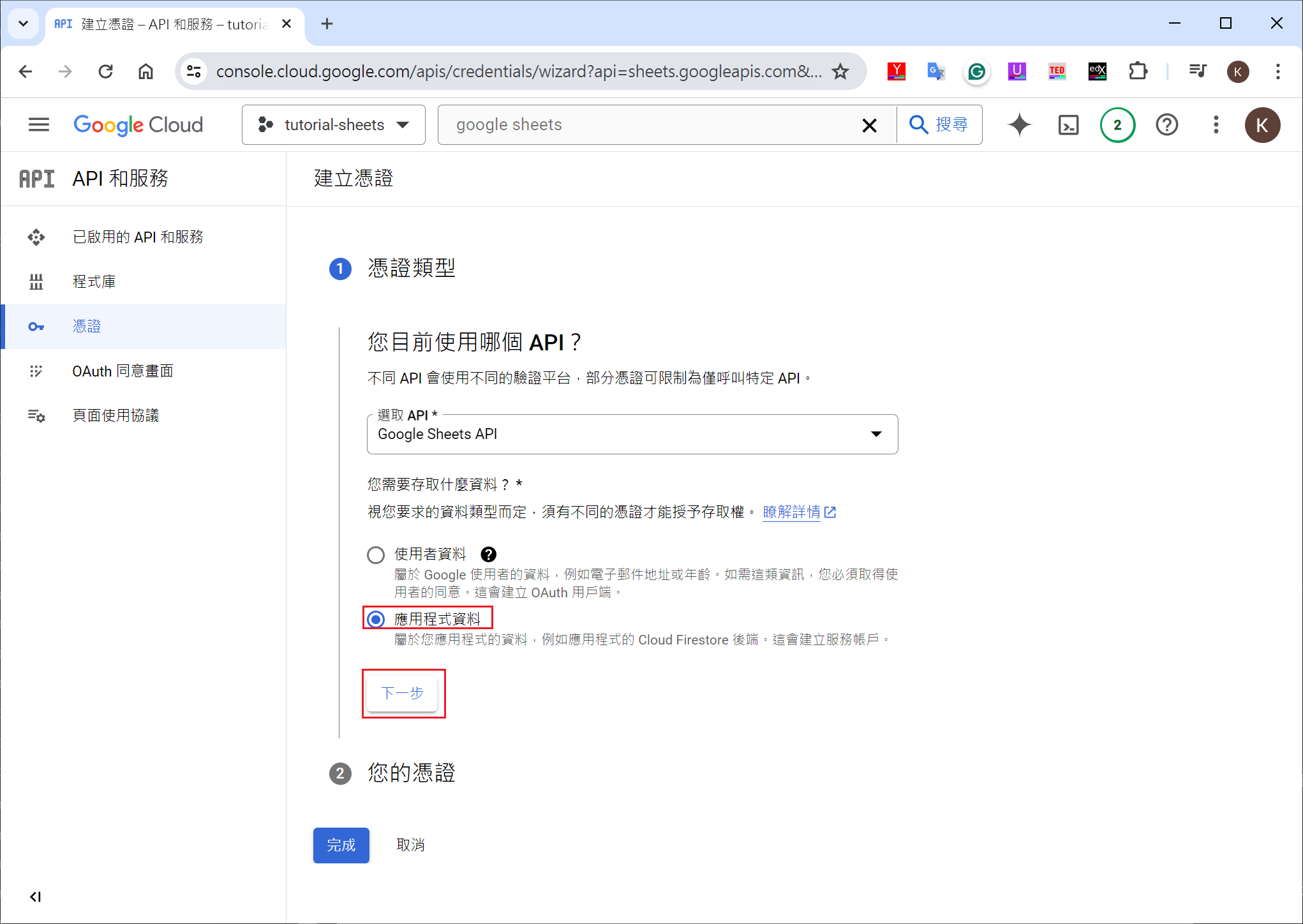
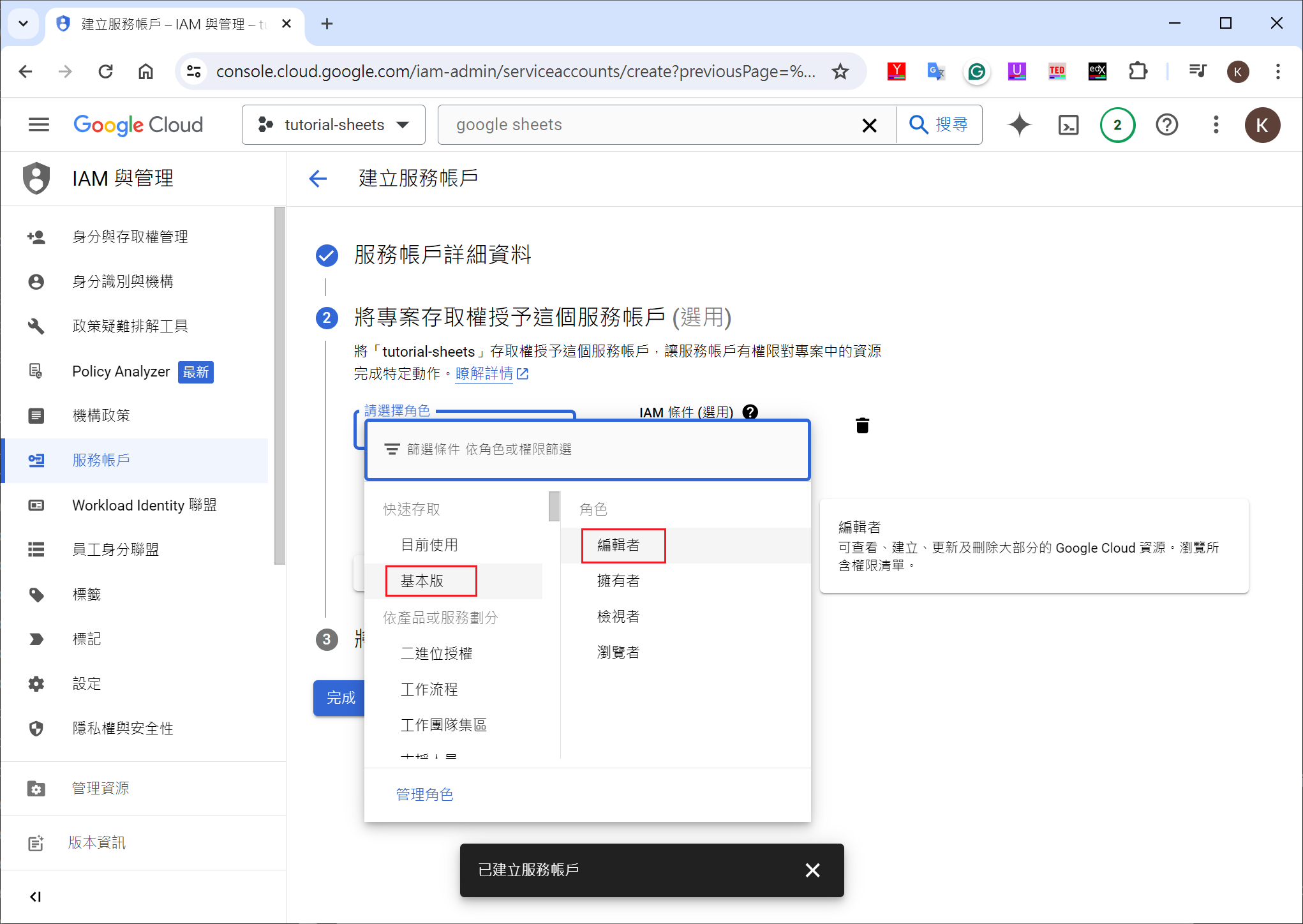
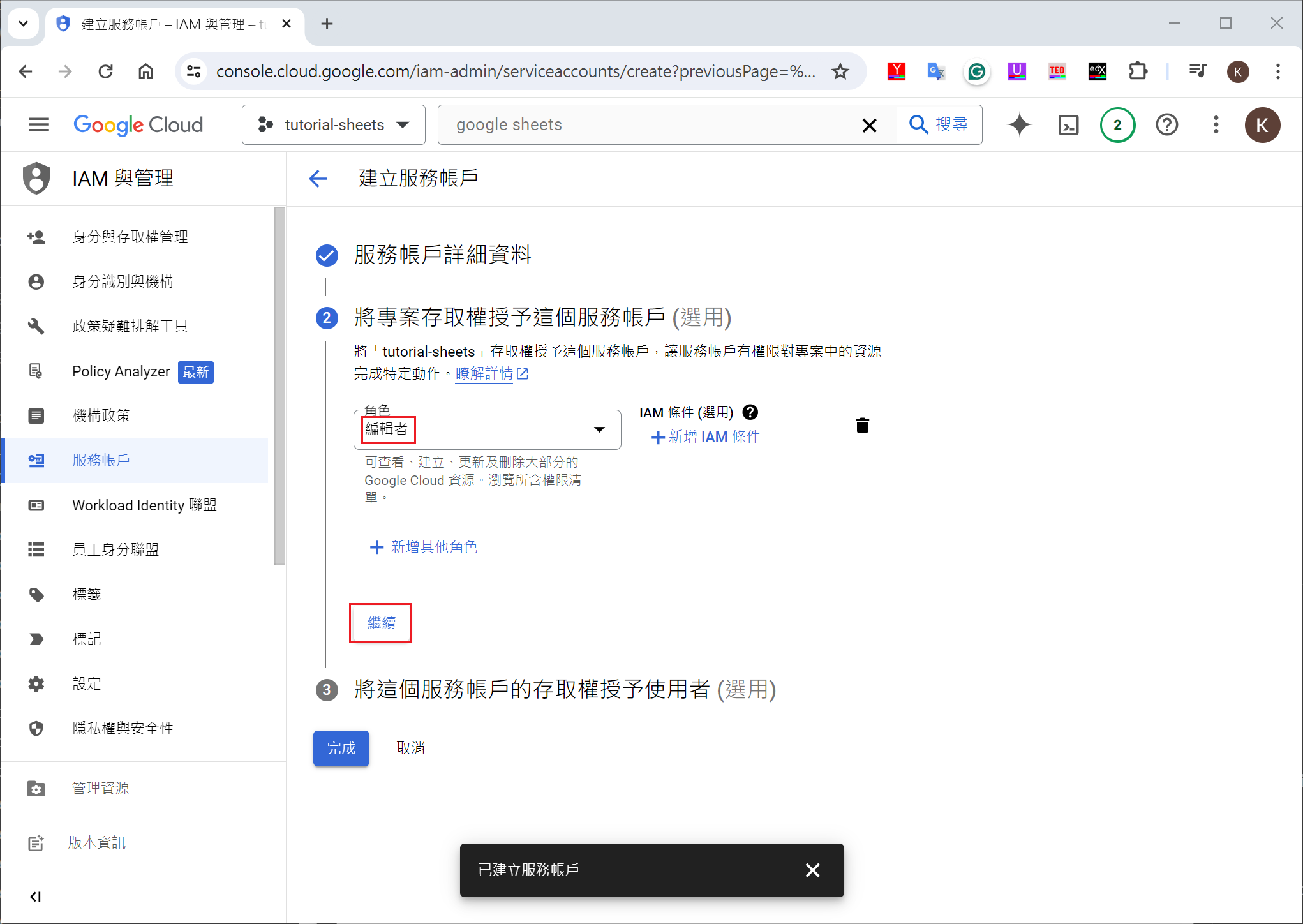
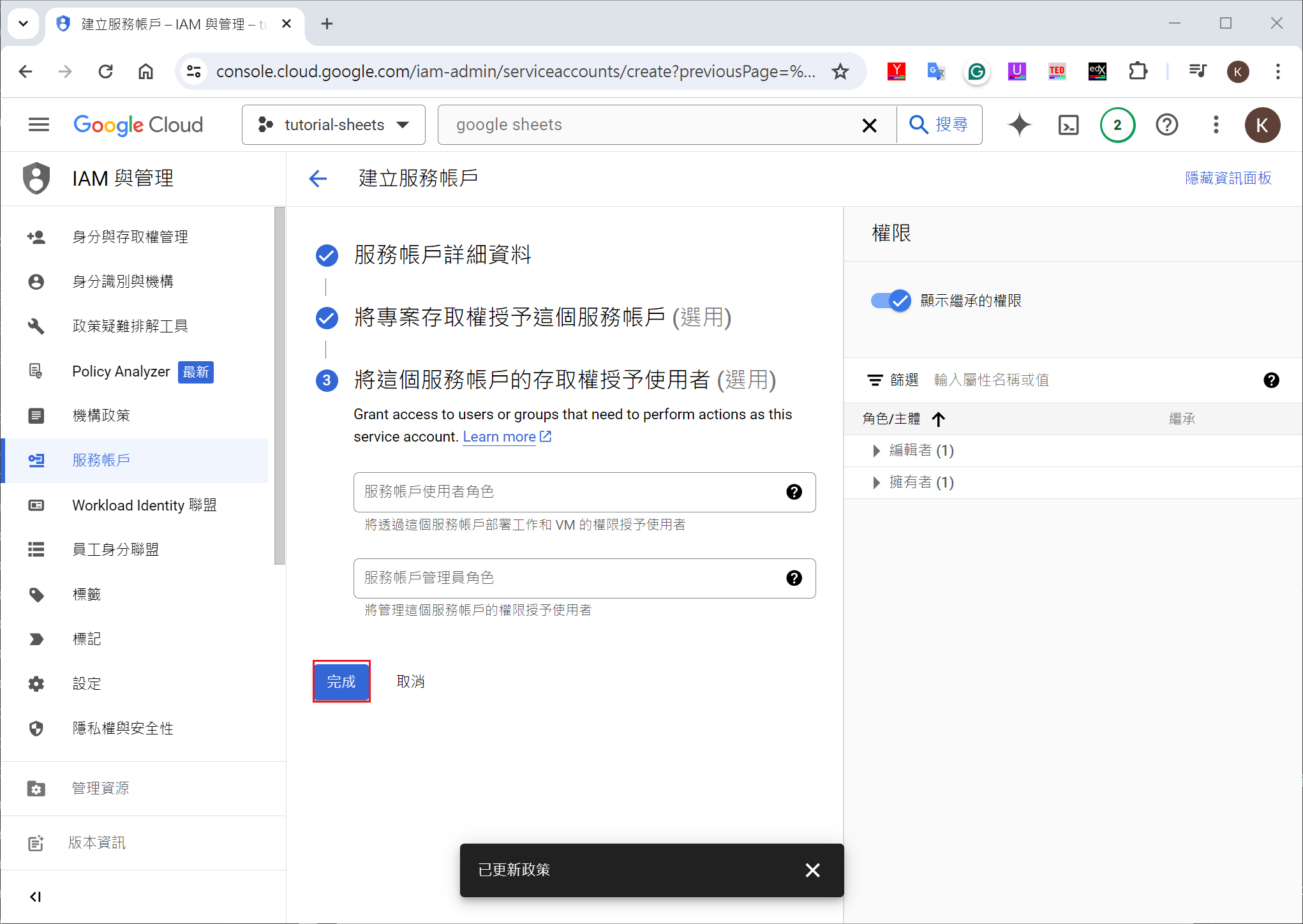
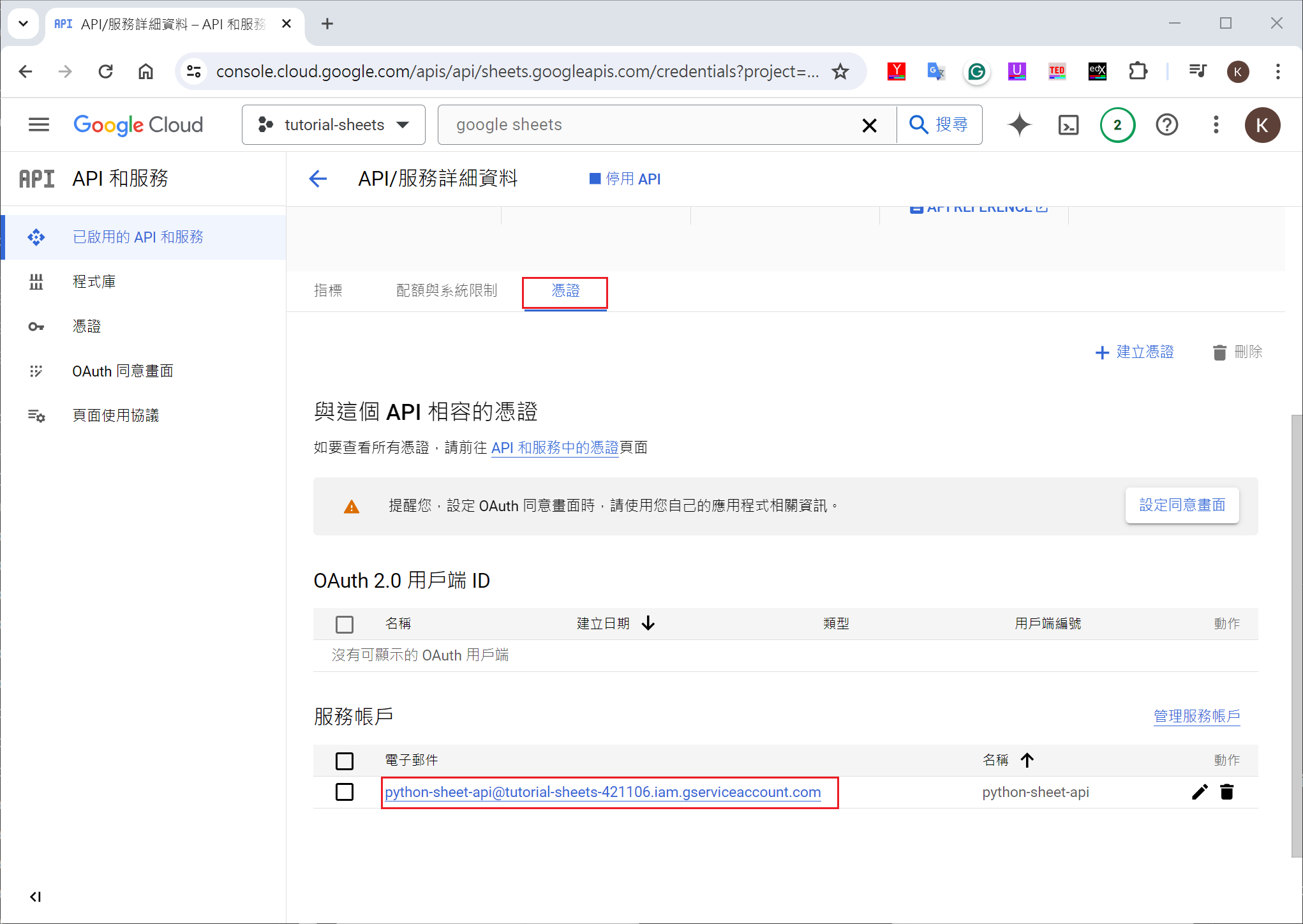
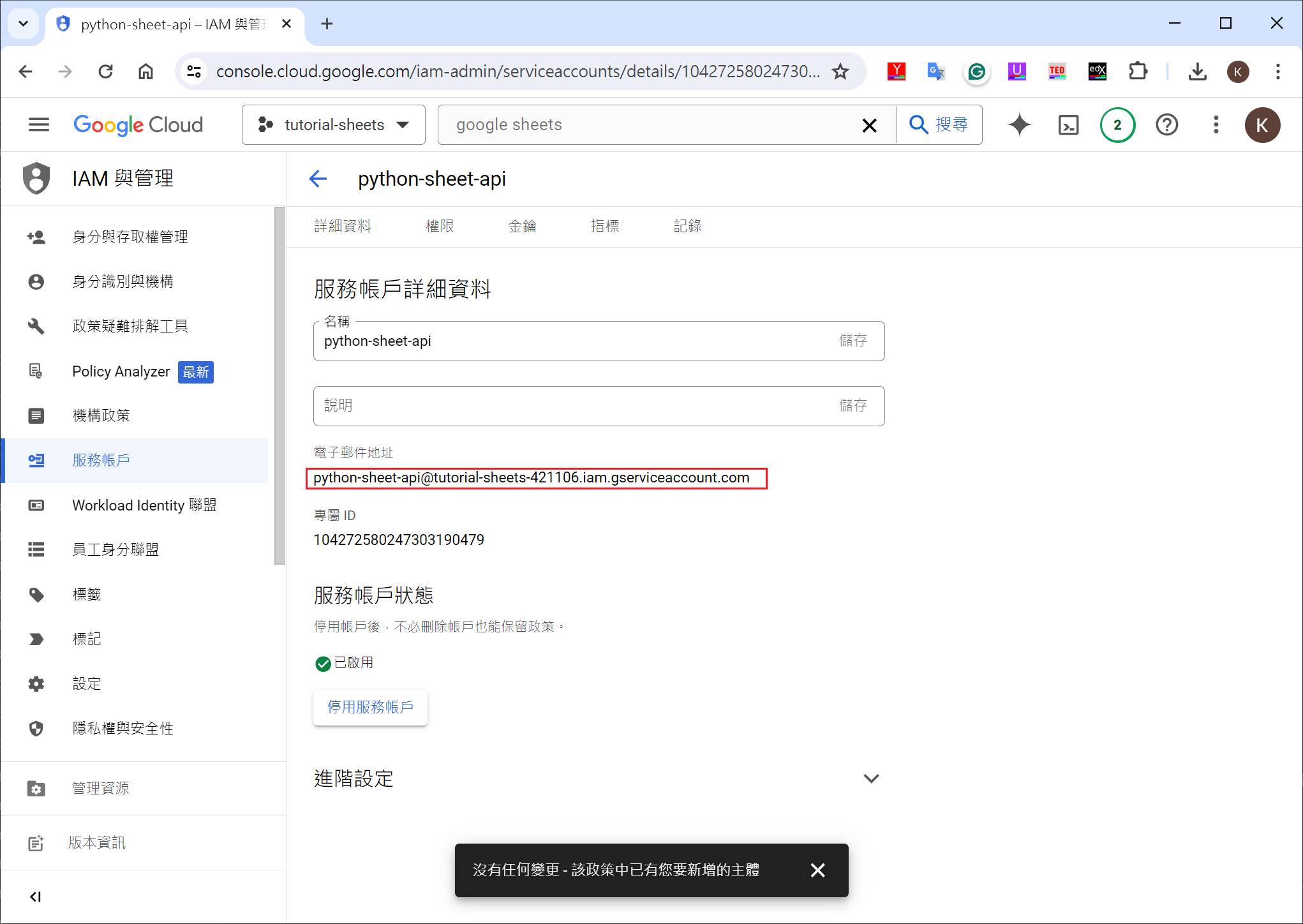
create credentials(憑證)

or

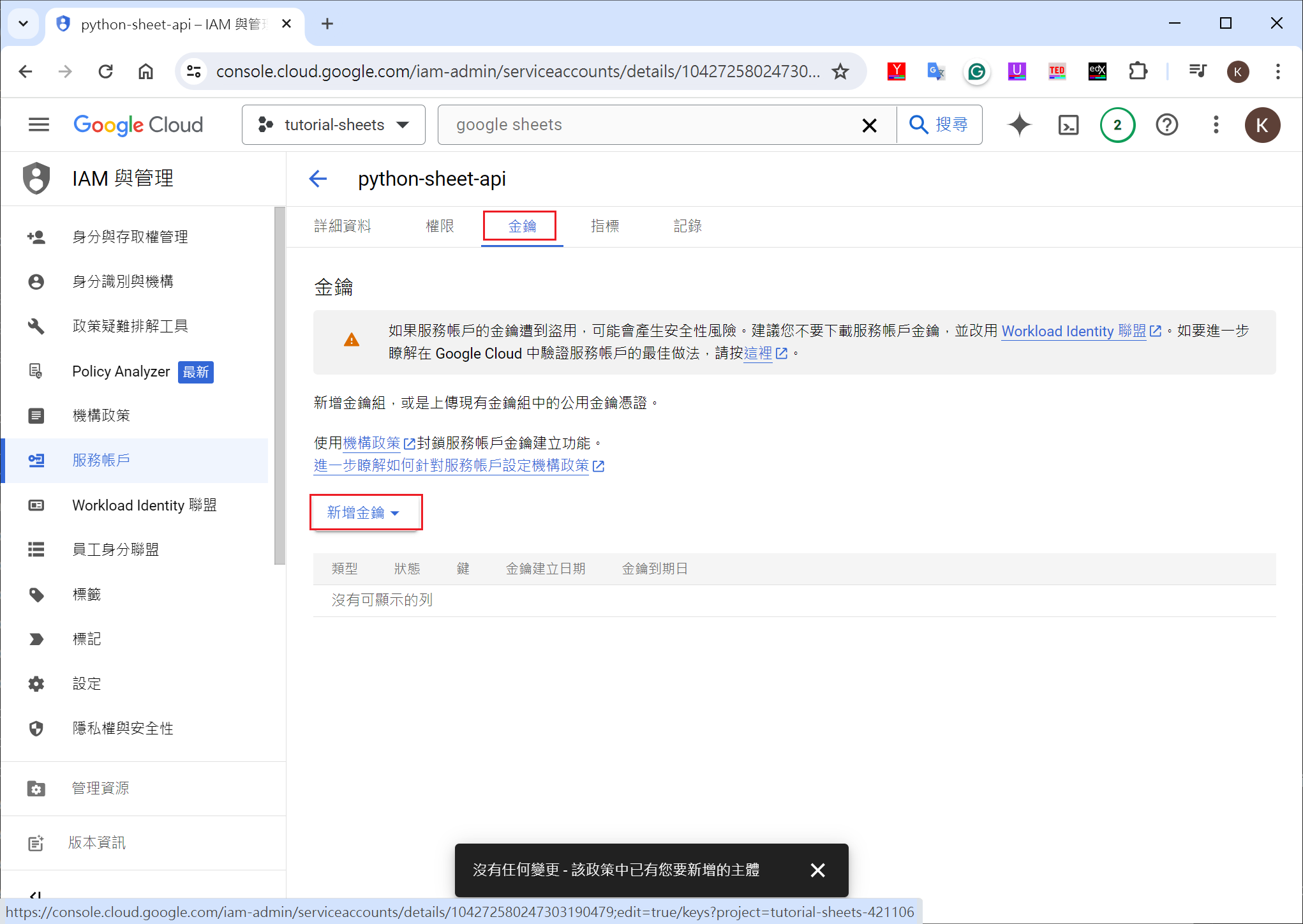
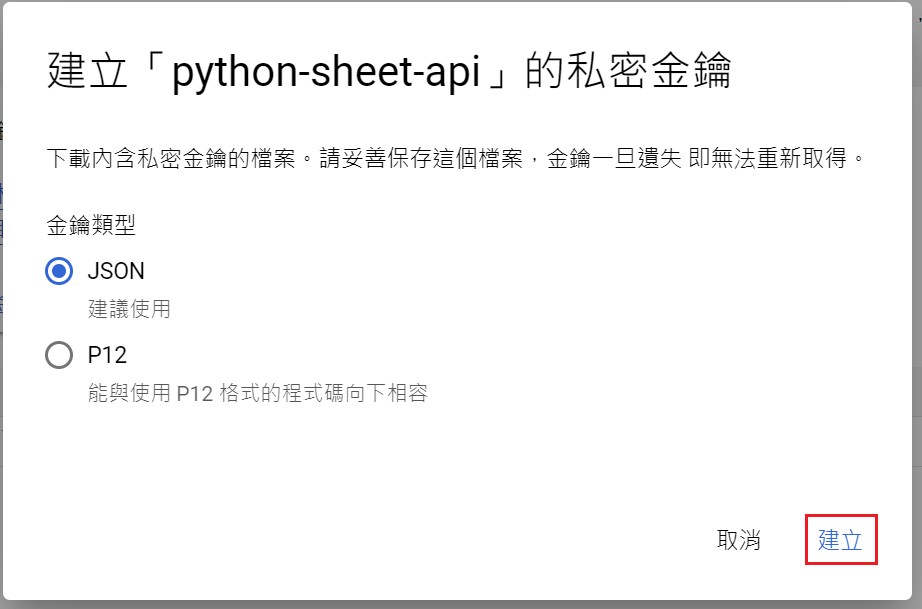
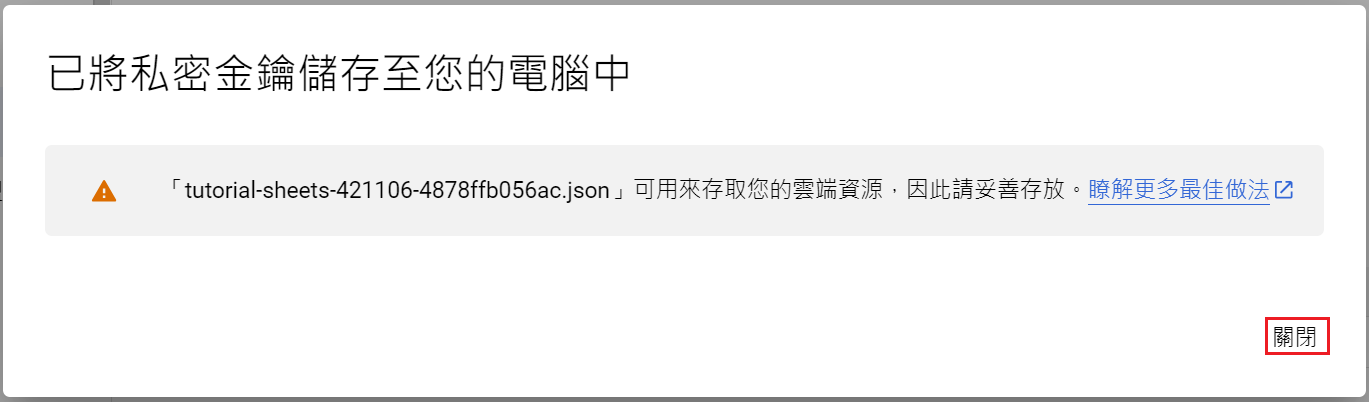
create KEY

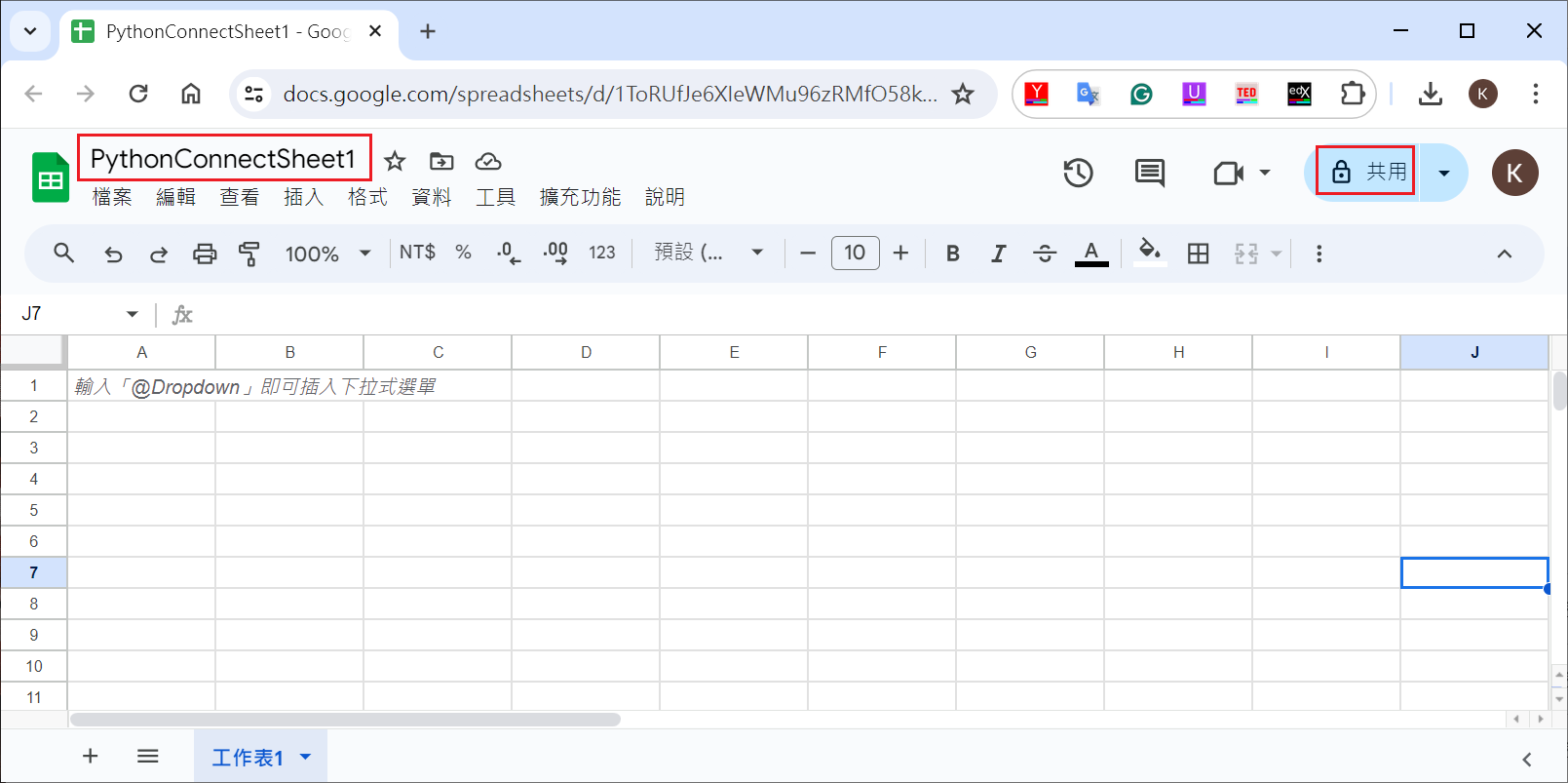
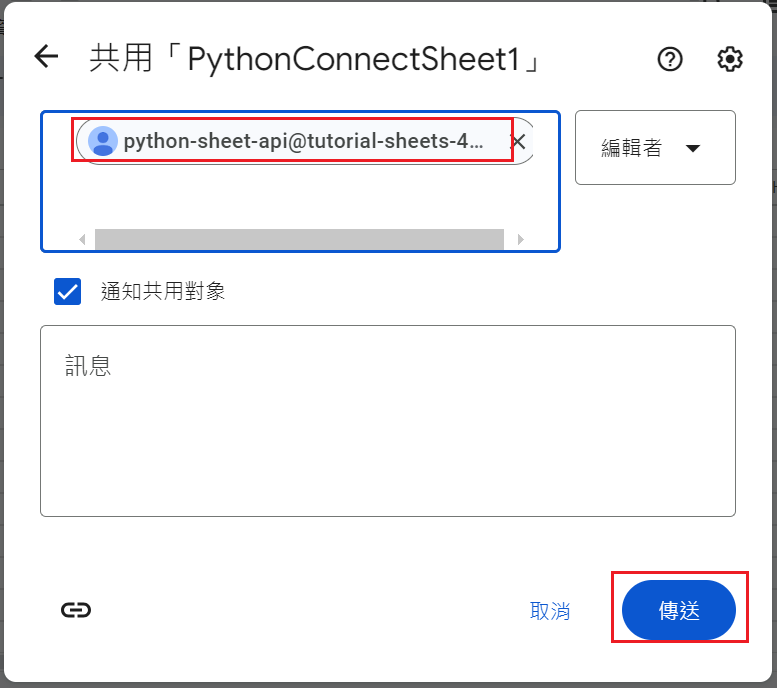
create google sheet and get google sheet id

Python code

install package
1
pip install google-api-python-client google-auth-httplib2 google-auth-oauthlib gspread
simple control
1
2
3
4
5
6
7
8
9
10
11
12
13
14
15
16
17
18
19
20
21
22
23
24
25
26
27
28
29
30
31
32
33
34
35
36
37
38
39
40
41
42
43
44
45
46
47
48
49
50
51
52
53
54
55
56
57
58
59
60
61
62
63
64
65
66
# Automate Google Sheets With Python - Google Sheets API Tutorial
# https://www.youtube.com/watch?v=zCEJurLGFRk
# gspread document
# https://docs.gspread.org/en/latest/user-guide.html#opening-a-spreadsheet
# create virtual python
# python -m venv sheets
# install package
# pip install google-api-python-client google-auth-httplib2 google-auth-oauthlib gspread


import gspread
from google.oauth2.service_account import Credentials

# control scope
scopes = [
"https://www.googleapis.com/auth/spreadsheets"
]

# credentials & id
creds = Credentials.from_service_account_file("tutorial-sheets-421106-4878ffb056ac.json", scopes=scopes)
client = gspread.authorize(creds)
sheet_id = '1ToRUfJe6XIeWMu96zRMfO58kUI2Or9hkPjX1g0V27I4'

# show 1st row
# sheet = client.open_by_key(sheet_id)
# values_list = sheet.sheet1.row_values(1)
# print(values_list)
#
# python .\google-sheet2.py
# ['test value']
# add value2
# python .\google-sheet2.py
# ['test value', 'value2']

workbook = client.open_by_key(sheet_id)
# get worksheets
# sheets = workbook.worksheets()
# print(sheets)
#
# [<Worksheet 'sheet_1st' id:0>, <Worksheet '工作表2' id:197625105>]
# get worksheets by list
sheets = map(lambda a: a.title, workbook.worksheets())
print(list(sheets))
#
# ['sheet_1st', '工作表2']

# update worksheel title
# sheet = workbook.worksheet('sheet_1st')
# sheet.update_title('Hello World')

# update filed
sheet = workbook.worksheet('Hello World')
# sheet.update_cell(1,1, 'HELLO WORLD THIS IS CHANGED')
# sheet.update_acell('A1', 'HELLO WORLD THIS IS CHANGED')

# get filed
# value = sheet.acell('A1').value
# print(value)

# find filed
cell = sheet.find('tim is great')
print(cell, cell.row, cell.col)
# <Cell R2C3 'tim is great'> 2 3

# change field format : 粗體字
sheet.format('A1:B2', {'textFormat': {'bold': True}})
add a worksheet and field
1
2
3
4
5
6
7
8
9
10
11
12
13
14
15
16
17
18
19
20
21
22
23
24
25
26
27
28
29
30
31
32
33
34
35
36
37
38
39
40
41
42
43
44
import gspread
from google.oauth2.service_account import Credentials

# control scope
scopes = [
"https://www.googleapis.com/auth/spreadsheets"
]

# credentials
creds = Credentials.from_service_account_file("tutorial-sheets-421106-4878ffb056ac.json", scopes=scopes)
client = gspread.authorize(creds)
# open google sheet
sheet_id = '1ToRUfJe6XIeWMu96zRMfO58kUI2Or9hkPjX1g0V27I4'
workbook = client.open_by_key(sheet_id)

values = [
['Name', 'Price', 'Quantity'],
['Baskeball', 29.00, 1],
['Jeans', 39.99, 4],
['Soap', 7.99, 3],
]

# add/clear worksheet
worksheet_list = map(lambda x: x.title, workbook.worksheets())
new_worksheet_name = 'Values'
if new_worksheet_name in worksheet_list:
sheet = workbook.worksheet(new_worksheet_name)
else:
sheet = workbook.add_worksheet(new_worksheet_name, rows=10, cols=10)
sheet.clear()

# update workseet by field
# for i, row in enumerate(values):
# for j, value in enumerate(row):
# sheet.update_cell(i + 1, j + 1, value)
# uadate worksheet by block
sheet.update(range_name=f"A1:C{len(values)}", values=values)

# add sum field
sheet.update_cell(len(values)+1, 2, f"=sum(B2:B{len(values)})")
sheet.update_cell(len(values)+1, 3, f"=sum(C2:C{len(values)})")

# change field format : 粗體字
sheet.format('A1:C1', {'textFormat': {'bold': True}})

Ref