Figma 說明
說明
名詞
SaaS : software service website
landing page : 一頁式網站被廣泛的應用在各種渠道,如:電商、IG、Facebook、Email、PPC、Ad 等平台,目的在讓目標客群能在最短時間透過該頁面決定採取下一個動作 ( 報名、預約、填寫表單、下單購買、訂閱 ) ,轉化成為潛在客戶 ( Lead ) 。
Wireframe : 排版草圖與資訊架構
CTA : call To Action
design style
- skeuomorphism
- flat design
- dark mode
- Neumorphism
- Glassmorphism
concept
- color psychology
- primary color : Blue(for mamy person favorite)
- red : catch attention (warm)
- green : nature, 2nd person favorite
- typeface :
- serif : 有襯線的字體,襯線是字形筆畫的起始段與末端的裝飾細節部分。
- sans serif : 指沒有襯線的字體,與襯線字體相反,完全拋棄裝飾襯線,只剩下主幹,造型簡明有力,更具現代感,起源也很晚。適用於標題、廣告,瞬間的識別性高。
whimsical
Figma
design structure
- moodboard
- Wireframe
- Web view
- Mobile view
- design system
function
frame vs group
frame support element clip
Frame
Desktop
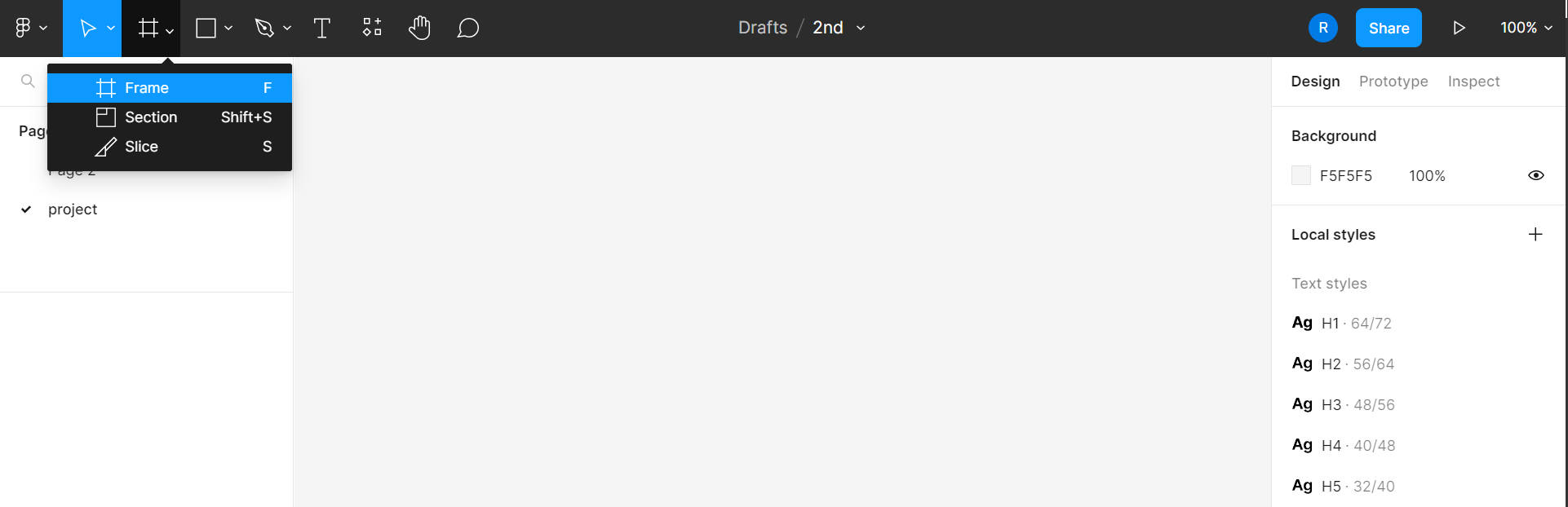
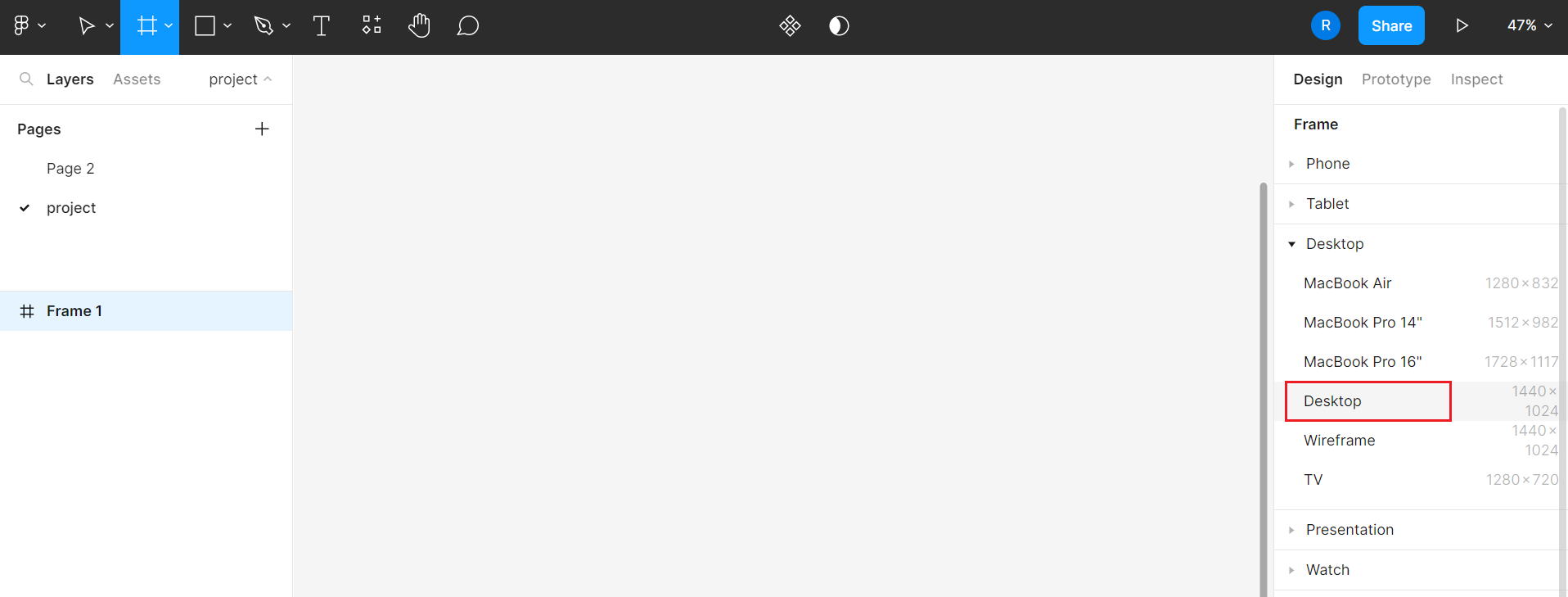
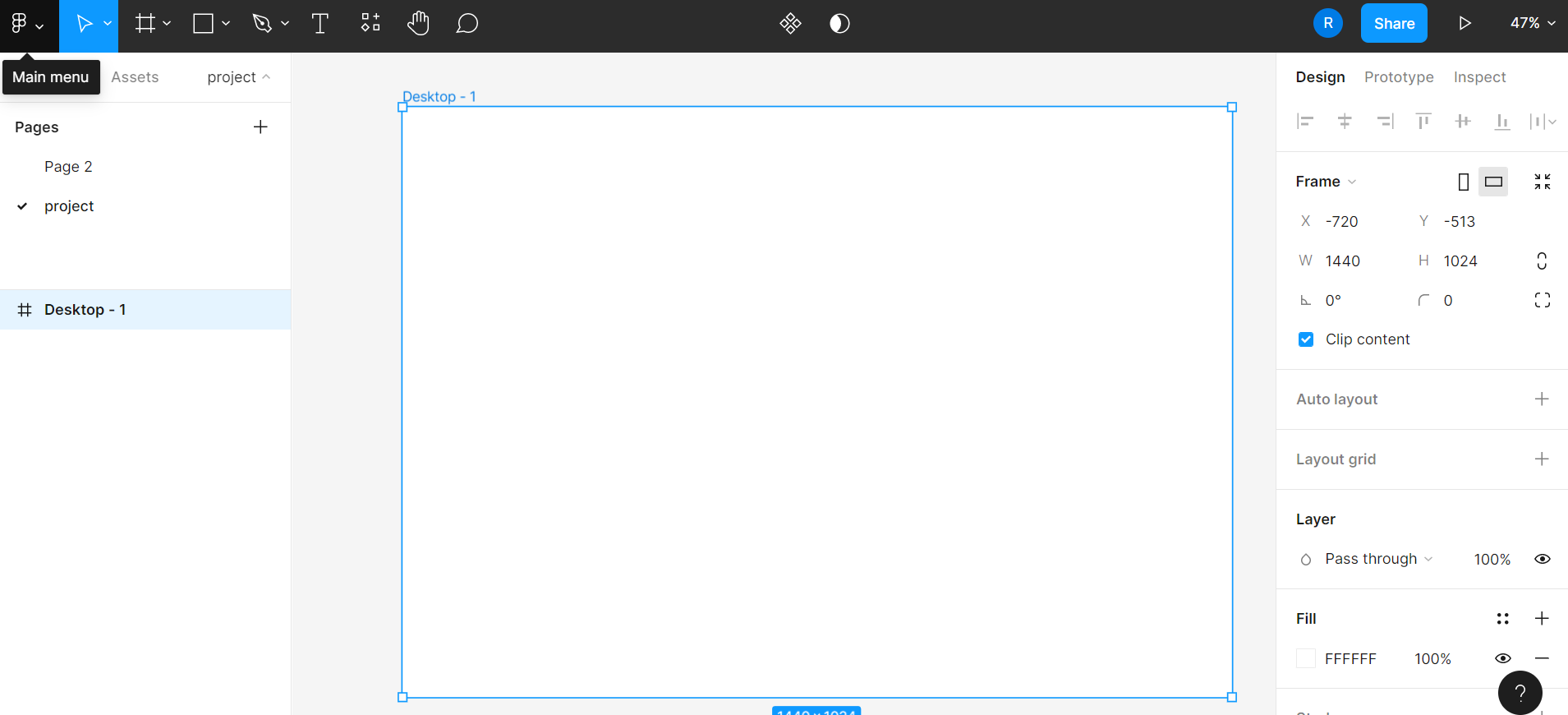
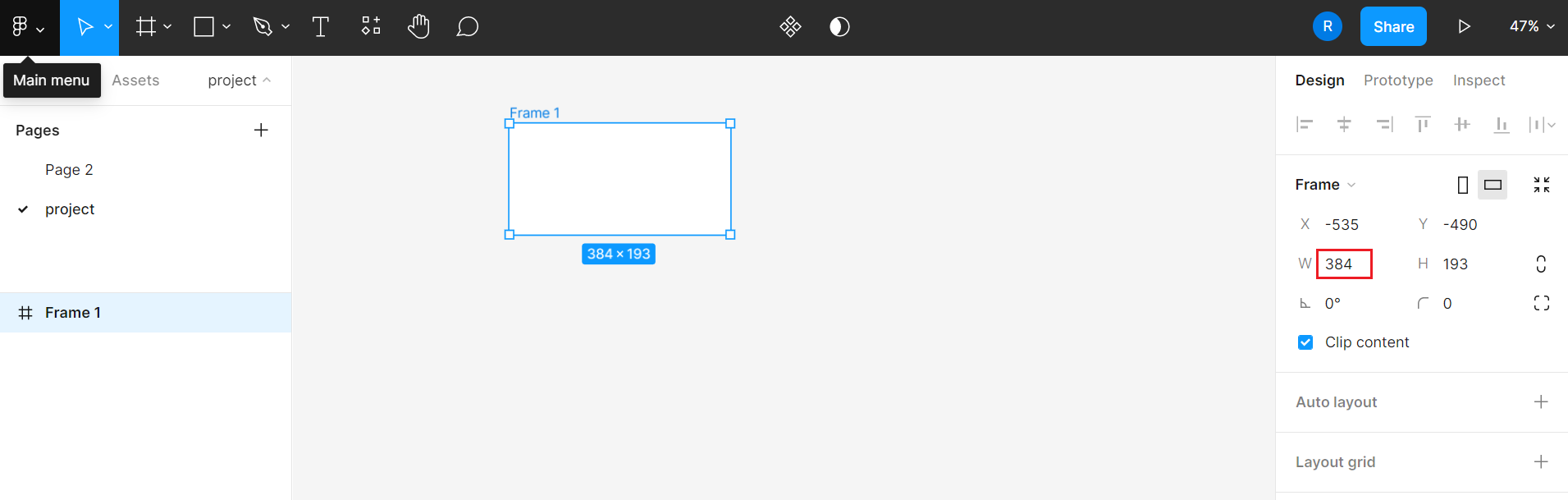
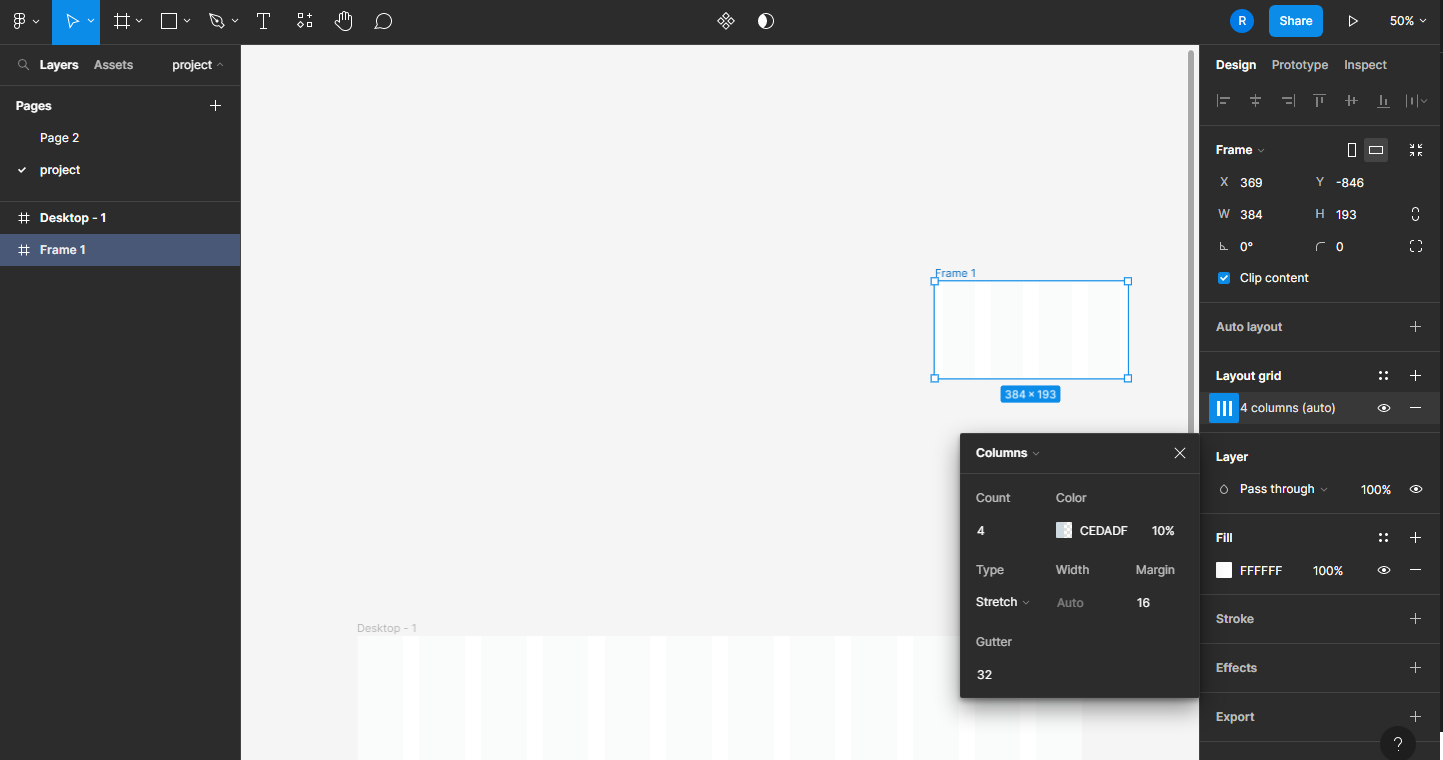
manual input size(384px)
layoud grid
Desktop

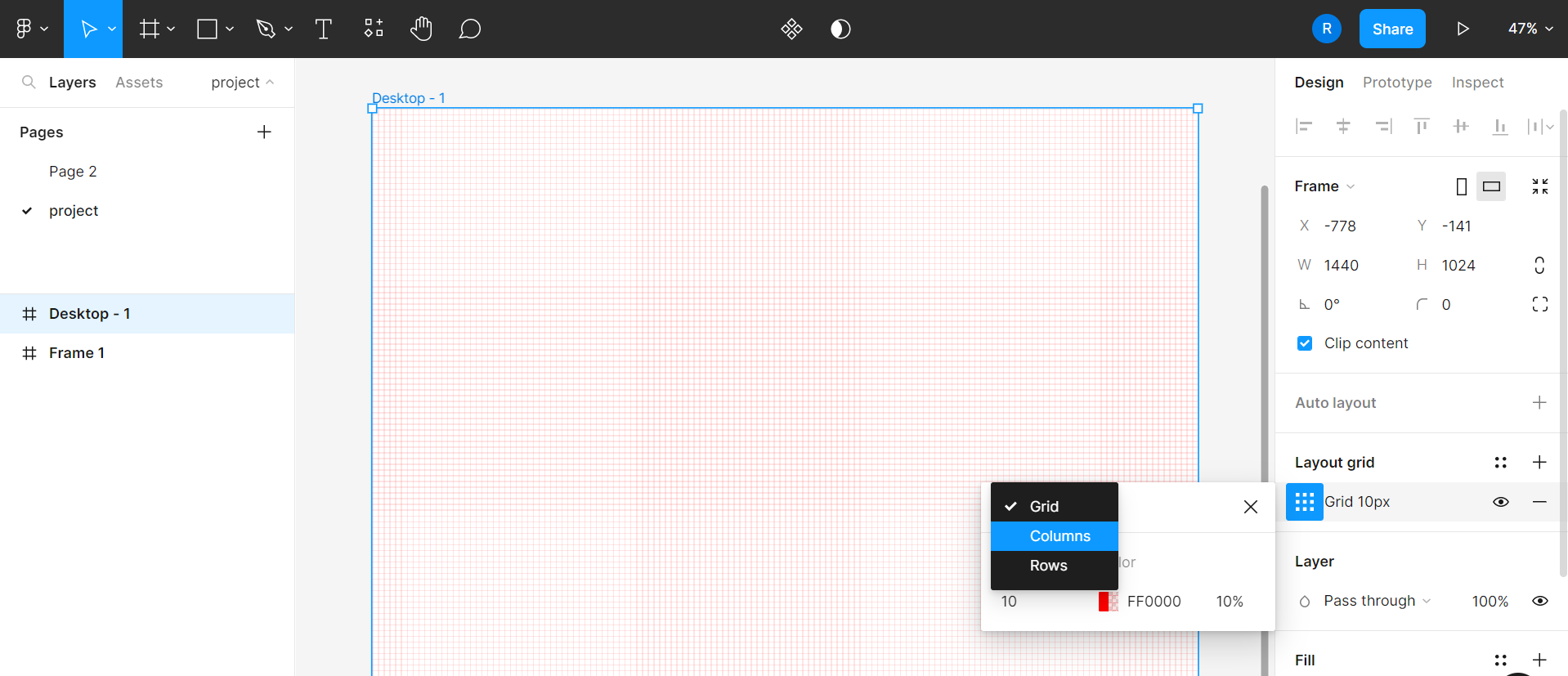
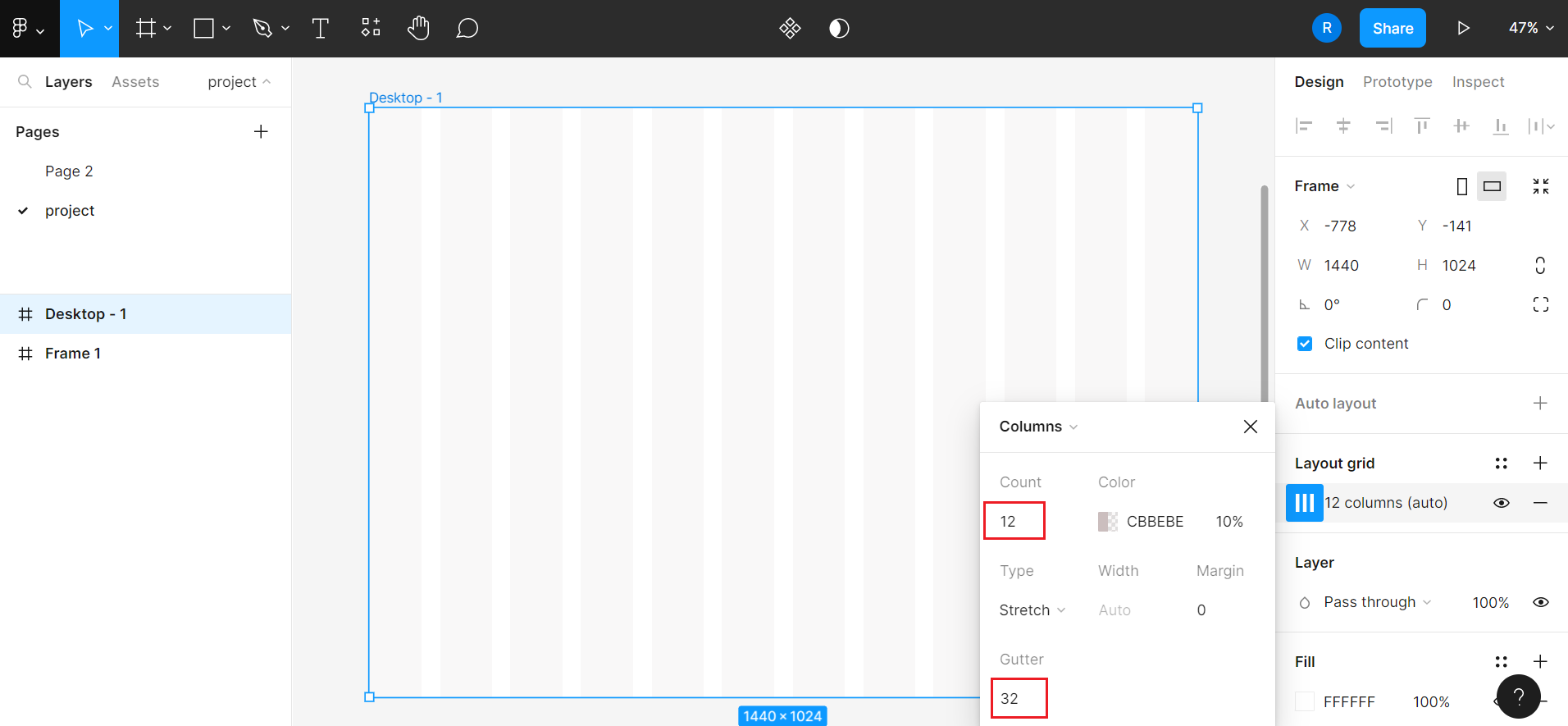
Mobile(384px)
auto layout
between

absolute
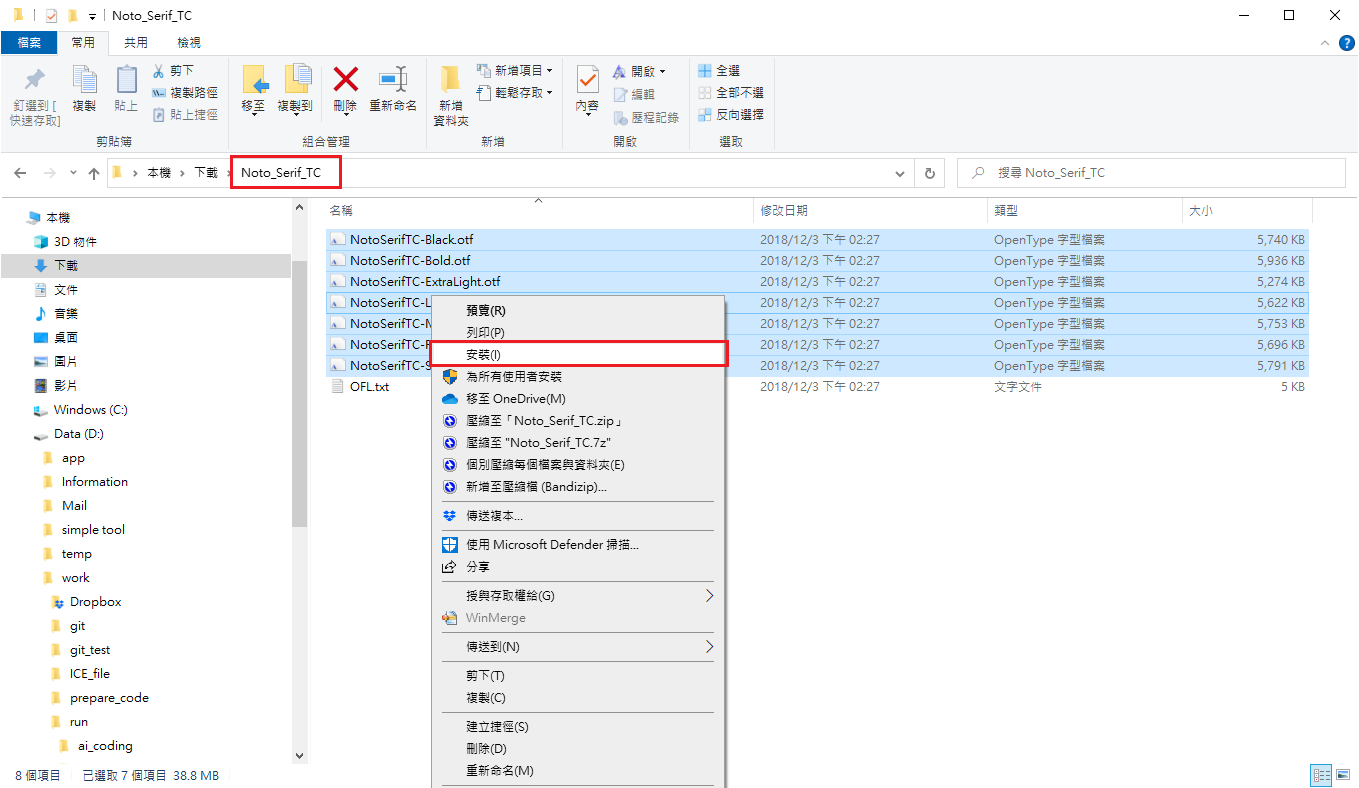
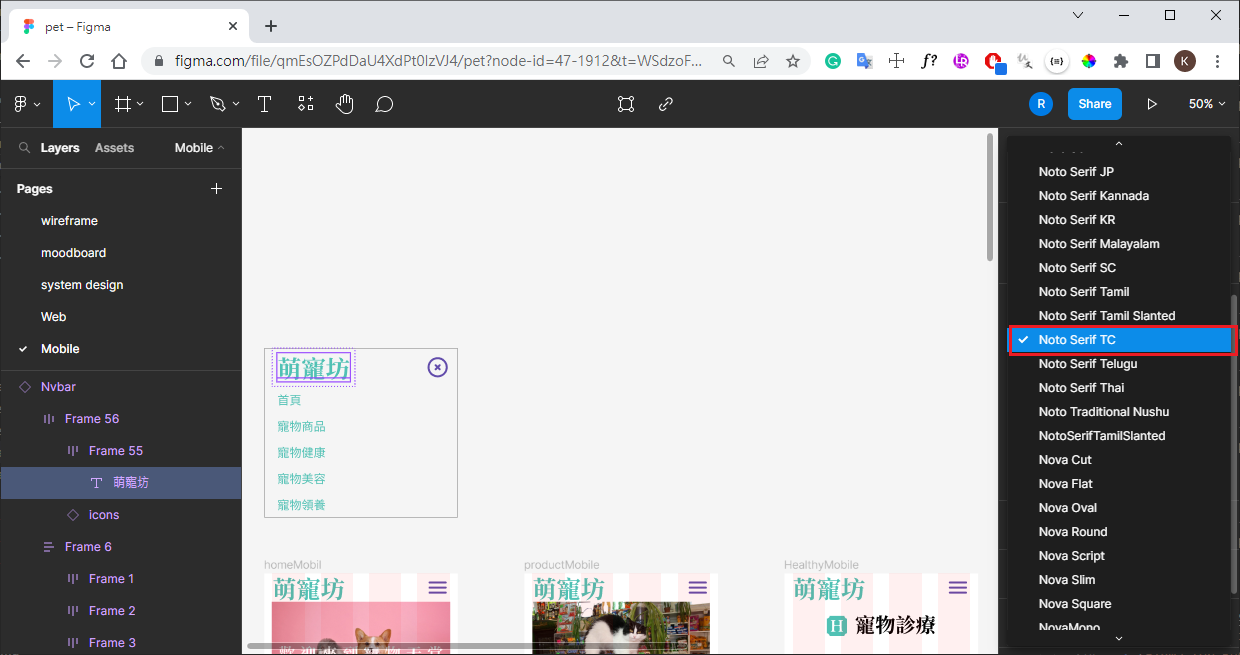
load font to local(windows)
download Figma Font installers then install
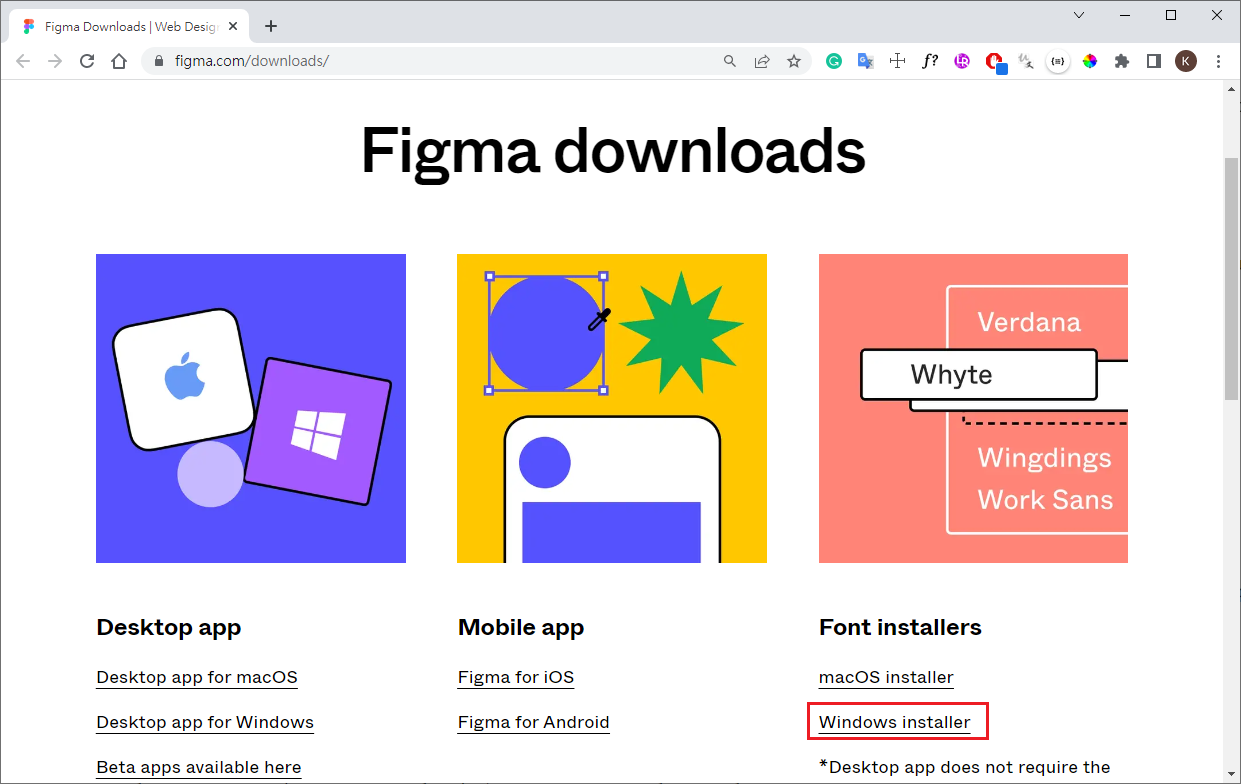
download Font
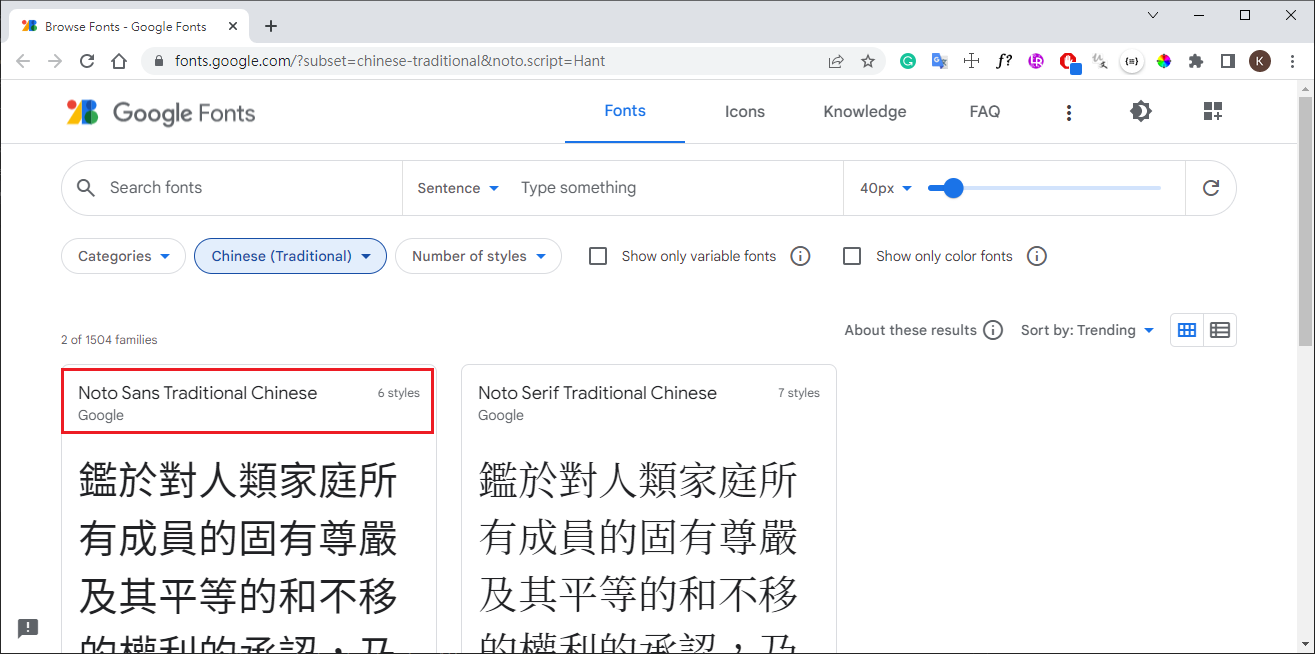
unzip Font then install
use Font in Figma
shortcut Key
- undo : Ctrl+Z
- sharp alignment(width=height) : shift
- canvas zoom : Ctrl + mouse wheel
- canvas left/right : shift + mouse wheel
- duplicate object : Alt
- delete object : Del
- select object : shift + left mouse
- object copy : Ctrl + C
- object past : Ctrl + D
- grid on/of toggle : Shift + G
- auto layout : Shift + A
- two object destance :
- slect 1st object
- Alt
- hover 2nd object
- nested object destance :
- slect 1st object
- Ctrl + Alt
- hover 2nd object
design system
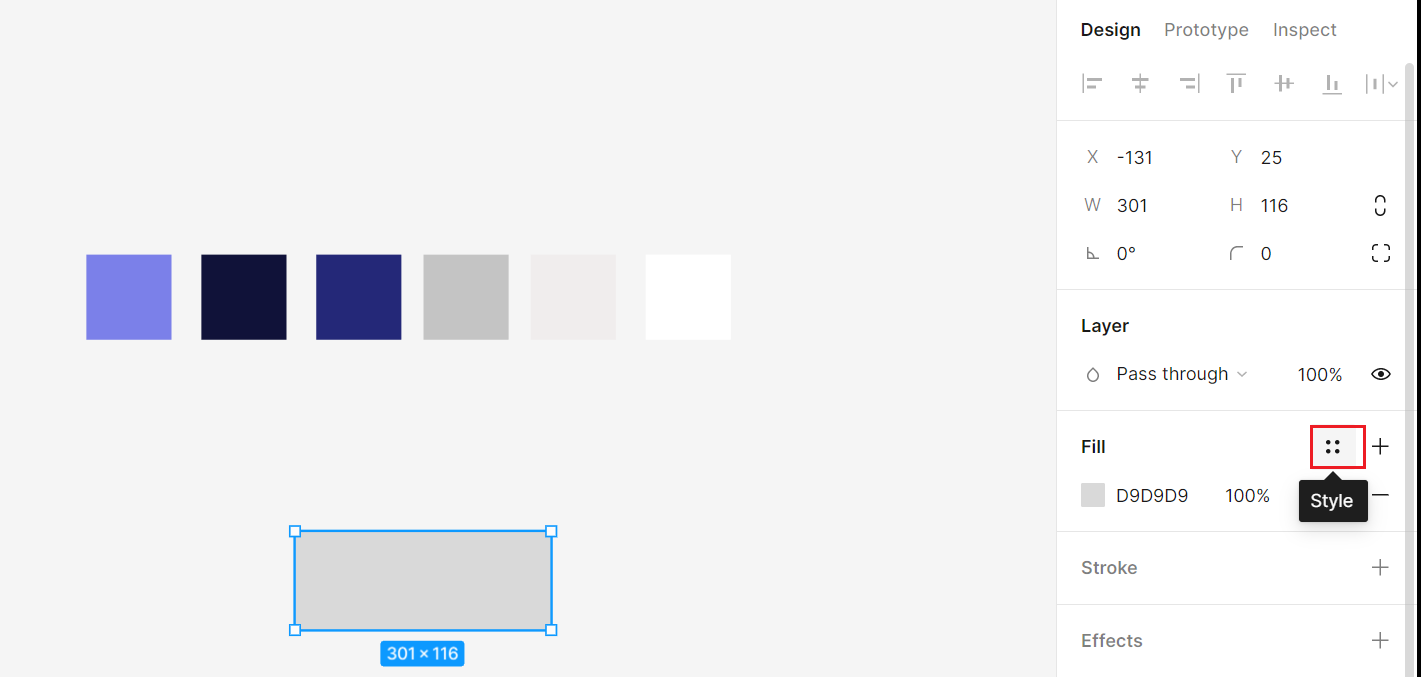
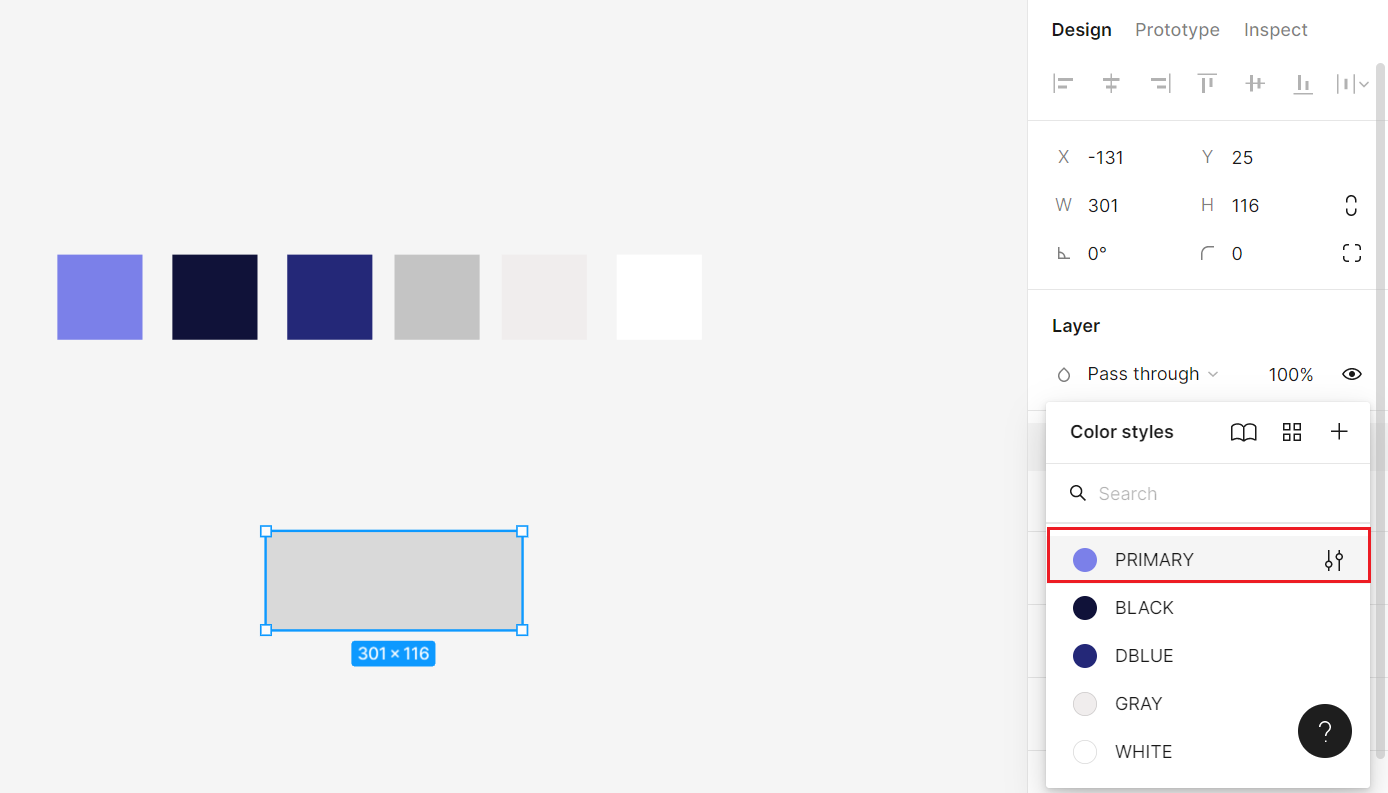
color
create color style
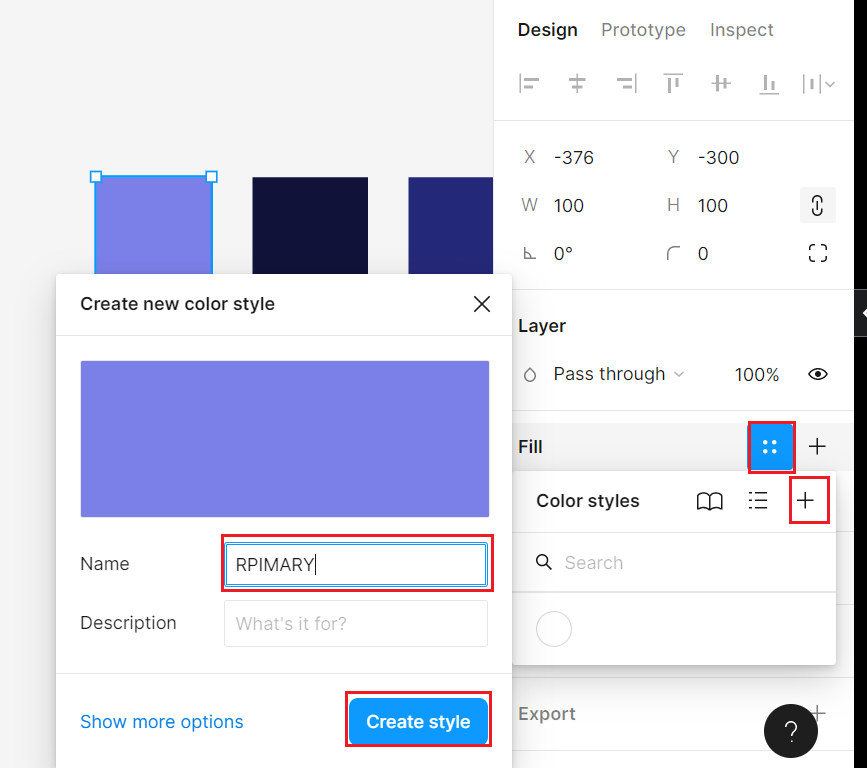
choose from color style
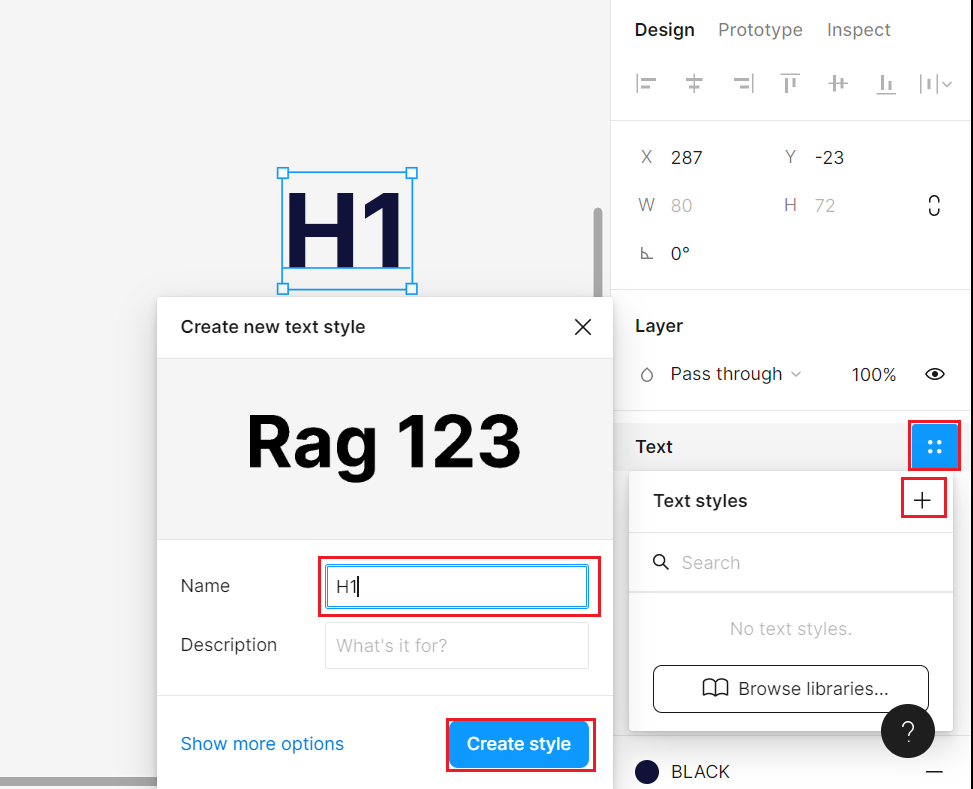
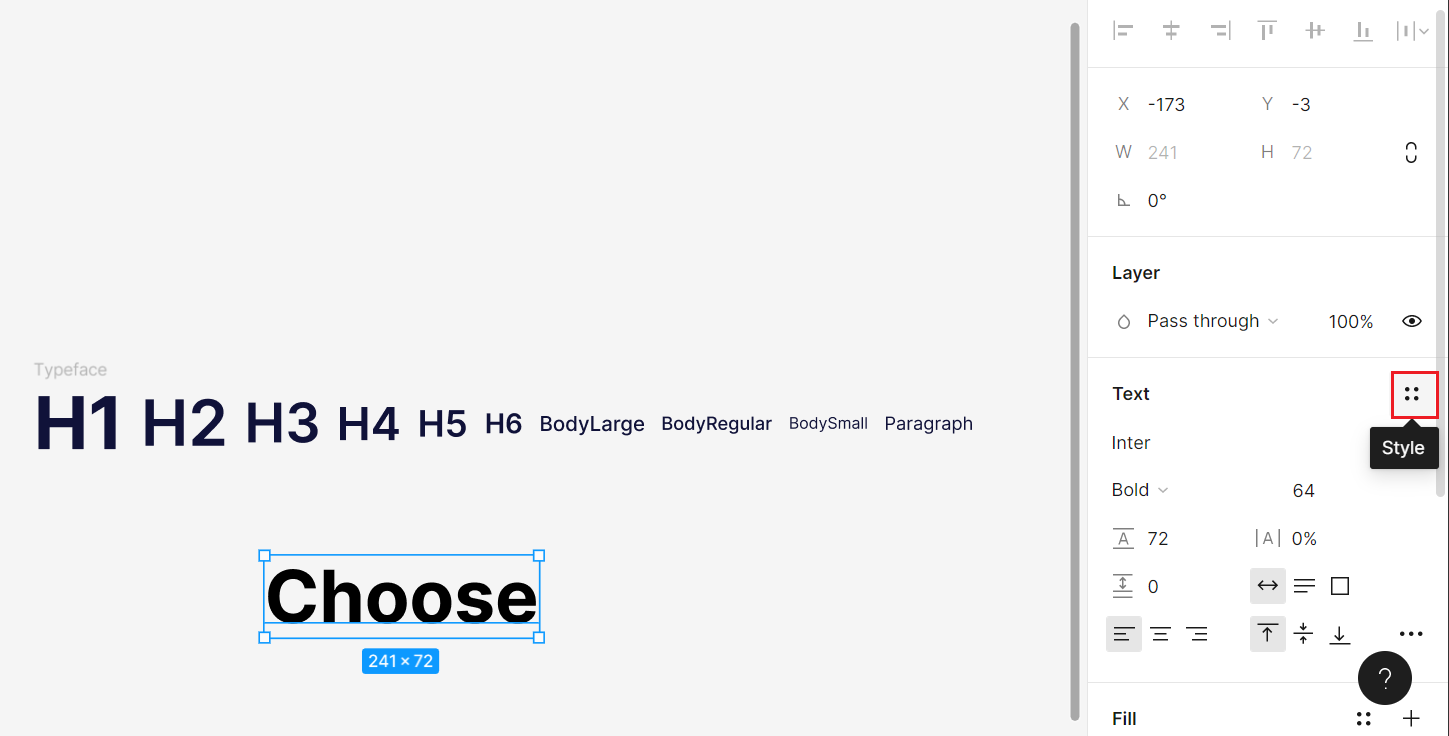
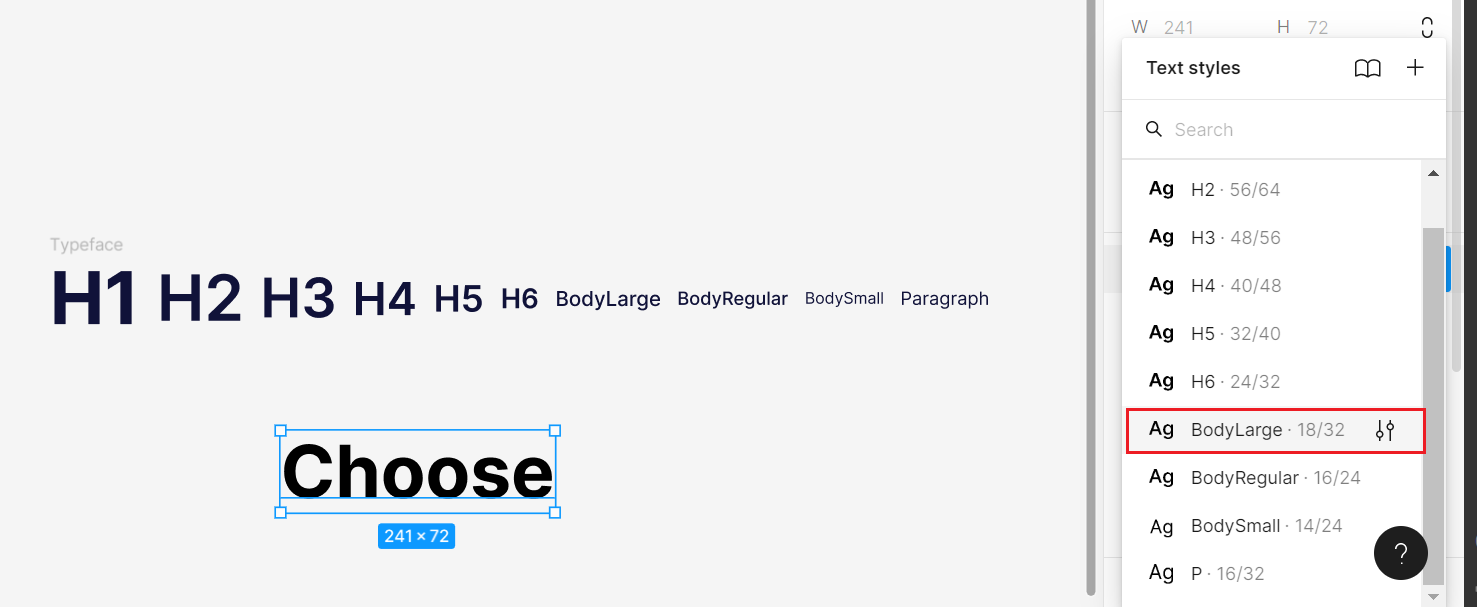
typeface
create typeface stype
choose from typeface
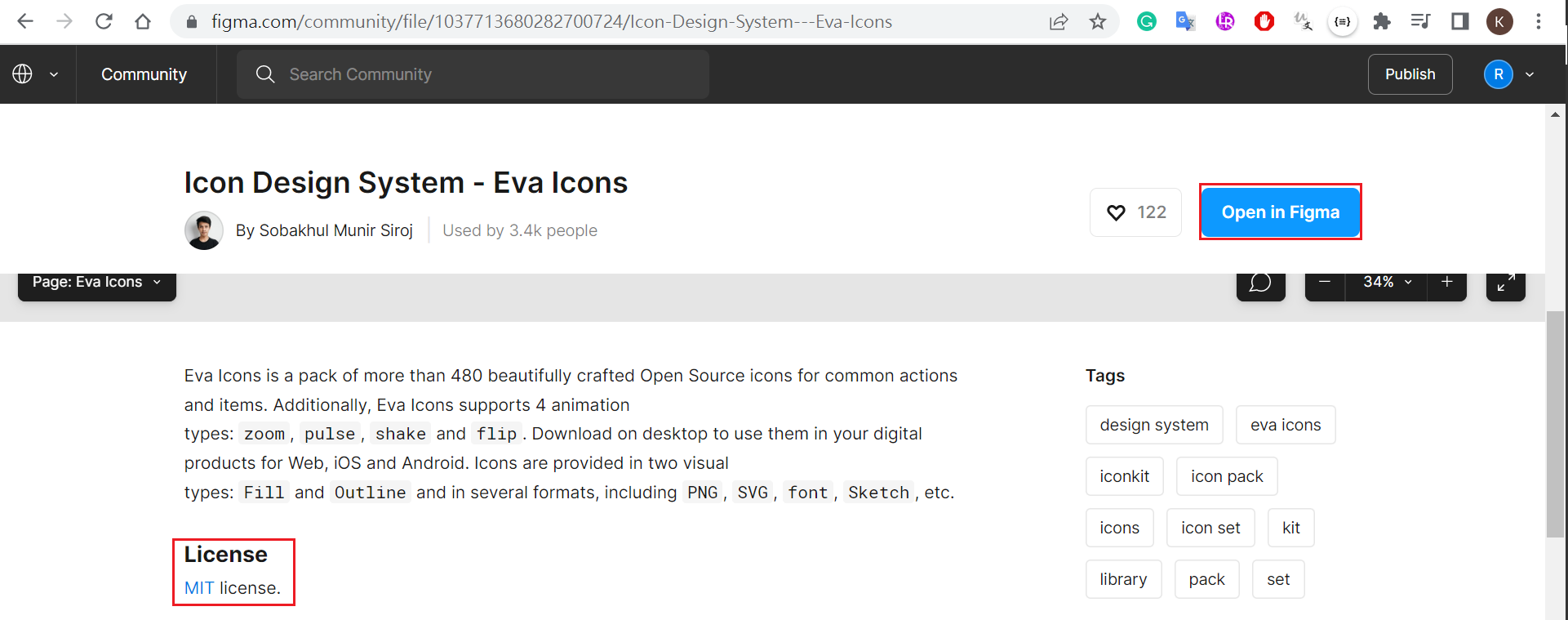
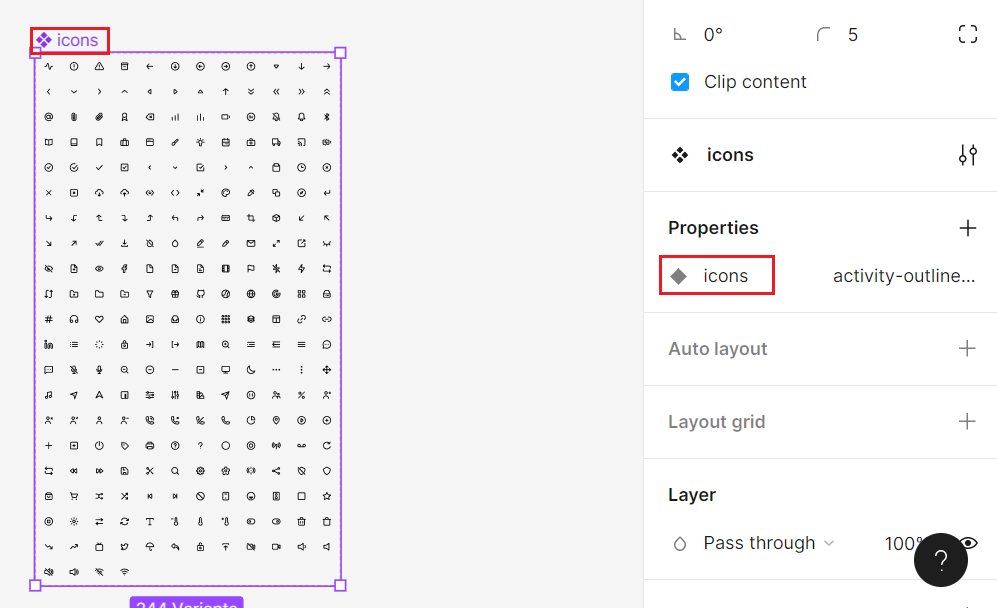
icons
Figma community - free MIT
create color variant

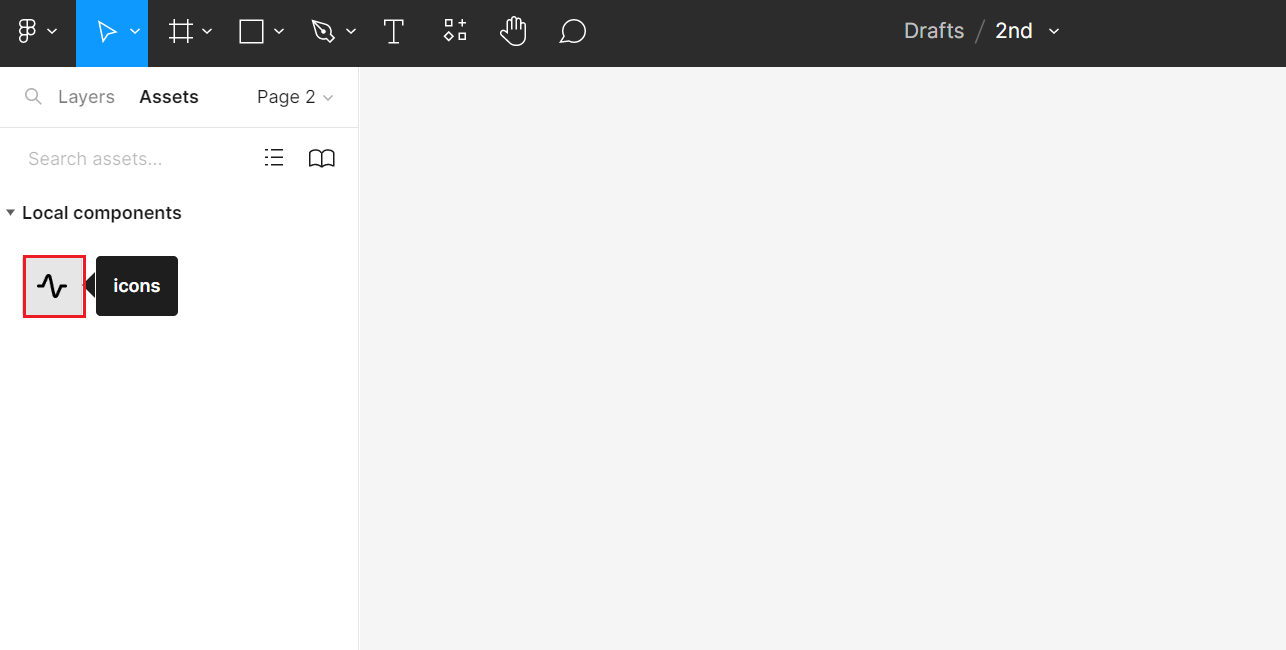
use icons
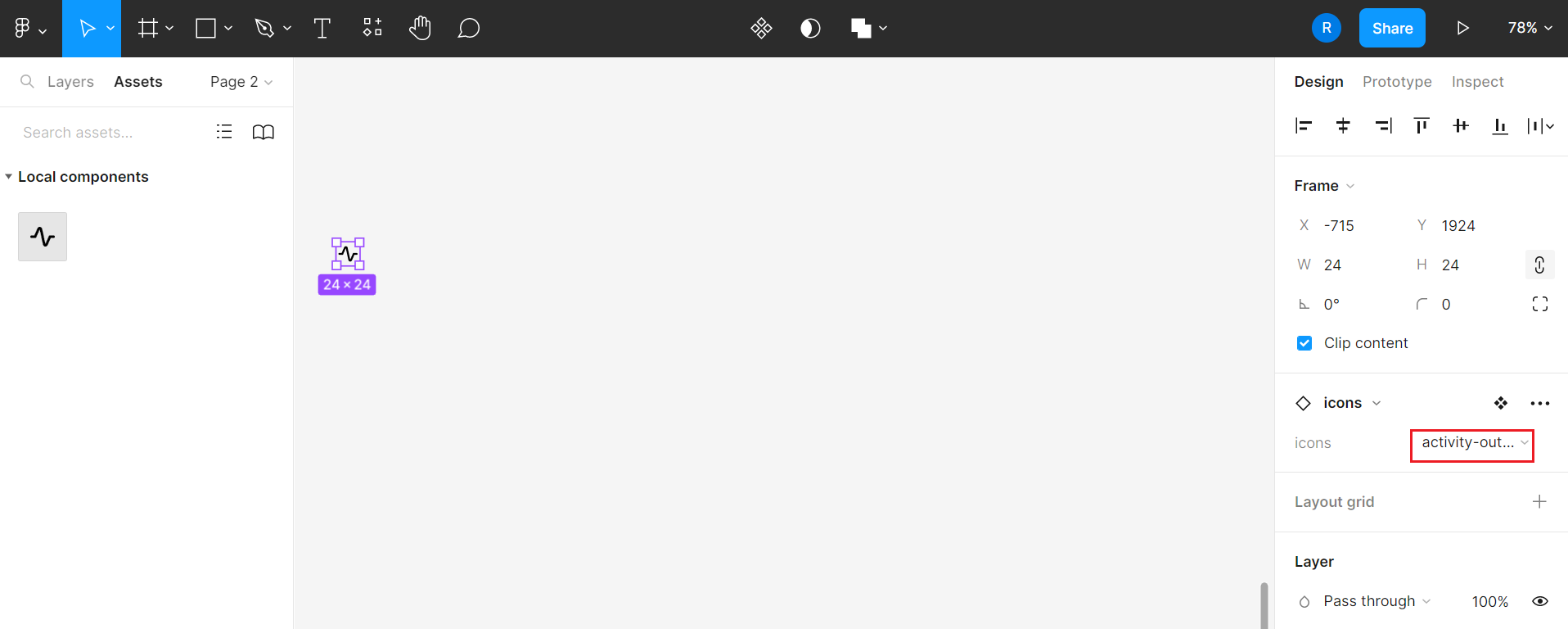
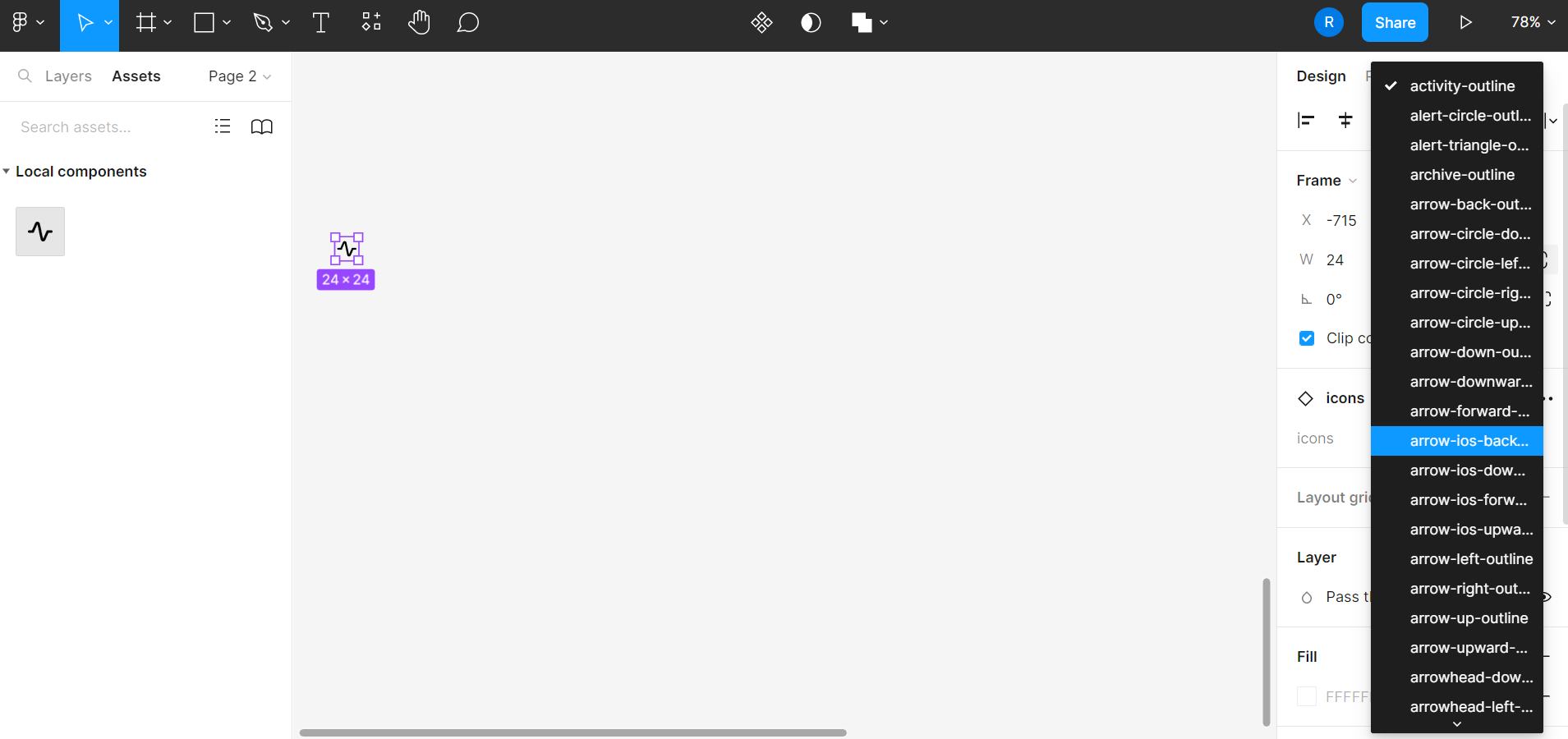
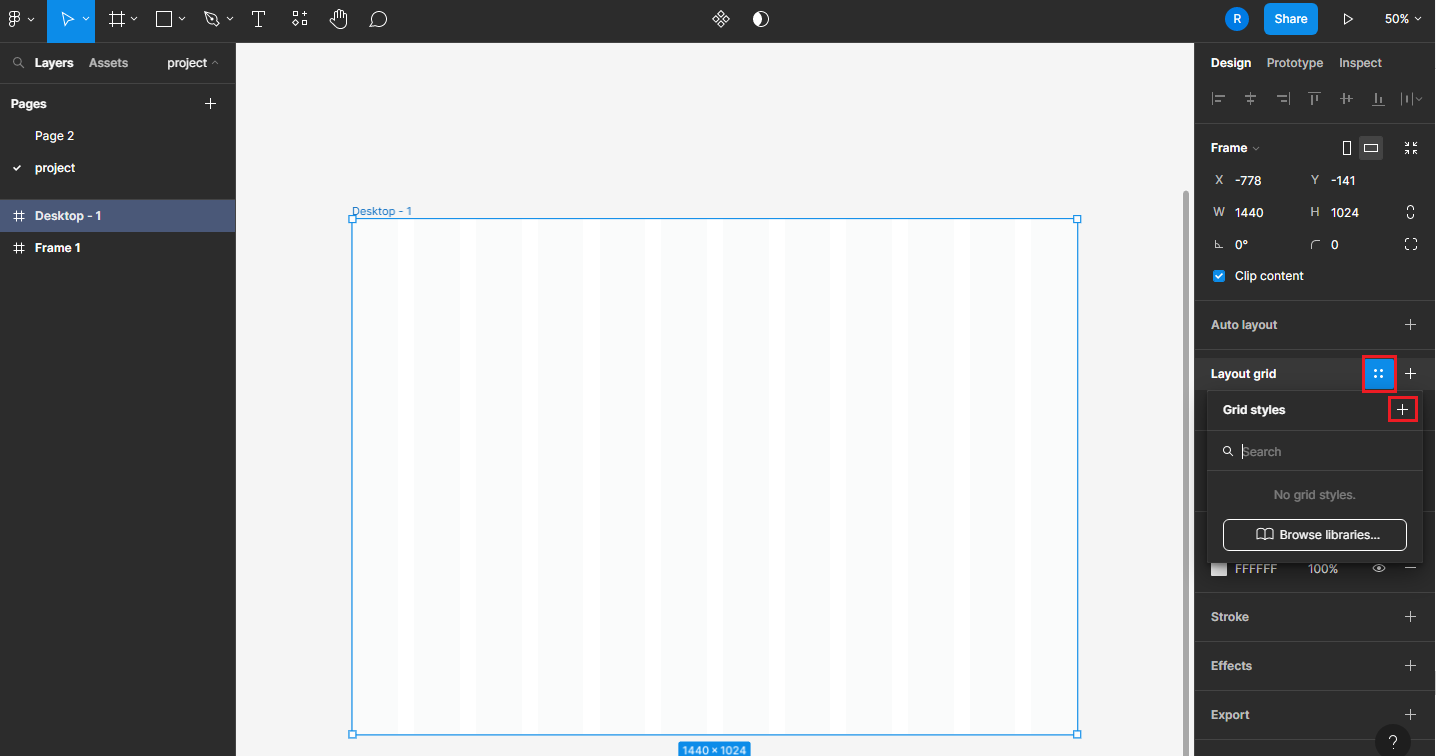
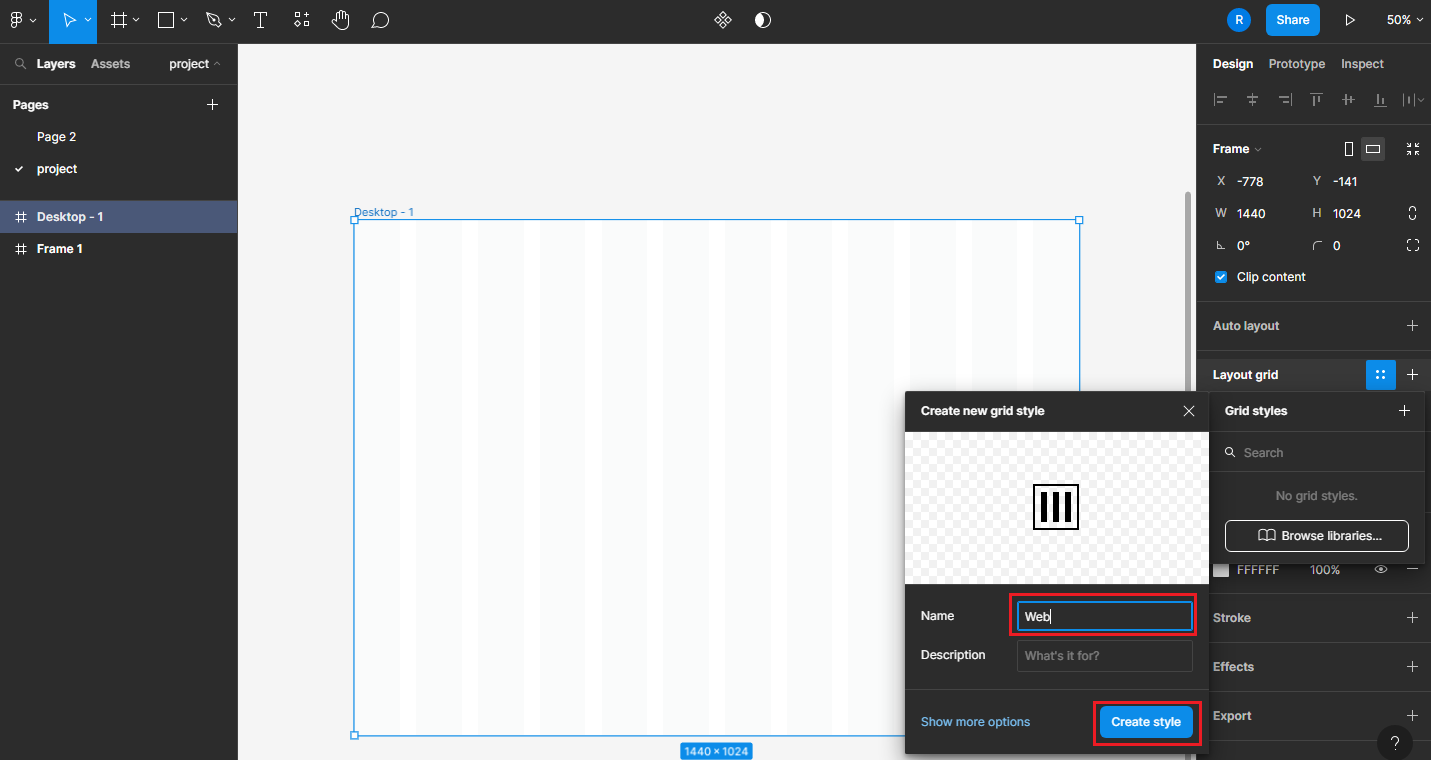
layoud grid style
Desktop
Mobile(384px)
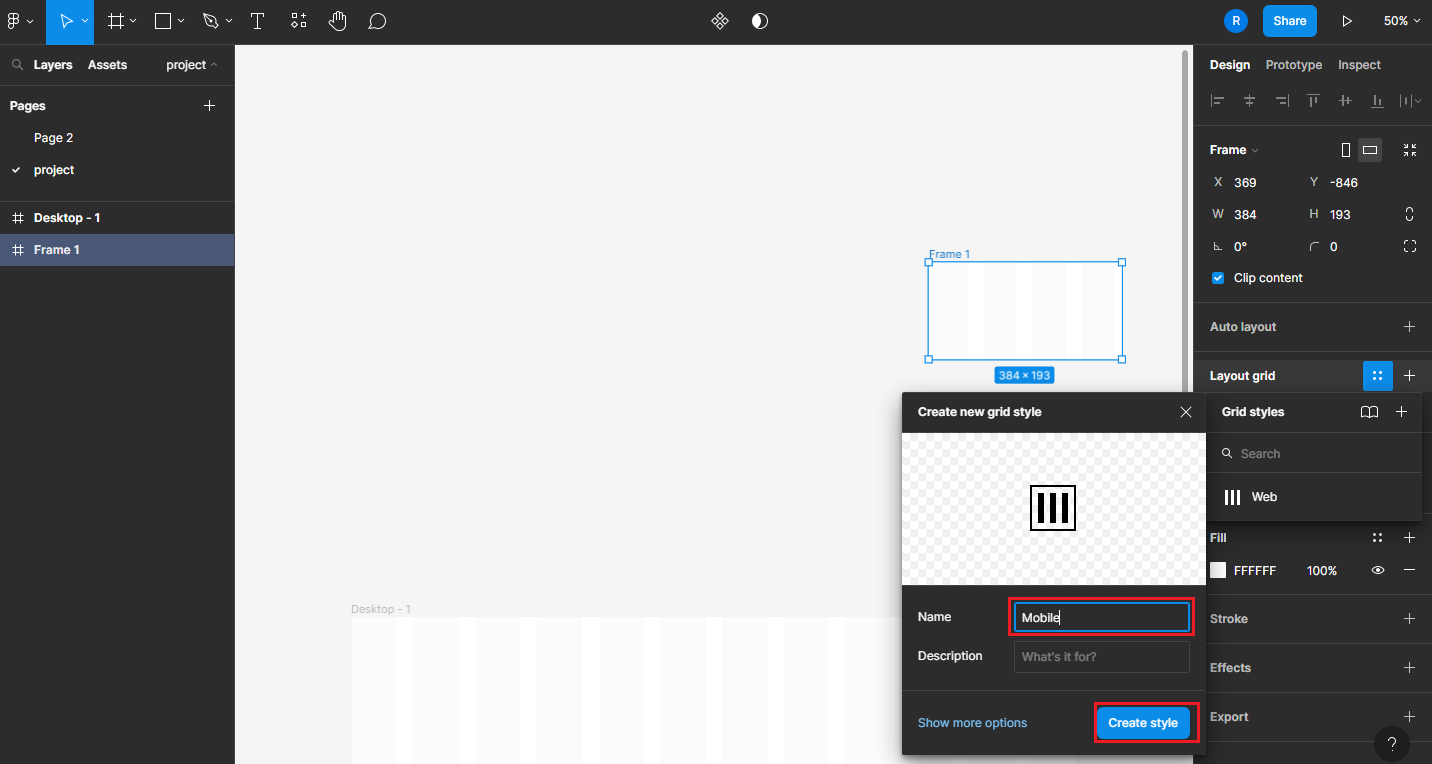
add layoud grid

component
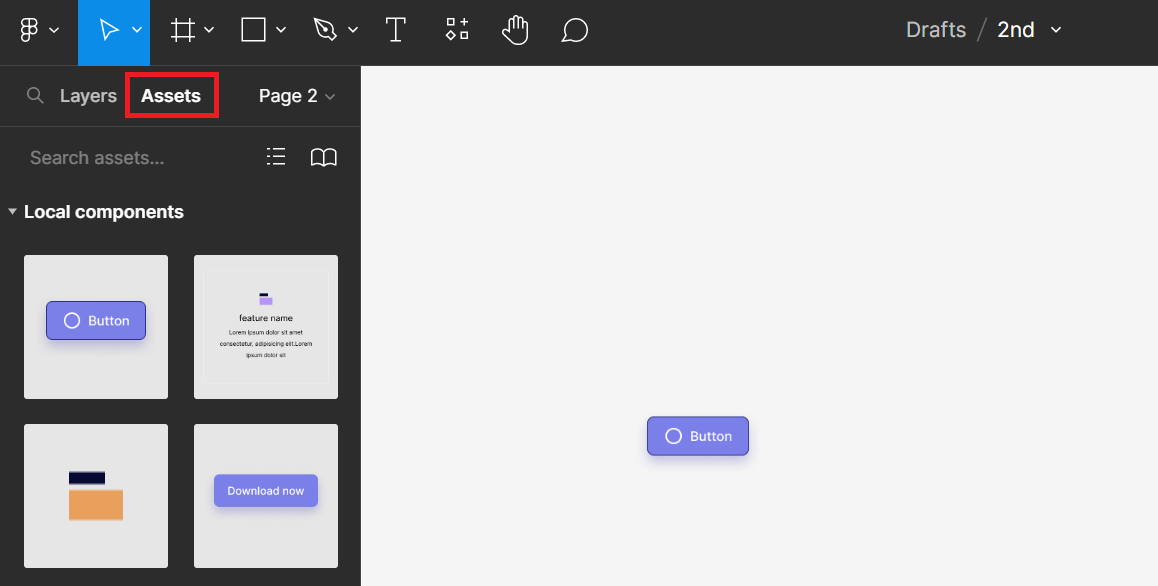
add simple component
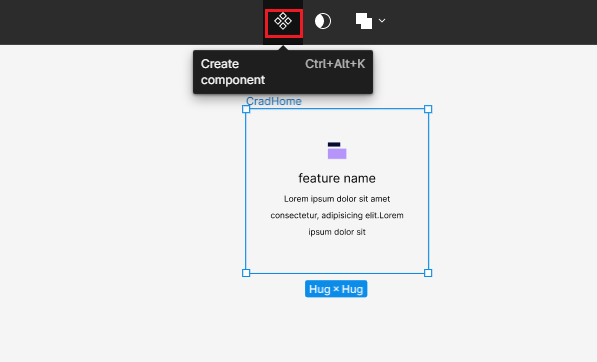

multiple variant
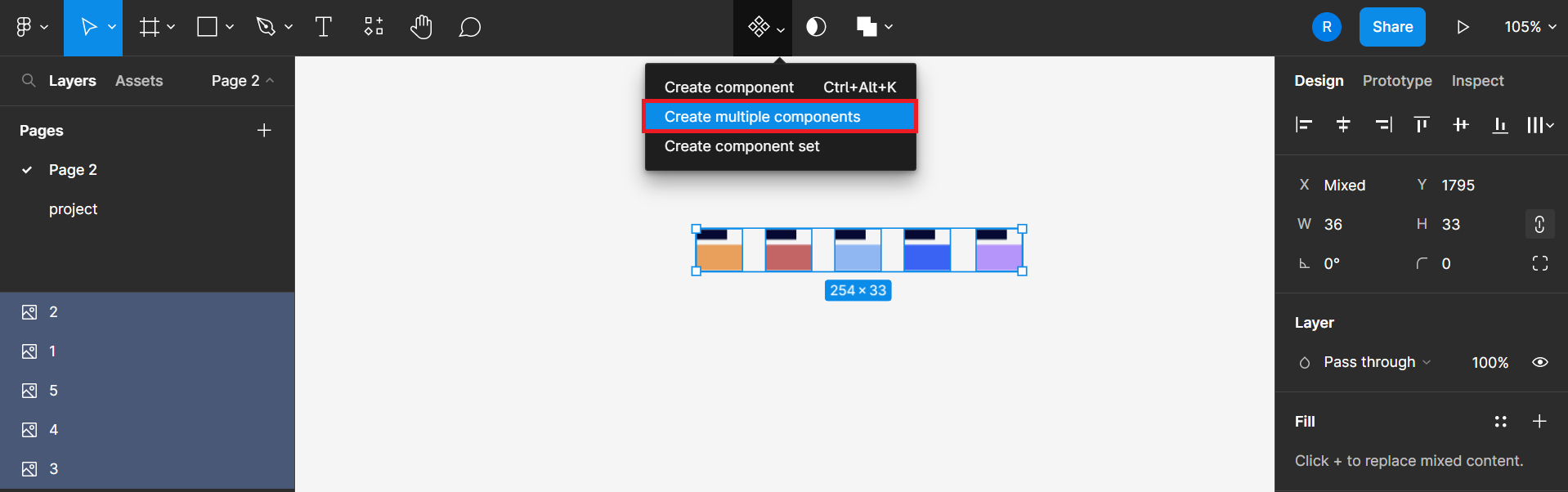
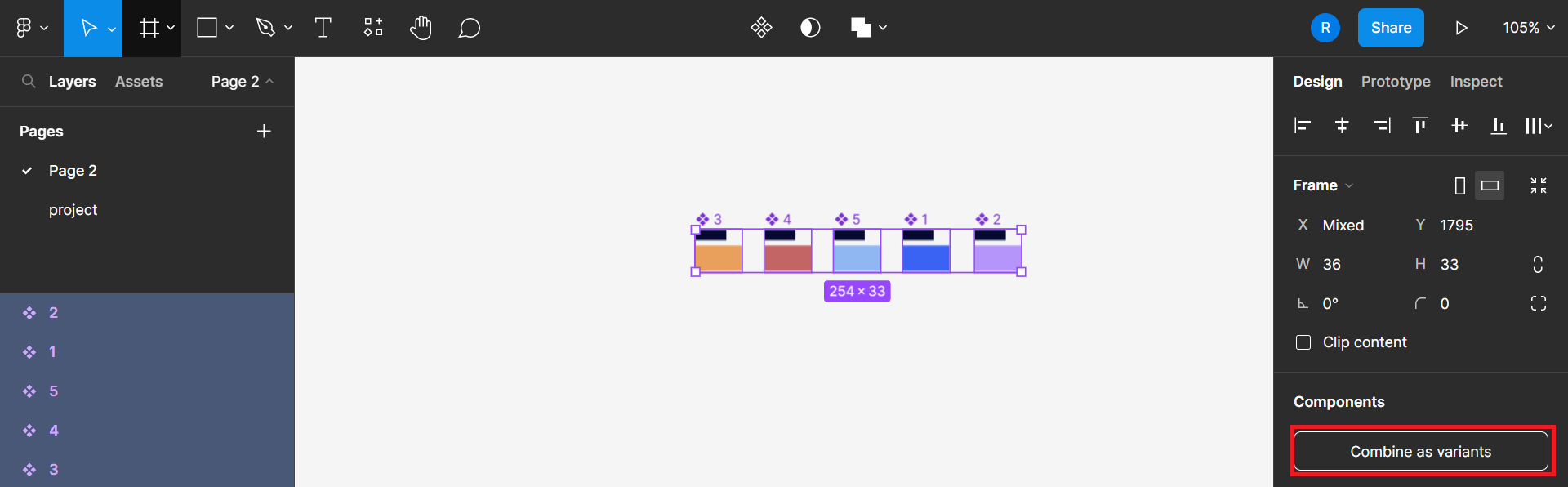
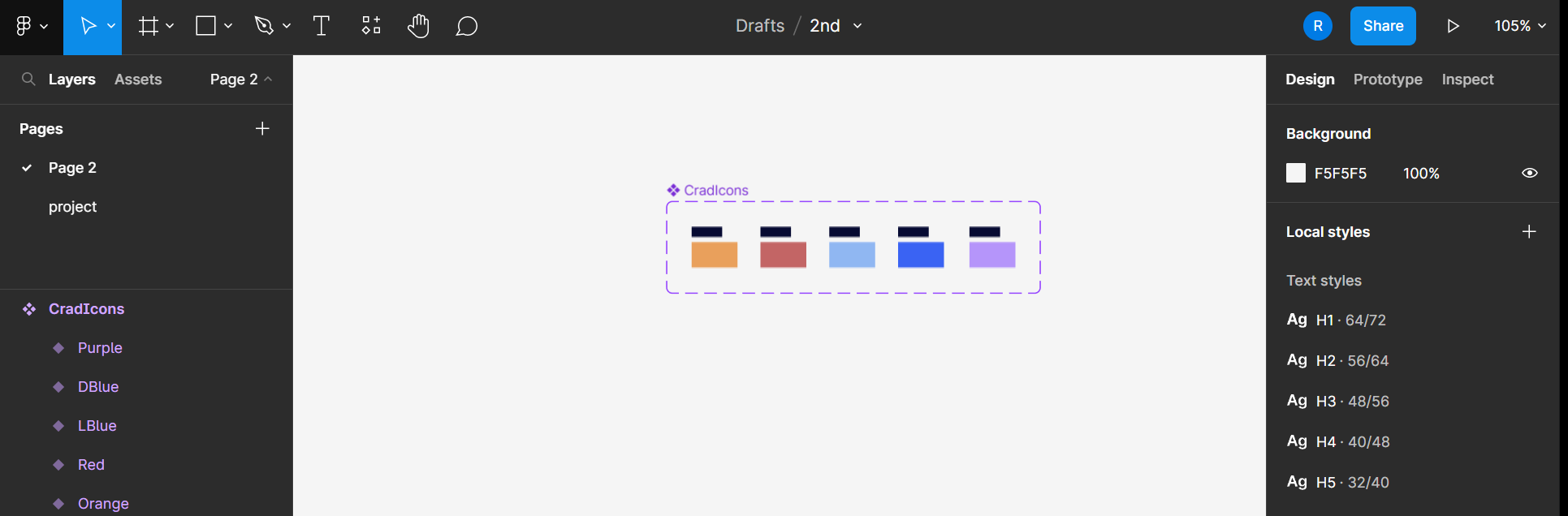
multiple variant - TCA
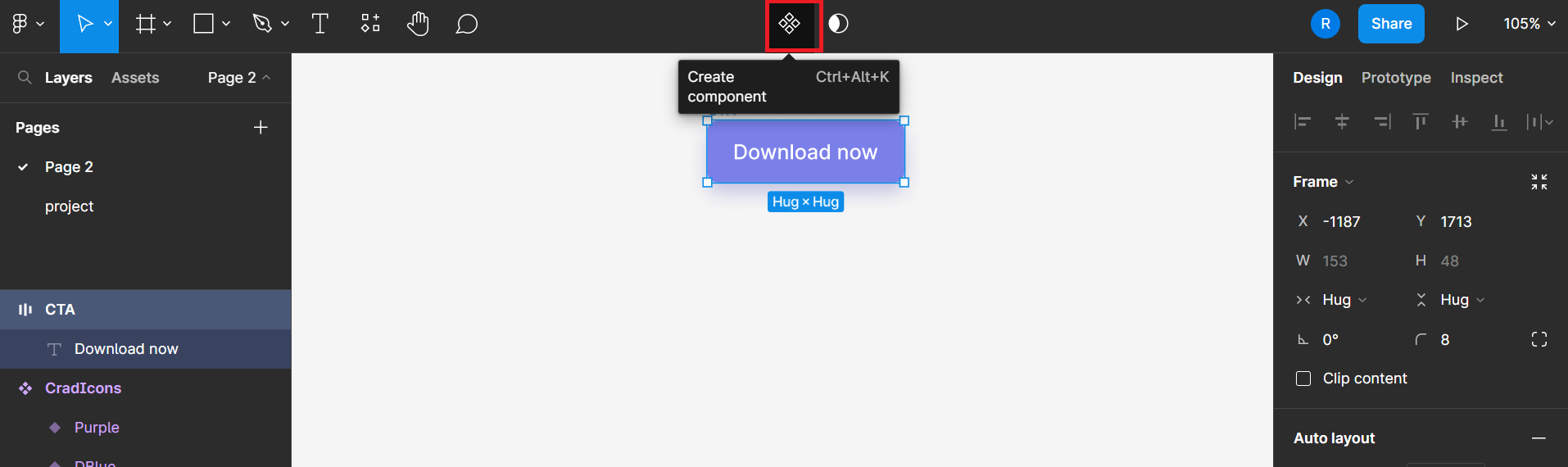
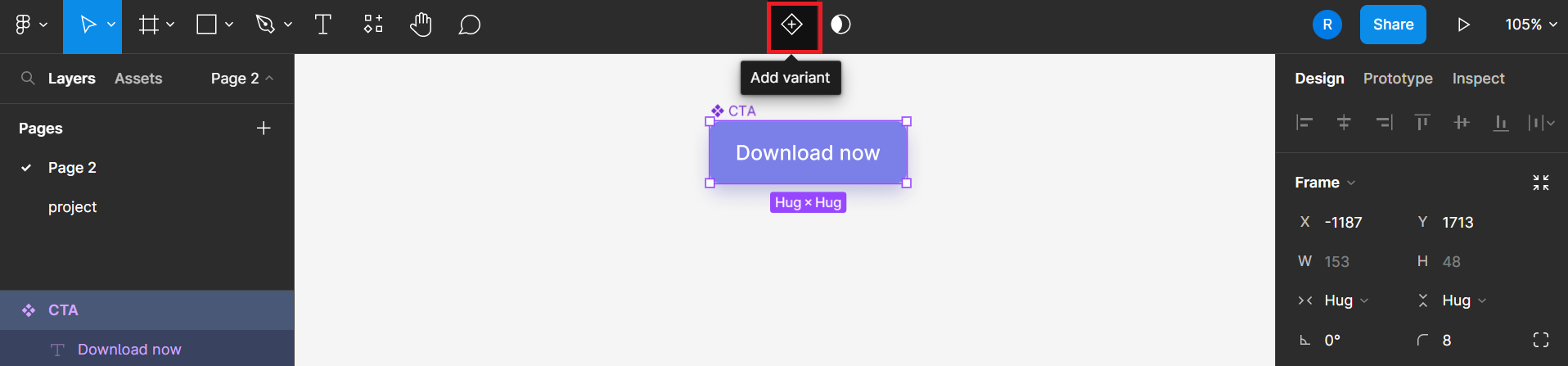
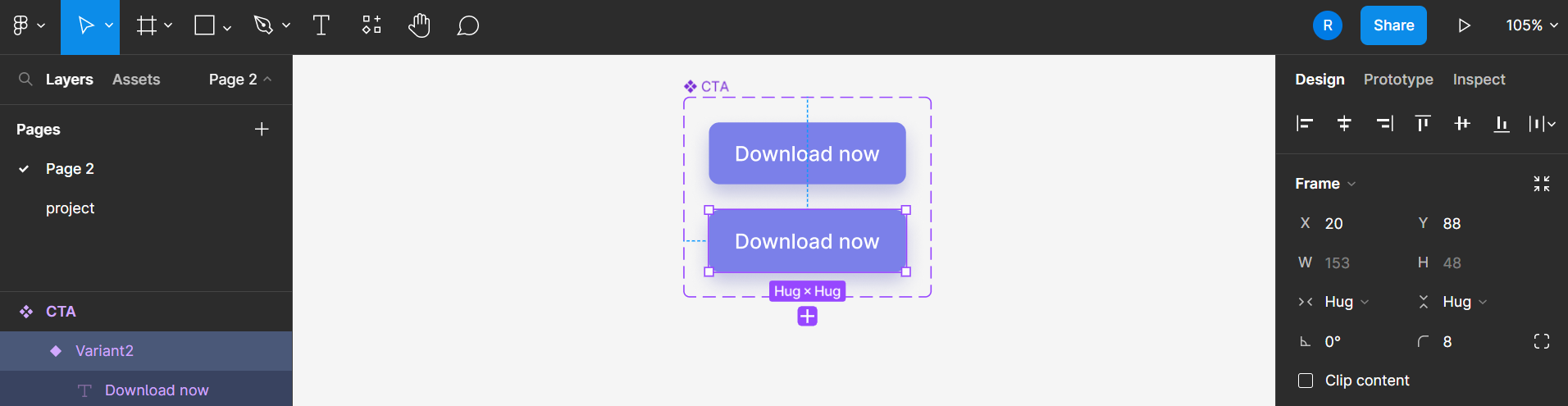
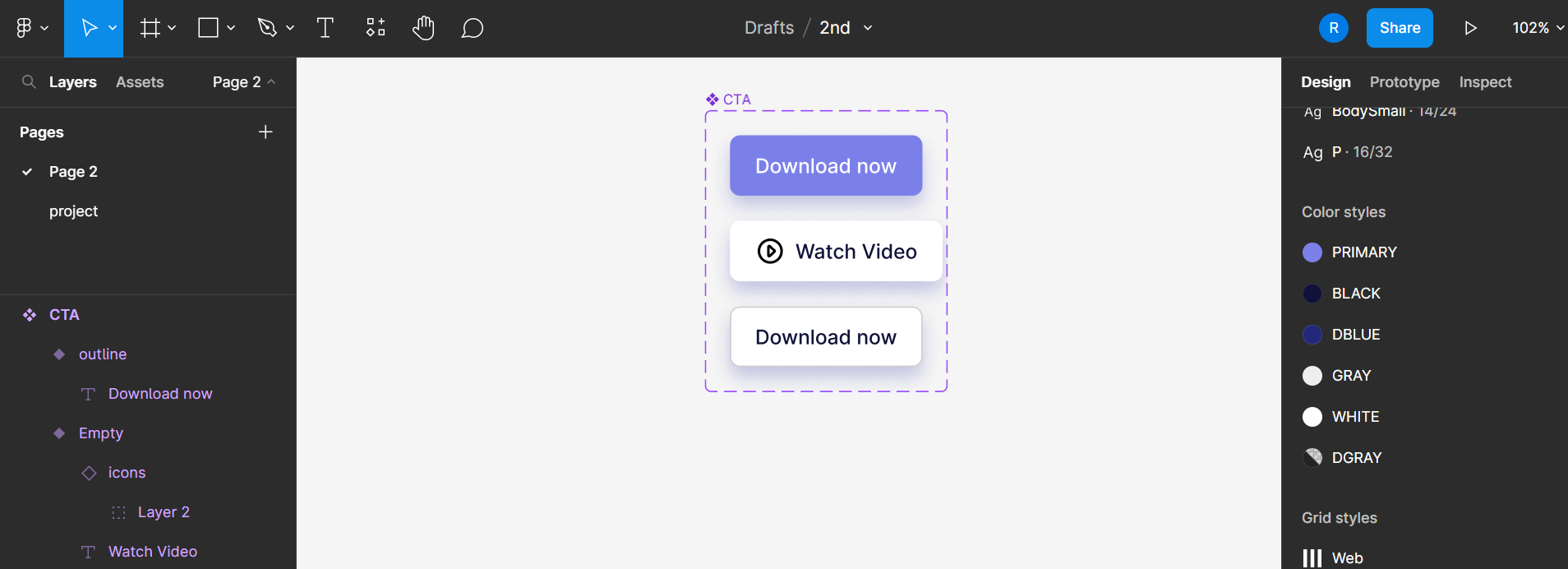
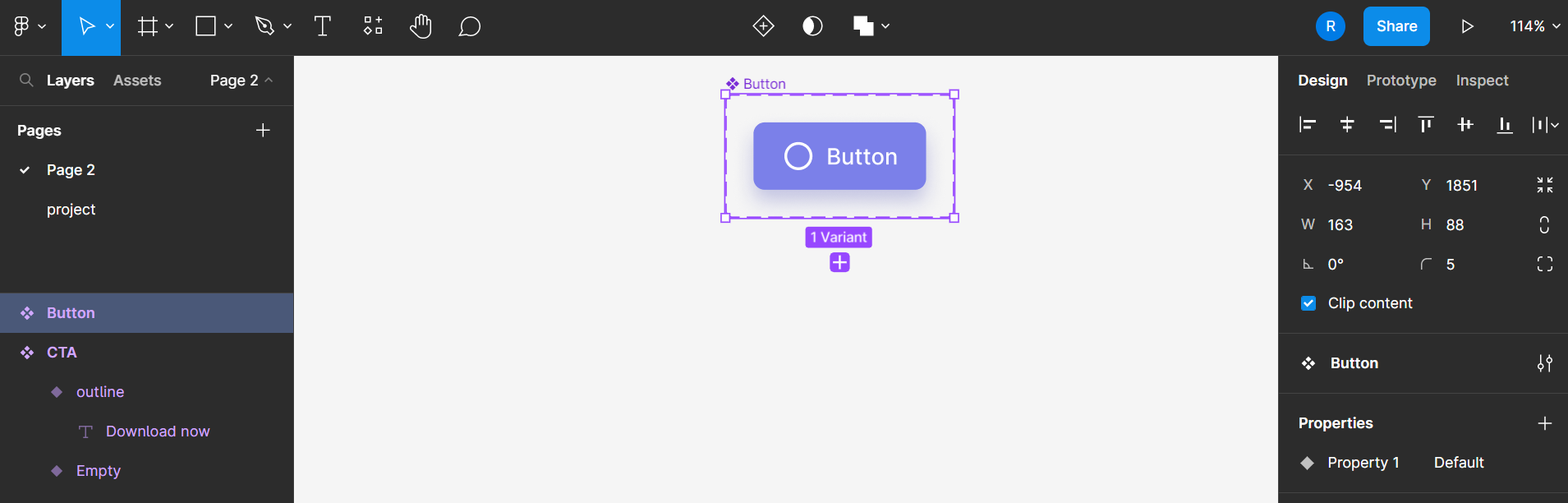
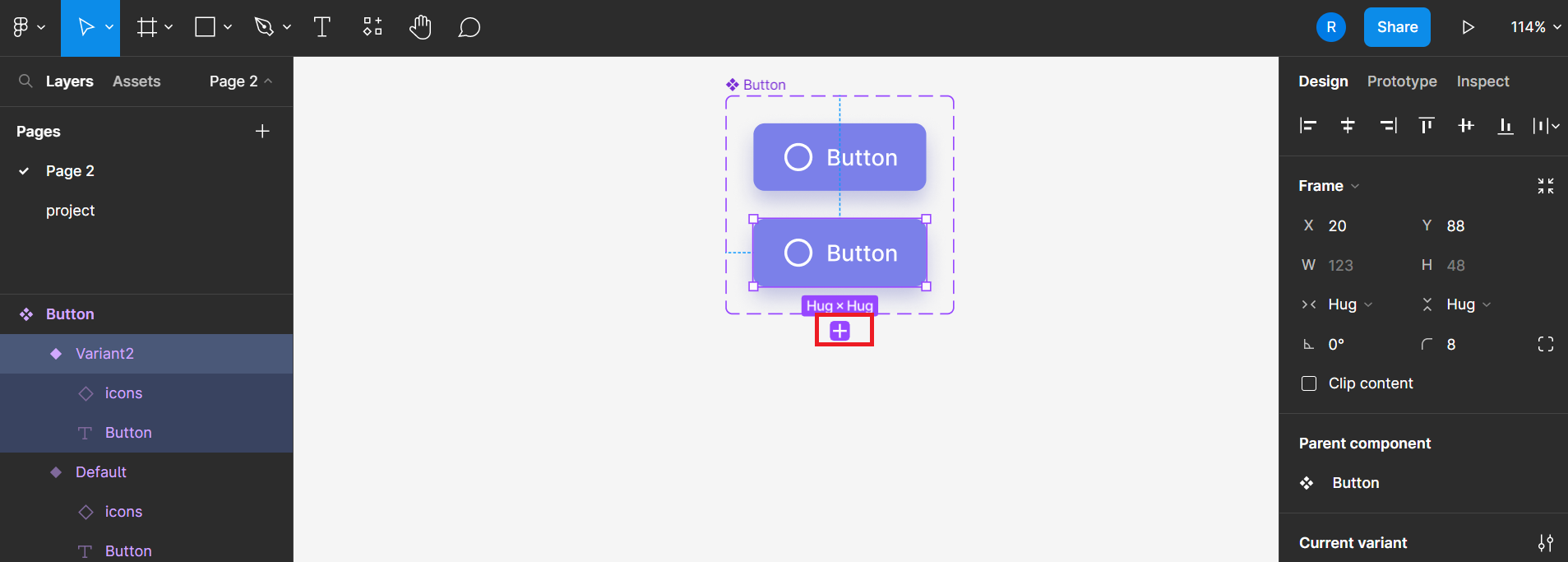
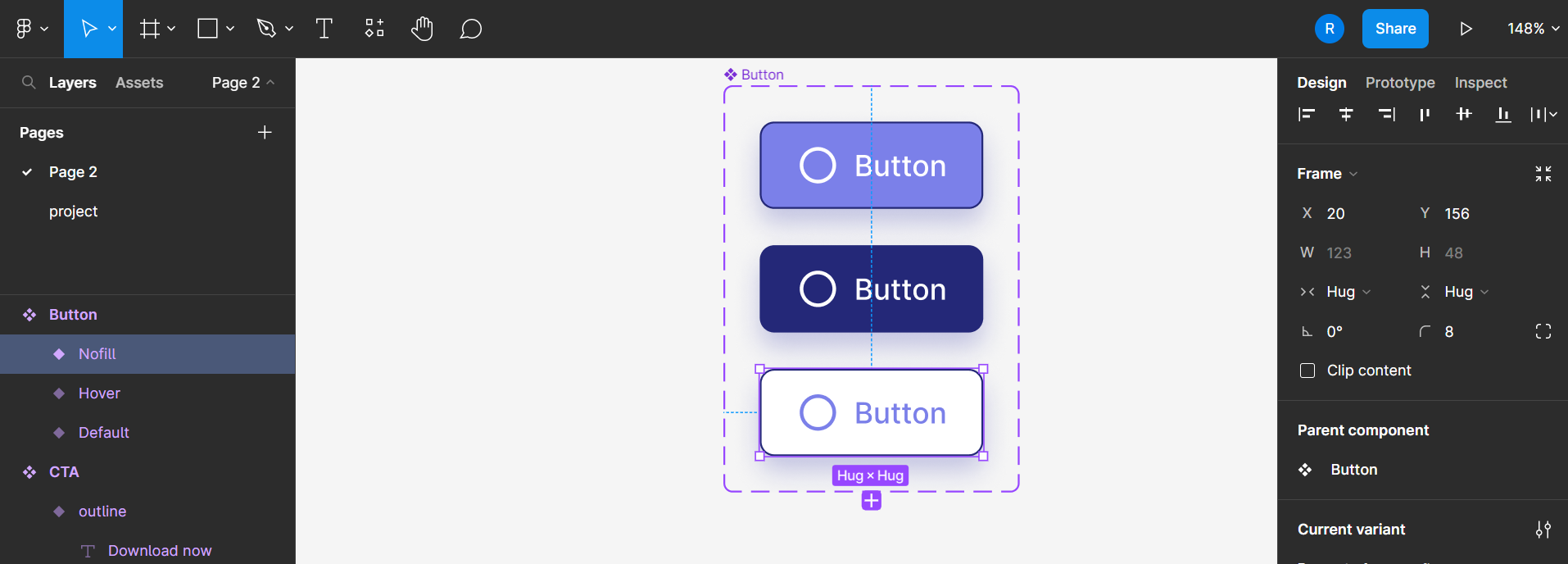
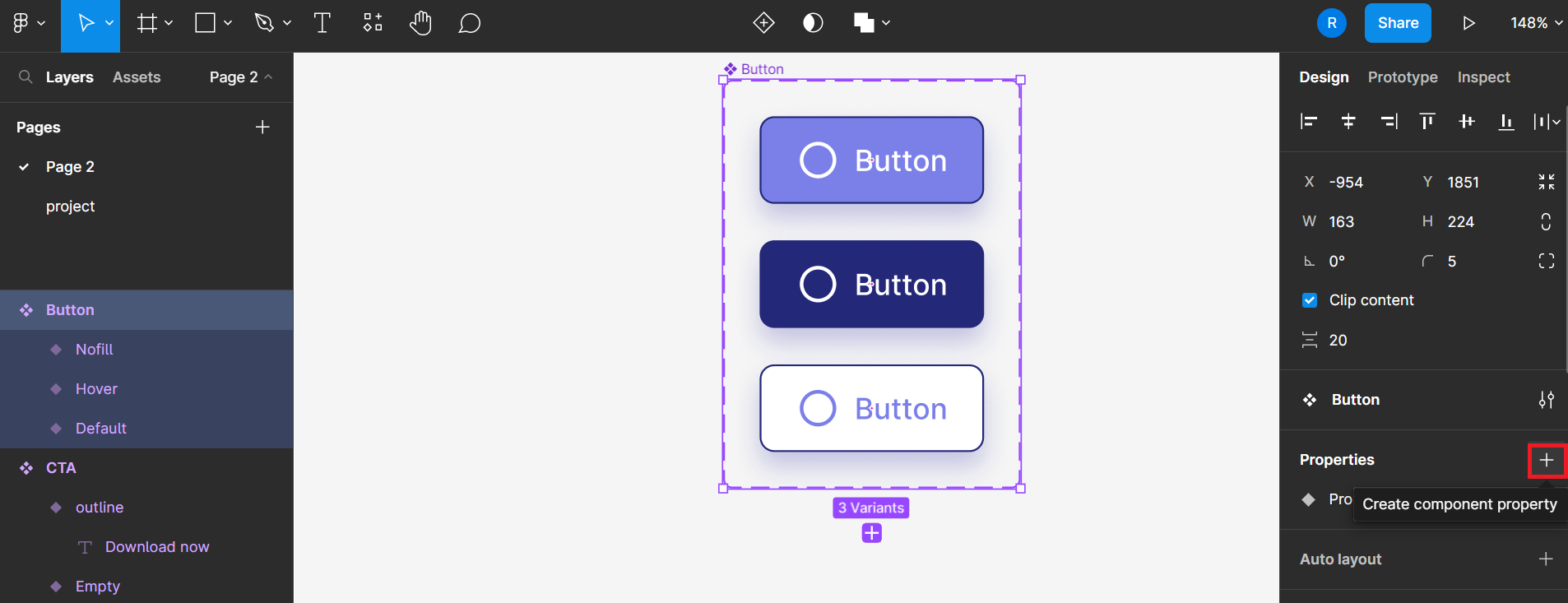
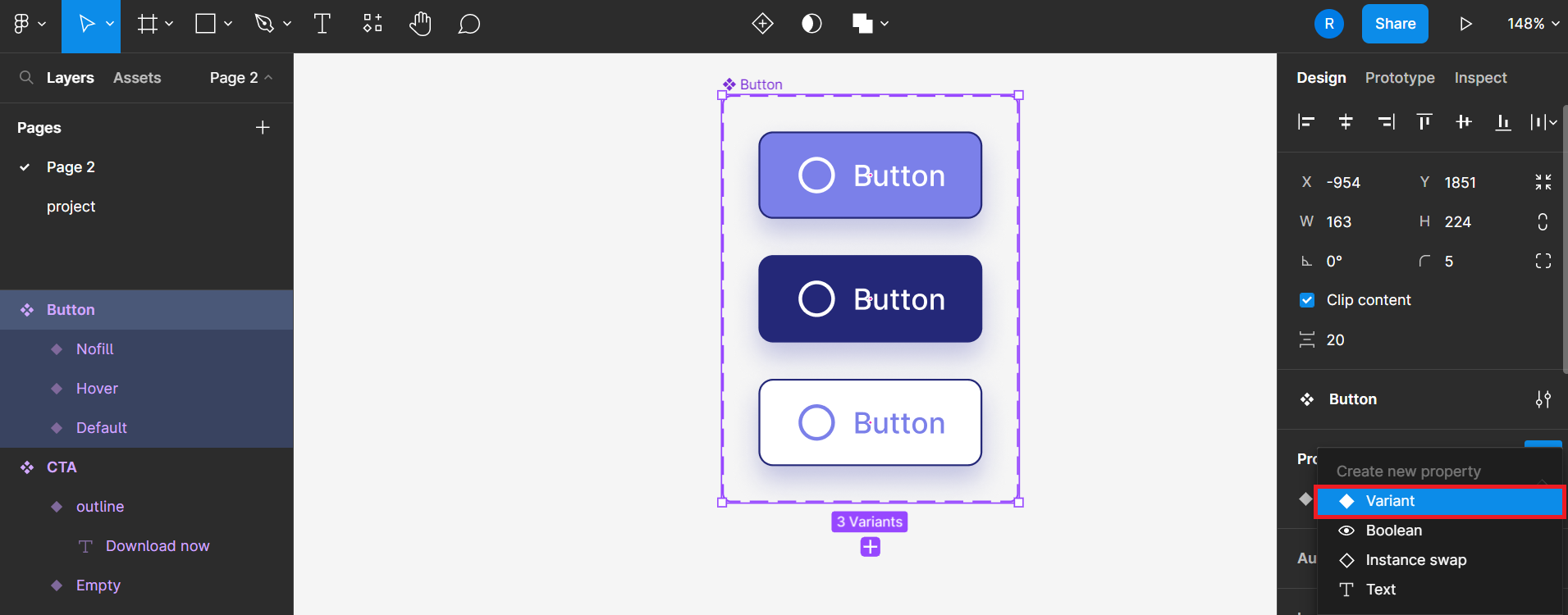
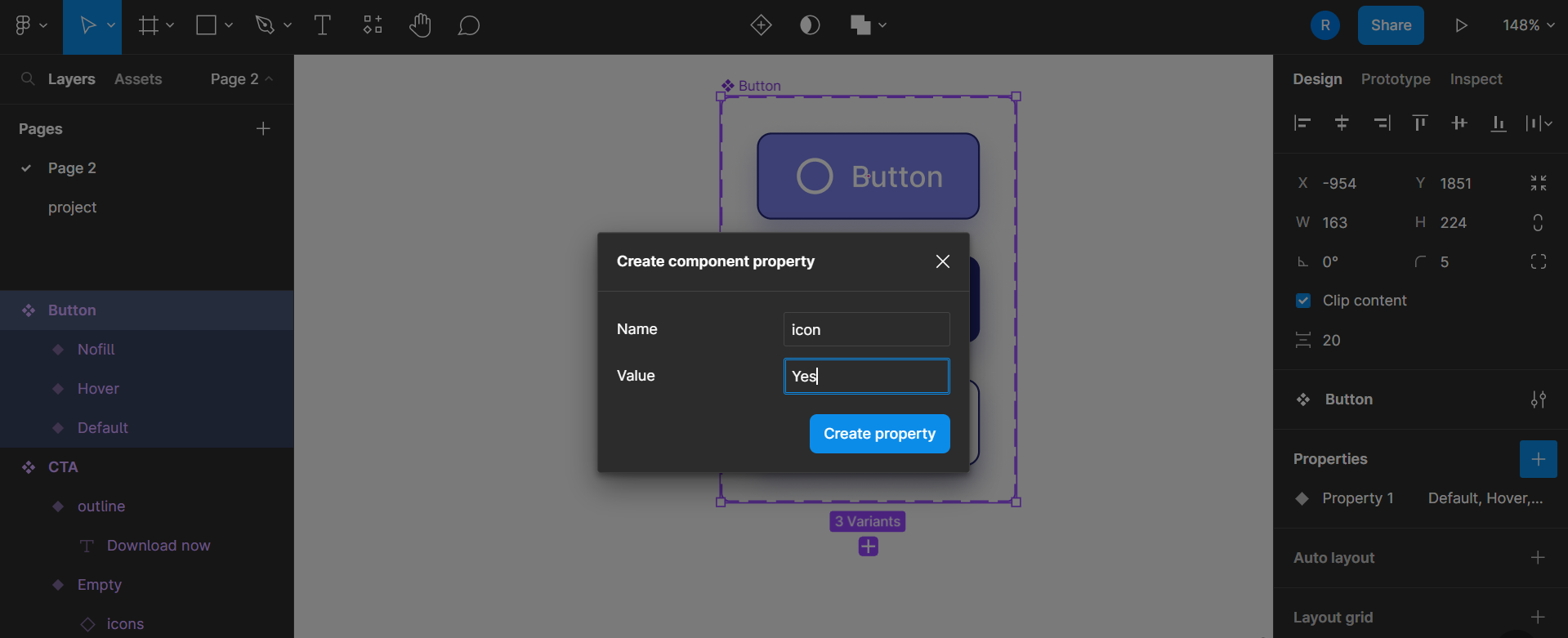
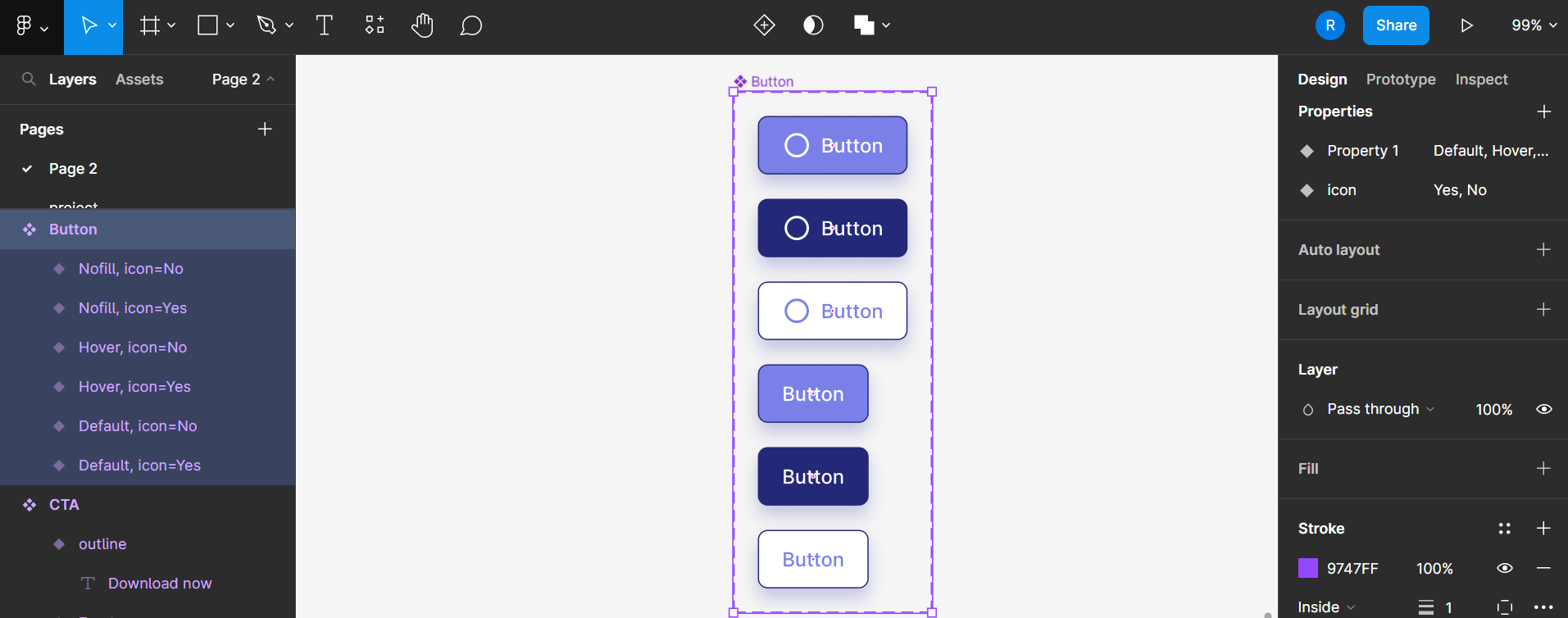
multiple variant - Button
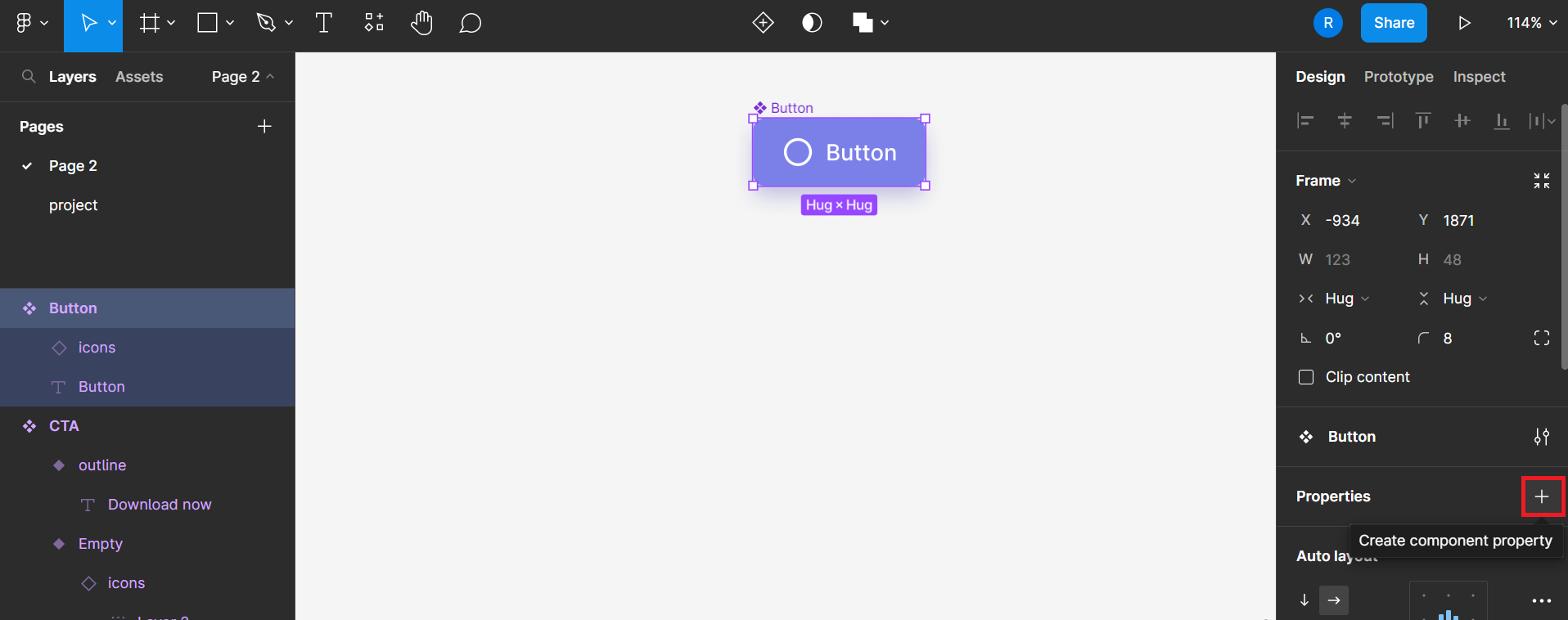
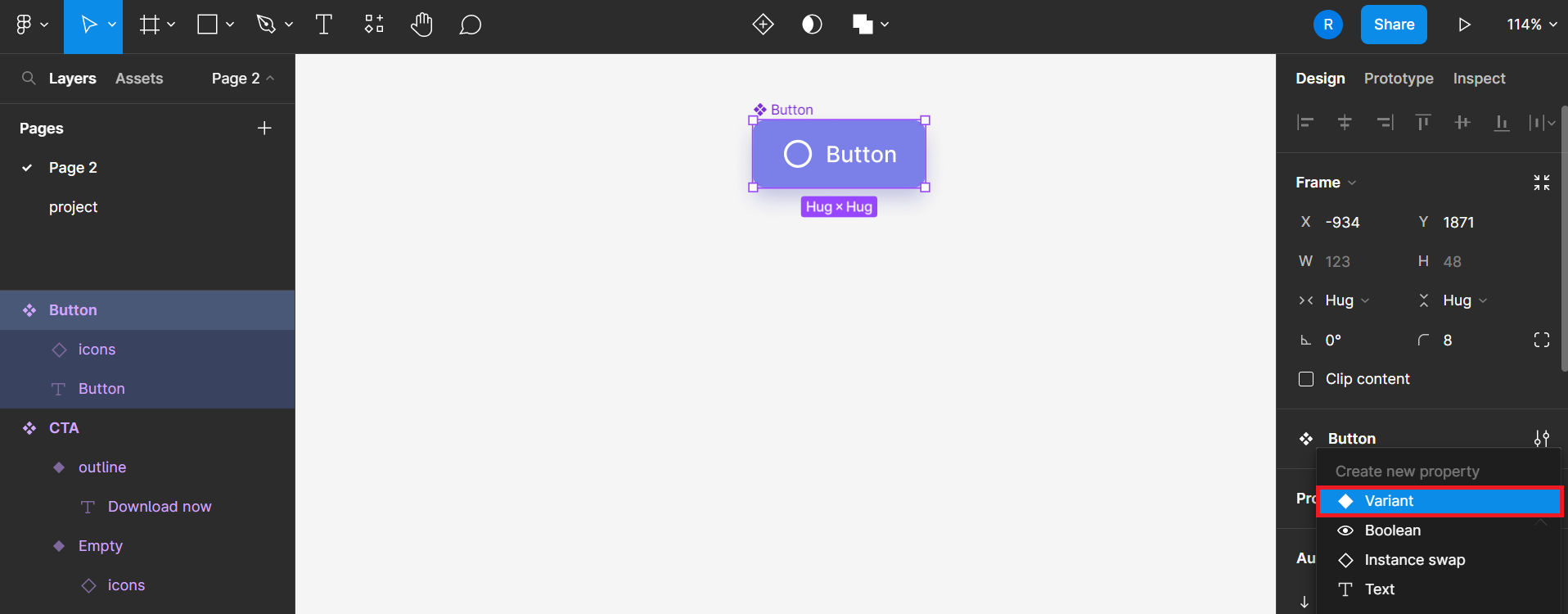
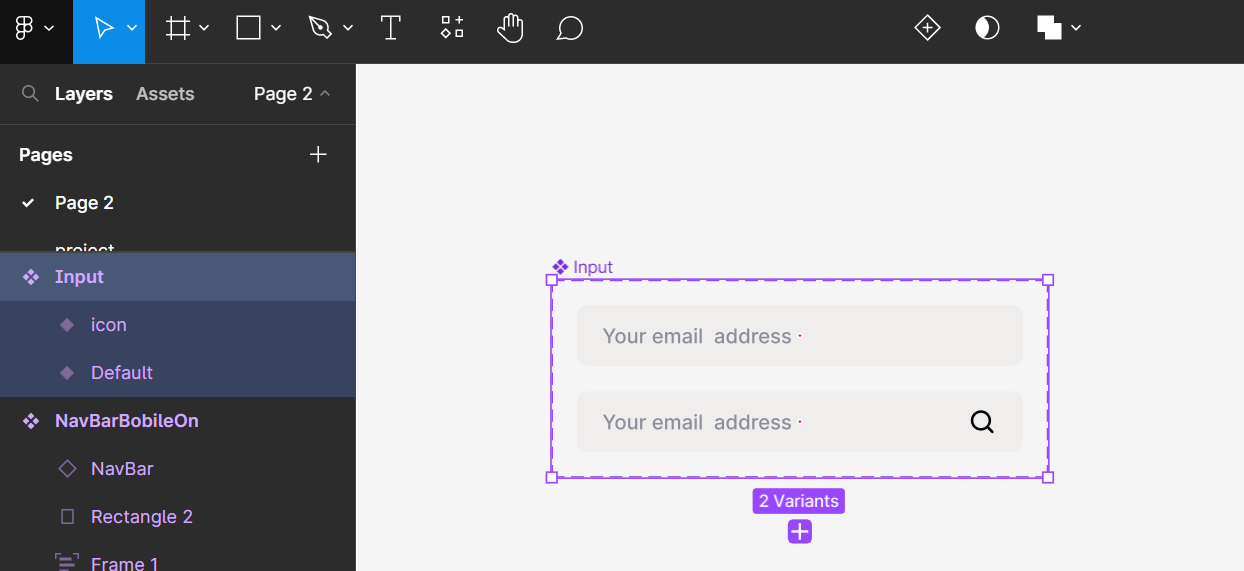
multiple variant - Input
Ref
- Stripe
- Auto Layout in Figma
- Figma for Beginners tutorial
- dribbble
- whimsical: hub for visual collaboration(useful for wireframe)
- Core Design System
- Figma Community
- Behance
- Figma中文手冊
- google Fonts