python Selenium 說明(自動化測試)

Command

install

install selenium
1
pip install selenium
install webdriver_manager(support auto download driver)
1
pip install webdriver_manager
install scrapy-selenium
1
pip install scrapy-selenium
download browser driver(check same as currenct use)

Selenium 功能

basic
1
2
3
4
5
6
7
8
9
10
11
12
13
14
15
16
17
18
19
20
21
22
23
24
25
from selenium import webdriver
from selenium.webdriver.chrome.service import Service
from webdriver_manager.chrome import ChromeDriverManager

# 出現以下錯誤, 增加 options mask
# [15856:11828:1225/110356.222:ERROR:device_event_log_impl.cc(215)]
# [11:03:56.222] USB: usb_device_handle_win.cc:1045 Failed to read descriptor from node connection: 連結到系統的某個裝置失去作用。 (0x1F)
options = webdriver.ChromeOptions()
options.add_experimental_option('excludeSwitches', ['enable-logging'])

# set browser not auto quit()
options.add_experimental_option('detach', True)

# add argument headless - no open browser
# options.add_argument('--headless')

# auto install driver
driver = webdriver.Chrome(service=Service(ChromeDriverManager().install()), options=options)
driver.get("https://www.dcard.tw/f")

# show title
print(driver.title)

# quit browser
driver.quit()
option
1
2
3
4
5
6
7
8
9
10
11
12
13
14
15
16
17
18
19
20
21
22
23
24
25
26
from selenium import webdriver

# 出現以下錯誤, 增加 options mask
# [15856:11828:1225/110356.222:ERROR:device_event_log_impl.cc(215)]
# [11:03:56.222] USB: usb_device_handle_win.cc:1045 Failed to read descriptor from node connection: 連結到系統的某個裝置失去作用。 (0x1F)
options = webdriver.ChromeOptions()
options.add_experimental_option('excludeSwitches', ['enable-logging'])

# set browser not auto quit()
options.add_experimental_option('detach', True)

# 防止跳出通知
chrome_options = webdriver.ChromeOptions()
prefs = {
"profile.default_content_setting_values.notifications": 2
}
chrome_options.add_experimental_option("prefs", prefs)

# 使用無痕模式,應沒有甚麼用
# options.add_argument("--incognito")
# ua = "Mozilla/5.0 (Windows NT 10.0; Win64; x64) AppleWebKit/537.36 (KHTML, like Gecko) Chrome/108.0.0.0 Safari/537.36"
# 使用偽造的 user-agent,應沒有甚麼用
# options.add_argument("user-agent={}".format(ua))

# add argument headless - no open browser
options.add_argument('--headless')
find element
1
2
3
4
5
6
7
8
9
10
11
12
13
14
15
16
17
18
19
20
21
22
23
24
25
26
27
28
from selenium.webdriver.common.by import By

search_input = driver.find_element(By.ID, "keyword")

elements = driver.find_elements(By.CLASS_NAME, 'foo')

obj = driver.find_element(By.NAME, "IamBanana")
obj = driver.find_element(By.LINK_TEXT, "https://rootttt.com.tw")
obj = driver.find_element(By.CSS_SELECTOR, "#car span.blue.wow")

# 定位<form>標籤
form = driver.find_element(By.XPATH, "//form[@id='fm1']")
print(form.get_attribute("type"))
# 定位密碼欄位
pwd = driver.find_element(By.XPATH, "//form[@id='fm1']/section[2]/input")
print(pwd.get_attribute("type"))
# 定位登入按鈕
clear = driver.find_element(By.XPATH, "//input[@class='btn-submit']")
print(clear.get_attribute("type"))

# CLASS_NAME = 'class name'
# CSS_SELECTOR = 'css selector'
# ID = 'id'
# LINK_TEXT = 'link text'
# NAME = 'name'
# PARTIAL_LINK_TEXT = 'partial link text'
# TAG_NAME = 'tag name'
# XPATH = 'xpath'
get data
1
2
3
4
5
6
7
8
9
10
11
12
13
14
15
16
17
18
# text
print(driver.find_element_by_id("signupModalButton").text)

# html
product_sel = Selector(text=product.get_attribute('innerHTML'))

# attribute
elements = driver.find_elements_by_id("link")
element.get_attribute('href')

# property
element = driver.find_element_by_link_text("Courses")
print(element.get_property('href'))

#tag name
elements = driver.find_elements_by_name("passwd")
element.tag_name

run javascript
1
driver.execute_script("window.scrollTo(0, document.body.scrollHeight);")
send keys
1
2
3
4
5
6
7
8
9
10
11
12
13
14
15
16
17
18
19
20
21
from selenium.webdriver.common.keys import Keys
# input string
search_input.send_keys('iphone 12')

time.sleep(3)

# clear string
search_input.clear()

# input string
search_input.send_keys('iphone 14 pro')

# input special key
search_input.send_keys(Keys.ENTER)

# ctrl-c , ctrl-v
element.send_keys(Keys.CONTROL, "c")
element.send_keys(Keys.CONTROL, "v")

# some special key
TAB
click
1
2
phone_1st = driver.find_element(By.CLASS_NAME, "prdImg")
phone_1st.click()
submit
1
2
3
# 送出表單
element = driver.find_element_by_id('Hi')
element.submit()
Explicit Waits
1
2
3
4
5
6
7
8
9
10
11
12
from selenium.webdriver.support.wait import WebDriverWait
from selenium.webdriver.support import expected_conditions as EC

try:
element = WebDriverWait(driver, 10).until(
EC.presence_of_element_located((By.ID, "toothUl"))
)
phone_1st = driver.find_element(By.CLASS_NAME, "prdImg")
phone_1st.click()
finally:
# driver.quit()
pass
forward/backward
1
2
3
4
5
6
7
8
9
10
11
12
13
14
15
16
17
18
19
20
21
22
# 最大化視窗
driver.maximize_window()

....

# 前一頁
driver.back()

time.sleep(3)

# 下一頁
driver.forward()

# 重新整理
driver.fresh()


# 關閉視窗
driver.close()

# 關閉瀏覽器
driver.quit()
information
1
2
# show title
print(driver.title)
1
2
# show cookie
print(driver.get_cookies())
save page to image
1
2
# save page to image
driver.save_screenshot("datacamp.png")
write page to file
1
2
3
4
5
6
7
8
9
10
import codecs
import os

# open file in write mode with encoding
name = os.path.join("", "index.html")
file = codecs.open(name, "w", "utf−8")
# obtain page source
h = driver.page_source
# write page source content to file
file.write(h)

special coding

convert element to Selector
1
2
3
4
5
6
7
8
from scrapy.selector import Selector

products = driver.find_elements(By.XPATH, "//div[@class='listArea']/ul/li")
for product in products:
# element to Selector
product_sel = Selector(text=product.get_attribute('innerHTML'))
title = product_sel.xpath(".//h3[@class='prdName']/text()").get()
print(title)

Coding

selenium run by python #1

1st - test1.py
1
2
3
4
5
6
7
8
9
10
11
12
13
14
15
16
17
18
19
20
21
22
23
24
25
from selenium import webdriver
from selenium.webdriver.chrome.service import Service
from webdriver_manager.chrome import ChromeDriverManager

# 出現以下錯誤, 增加 options mask
# [15856:11828:1225/110356.222:ERROR:device_event_log_impl.cc(215)]
# [11:03:56.222] USB: usb_device_handle_win.cc:1045 Failed to read descriptor from node connection: 連結到系統的某個裝置失去作用。 (0x1F)
options = webdriver.ChromeOptions()
options.add_experimental_option('excludeSwitches', ['enable-logging'])

# set browser not auto quit()
options.add_experimental_option('detach', True)

# add argument headless - no open browser
# options.add_argument('--headless')

# auto install driver
driver = webdriver.Chrome(service=Service(ChromeDriverManager().install()), options=options)
driver.get("https://www.dcard.tw/f")

# show title
print(driver.title)

# quit browser
driver.quit()

selenium run by python #2

basic run selenium
copy chromedriver.exe to /app/ChromeDrive
basics.py
1
2
3
4
from selenium import webdriver

driver = webdriver.Chrome(executable_path="/app/ChromeDrive/chromedriver.exe")
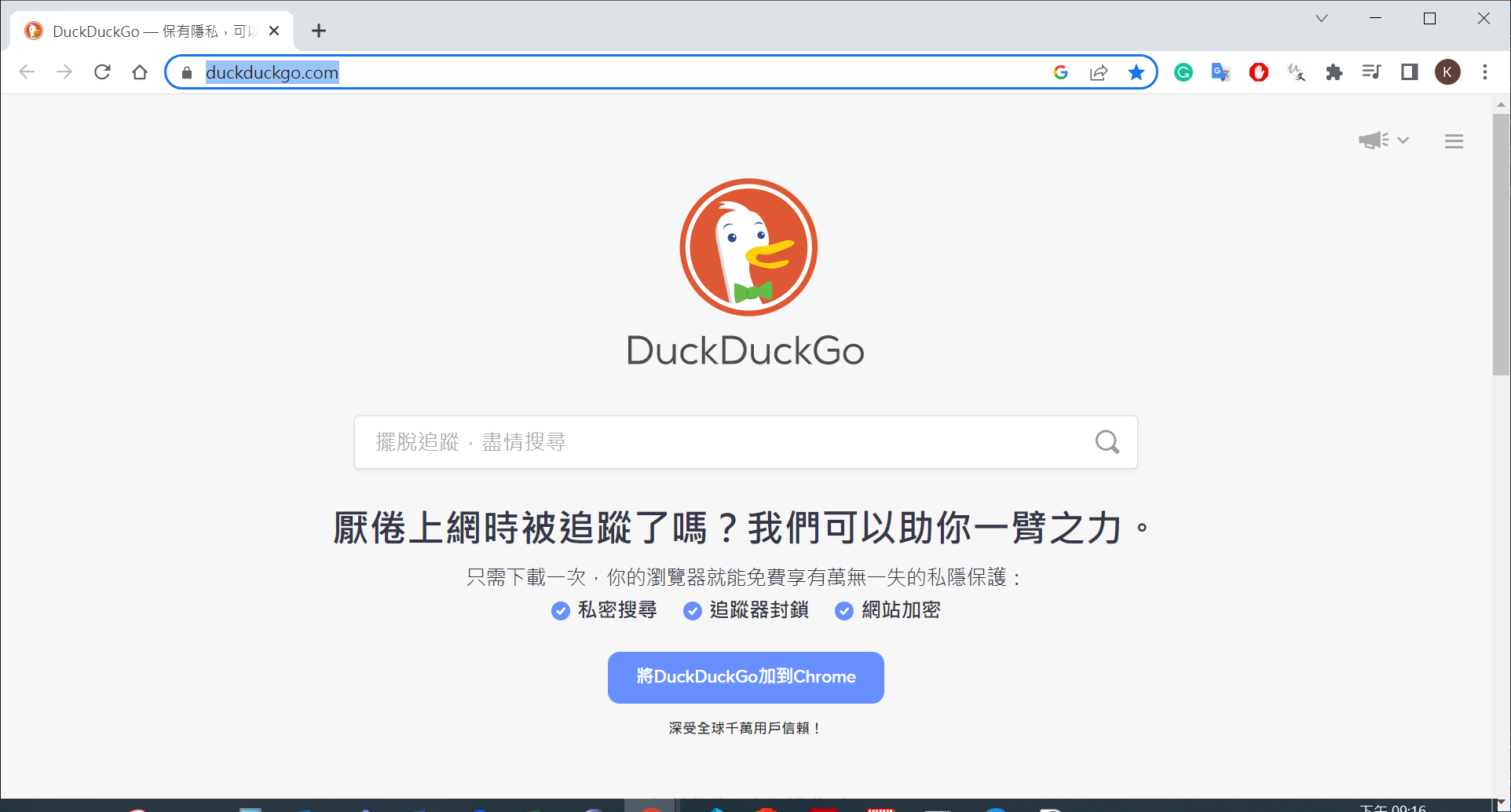
driver.get("https://duckduckgo.com")
run
1
2
3
4
5
6
(myenv10_scrapy) D:\work\run\python_crawler\107-selenium\selenium_basics>python basics.py
D:\work\run\python_crawler\107-selenium\selenium_basics\basics.py:3: DeprecationWarning: executable_path has been deprecated, please pass in a Service object
driver = webdriver.Chrome(executable_path="/app/ChromeDrive/chromedriver.exe")
DevTools listening on ws://127.0.0.1:58048/devtools/browser/b34c4e48-a418-445e-8446-c541a8db145d

(myenv10_scrapy) D:\work\run\python_crawler\107-selenium\selenium_basics>
executable_path by which or run current Chrome
basics.py
1
2
3
4
5
6
7
8
9
10
11
12
13
14
15
16
17
18
19
20
21
22
23
from selenium import webdriver
import time
from shutil import which


# 出現以下錯誤, 增加 options mask
# [15856:11828:1225/110356.222:ERROR:device_event_log_impl.cc(215)]
# [11:03:56.222] USB: usb_device_handle_win.cc:1045 Failed to read descriptor from node connection: 連結到系統的某個裝置失去作用。 (0x1F)
options = webdriver.ChromeOptions()
options.add_experimental_option('excludeSwitches', ['enable-logging'])

# use which find "chromedriver.exe"
# need copy "chromedriver.exe" to PATH directory : I copy to C:\Windows\System32
chrome_path = which("chromedriver.exe")
driver = webdriver.Chrome(executable_path=chrome_path,options=options)

# 直接使用 目前使用似乎可行
# driver = webdriver.Chrome(options=options)

driver.get("https://duckduckgo.com")

# 加上 slppe() 否則 browser 很快就關起來
time.sleep(10)
run
1
2
3
(myenv10_scrapy) D:\work\run\python_crawler\107-selenium\selenium_basics>python basics.py
D:\work\run\python_crawler\107-selenium\selenium_basics\basics.py:15: DeprecationWarning: executable_path has been deprecated, please pass in a Service object
driver = webdriver.Chrome(executable_path=chrome_path,options=options)
search “My User Agent”
basics.py
1
2
3
4
5
6
7
8
9
10
11
12
13
14
15
16
17
18
19
20
21
22
23
24
25
26
27
28
29
30
31
32
33
34
35
36
37
38
39
40
41
42
43
from selenium import webdriver
from selenium.webdriver.common.by import By
from selenium.webdriver.common.keys import Keys
import time
from shutil import which


# 出現以下錯誤, 增加 options mask
# [15856:11828:1225/110356.222:ERROR:device_event_log_impl.cc(215)]
# [11:03:56.222] USB: usb_device_handle_win.cc:1045 Failed to read descriptor from node connection: 連結到系統的某個裝置失去作用。 (0x1F)
options = webdriver.ChromeOptions()
options.add_experimental_option('excludeSwitches', ['enable-logging'])

# use which find "chromedriver.exe"
# need copy "chromedriver.exe" to PATH directory : I copy to C:\Windows\System32
chrome_path = which("chromedriver.exe")
driver = webdriver.Chrome(executable_path=chrome_path,options=options)

# 直接使用 目前使用似乎可行
# driver = webdriver.Chrome(options=options)

driver.get("https://duckduckgo.com")

search_input = driver.find_element(By.ID, "search_form_input_homepage")
search_input.send_keys("My User Agent")
# click button
# search_btn = driver.find_element(By.ID, "search_button_homepage")
# search_btn.click()

# press Enter
search_input.send_keys(Keys.ENTER)

# find_element(By.ID, "id")
# find_element(By.NAME, "name")
# find_element(By.XPATH, "xpath")
# find_element(By.LINK_TEXT, "link text")
# find_element(By.PARTIAL_LINK_TEXT, "partial link text")
# find_element(By.TAG_NAME, "tag name")
# find_element(By.CLASS_NAME, "class name")
# find_element(By.CSS_SELECTOR, "css selector")

# 加上 slppe() 否則 browser 很快就關起來
time.sleep(10)
no open browse, close driver and “webdriver.Chrome() change executable_path to service”
basics.py
1
2
3
4
5
6
7
8
9
10
11
12
13
14
15
16
17
18
19
20
21
22
23
24
25
26
27
28
29
30
31
32
33
34
35
36
37
38
39
40
41
42
43
44
from selenium import webdriver
from selenium.webdriver.common.by import By
from selenium.webdriver.common.keys import Keys
from selenium.webdriver.chrome.service import Service
from webdriver_manager.chrome import ChromeDriverManager


# 出現以下錯誤, 增加 options mask
# [15856:11828:1225/110356.222:ERROR:device_event_log_impl.cc(215)]
# [11:03:56.222] USB: usb_device_handle_win.cc:1045 Failed to read descriptor from node connection: 連結到系統的某個裝置失去作用。 (0x1F)
options = webdriver.ChromeOptions()
options.add_experimental_option('excludeSwitches', ['enable-logging'])
# add argument headless - no open browser
options.add_argument('--headless')

# change executable_path to service
driver = webdriver.Chrome(service=Service(ChromeDriverManager().install()), options=options)
driver.get("https://duckduckgo.com")

search_input = driver.find_element(By.ID, "search_form_input_homepage")
search_input.send_keys("My User Agent")
# click button
# search_btn = driver.find_element(By.ID, "search_button_homepage")
# search_btn.click()

# press Enter
search_input.send_keys(Keys.ENTER)

# find_element(By.ID, "id")
# find_element(By.NAME, "name")
# find_element(By.XPATH, "xpath")
# find_element(By.LINK_TEXT, "link text")
# find_element(By.PARTIAL_LINK_TEXT, "partial link text")
# find_element(By.TAG_NAME, "tag name")
# find_element(By.CLASS_NAME, "class name")
# find_element(By.CSS_SELECTOR, "css selector")

print("======================================")
print(driver.page_source)
print("======================================")

# need close
driver.close()
run
1
2
3
4
(myenv10_scrapy) D:\work\run\python_crawler\107-selenium\selenium_basics>python basics.py
======================================
......
======================================

selenium run by scrapy

livecoin
coin_selenium.py
1
2
3
4
5
6
7
8
9
10
11
12
13
14
15
16
17
18
19
20
21
22
23
24
25
26
27
28
29
30
31
32
33
34
35
36
37
38
39
40
41
42
43
44
45
46
47
48
49
50
51
52
53
54
55
56
57
58
59
import scrapy
from scrapy.selector import Selector
from selenium import webdriver
from selenium.webdriver.common.by import By
from selenium.webdriver.chrome.service import Service
from webdriver_manager.chrome import ChromeDriverManager
import time


class CoinSpiderSeleniunm(scrapy.Spider):
name = 'coin_selenium'
allowed_domains = ['web.archive.org']
start_urls = ['https://web.archive.org/web/20200116052415/https://www.livecoin.net/en']

def __init__(self):
options = webdriver.ChromeOptions()
options.add_experimental_option('excludeSwitches', ['enable-logging'])
# add argument headless - no open browser
options.add_argument('--headless')

# change executable_path to service
driver = webdriver.Chrome(service=Service(ChromeDriverManager().install()), options=options)
# set windows size(width, height)
driver.set_window_size(1920, 1080)
driver.get("https://web.archive.org/web/20200116052415/https://www.livecoin.net/en")

print("=======================")
# get by class then click - not ok
# rur_tab_class = driver.find_element(By.CLASS_NAME, "filterPanelItem___2z5Gb ")
# rur_tab_class[4].click()

# get by xpath then click - ok
rur_tab = driver.find_element(By.XPATH,"//div[@class='filterPanelItem___2z5Gb '][4]")

# add deleay, then click ok
time.sleep(5)

# print("=======================")
# print(rur_tab)
# print(rur_tab.text)
print("=======================")
# get by xpath then click - ok
rur_tab.click()
print("=======================")

# time.sleep(200)

self.html = driver.page_source
driver.close()

def parse(self, response):
resp = Selector(text=self.html)

# print(resp)
for currency in resp.xpath("//div[contains(@class,'ReactVirtualized__Table__row tableRow___3EtiS ')]"):
yield {
'currency pair': currency.xpath(".//div[1]/div/text()").get(),
'volume(24h)': currency.xpath(".//div[2]/span/text()").get()
}
run
1
2
3
4
5
6
7
8
9
10
11
12
13
14
15
16
17
18
19
20
21
22
23
24
25
26
27
28
29
(myenv10_scrapy) D:\work\run\python_crawler\106-scrapy-splash\livecoin>scrapy crawl coin_selenium -o coin_selenium.json
......
{'downloader/request_bytes': 979,
'downloader/request_count': 3,
'downloader/request_method_count/GET': 3,
'downloader/response_bytes': 98326,
'downloader/response_count': 3,
'downloader/response_status_count/200': 1,
'downloader/response_status_count/302': 1,
'downloader/response_status_count/404': 1,
'elapsed_time_seconds': 1.858024,
'finish_reason': 'finished',
'finish_time': datetime.datetime(2022, 12, 26, 2, 43, 6, 510084),
'httpcompression/response_bytes': 417920,
'httpcompression/response_count': 1,
# item_scraped_count
'item_scraped_count': 28,
'log_count/DEBUG': 66,
'log_count/INFO': 13,
'response_received_count': 2,
'robotstxt/request_count': 1,
'robotstxt/response_count': 1,
'robotstxt/response_status_count/404': 1,
'scheduler/dequeued': 2,
'scheduler/dequeued/memory': 2,
'scheduler/enqueued': 2,
'scheduler/enqueued/memory': 2,
'start_time': datetime.datetime(2022, 12, 26, 2, 43, 4, 652060)}
2022-12-26 10:43:06 [scrapy.core.engine] INFO: Spider closed (finished)
json
1
2
3
4
5
6
7
8
9
10
11
12
13
14
15
16
17
18
19
[
{
"currency pair": "BTC/RUR",
"volume(24h)": "11 664 872.72 RUR"
},
{
"currency pair": "ETH/RUR",
"volume(24h)": "1 520 135.17 RUR"
},
......
{
"currency pair": "MNC/RUR",
"volume(24h)": "0.00 RUR"
},
{
"currency pair": "LKE/RUR",
"volume(24h)": "0.00 RUR"
}
]

scrapy_selenium

basic
create project and spider
1
2
3
4
5
6
7
8
9
10
11
(myenv10_scrapy) D:\work\run\python_crawler\107-selenium>scrapy startproject silkdeals
New Scrapy project 'silkdeals', using template directory 'D:\app\python_env\myenv10_scrapy\lib\site-packages\scrapy\templates\project', created in:
D:\work\run\python_crawler\107-selenium\silkdeals
You can start your first spider with:
cd silkdeals
scrapy genspider example example.com

(myenv10_scrapy) D:\work\run\python_crawler\107-selenium>cd silkdeals
(myenv10_scrapy) D:\work\run\python_crawler\107-selenium\silkdeals>scrapy genspider example example.com
Created spider 'example' using template 'basic' in module:
silkdeals.spiders.example
change settings.py
1
2
3
4
5
6
7
8
9
10
11
12
13
14
15
# Enable or disable downloader middlewares
# See https://docs.scrapy.org/en/latest/topics/downloader-middleware.html
#DOWNLOADER_MIDDLEWARES = {
# 'silkdeals.middlewares.SilkdealsDownloaderMiddleware': 543,
#}
DOWNLOADER_MIDDLEWARES = {
'scrapy_selenium.SeleniumMiddleware': 800
}

# selenium
from shutil import which

SELENIUM_DRIVER_NAME = 'chrome'
SELENIUM_DRIVER_EXECUTABLE_PATH = which('chromedriver')
SELENIUM_DRIVER_ARGUMENTS=['-headless'] # '--headless' if using chrome instead of firefox
example.py
1
2
3
4
5
6
7
8
9
10
11
12
13
14
15
16
17
18
19
import scrapy
from scrapy_selenium import SeleniumRequest

class ExampleSpider(scrapy.Spider):
name = 'example'

def start_requests(self):
yield SeleniumRequest(
url='https://duckduckgo.com',
wait_time=3,
screenshot=True,
callback=self.parse
)

def parse(self, response):
img = response.request.meta['screenshot']

with open('screenshot.png', 'wb') as f:
f.write(img)
run
1
(myenv10_scrapy) D:\work\run\python_crawler\107-selenium\silkdeals>scrapy crawl example
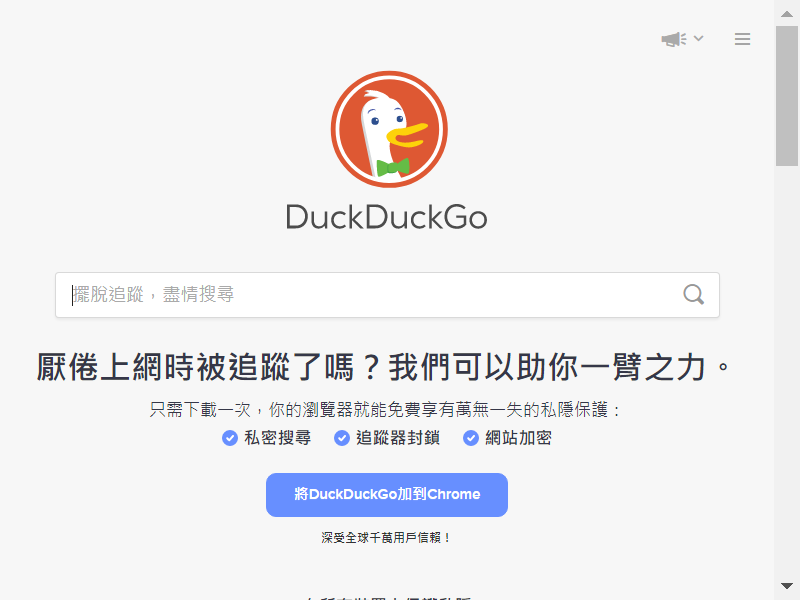
check output screenshot.png
search “Hello World”
example.py
1
2
3
4
5
6
7
8
9
10
11
12
13
14
15
16
17
18
19
20
21
22
23
24
25
26
27
28
29
30
31
32
33
34
35
36
37
38
39
40
41
42
import scrapy
from scrapy.selector import Selector
from scrapy_selenium import SeleniumRequest
from selenium.webdriver.common.by import By
from selenium.webdriver.common.keys import Keys

class ExampleSpider(scrapy.Spider):
name = 'example'

def start_requests(self):
yield SeleniumRequest(
url='https://duckduckgo.com',
wait_time=3,
screenshot=True,
callback=self.parse
)

def parse(self, response):
# img = response.request.meta['screenshot']

# with open('screenshot.png', 'wb') as f:
# f.write(img)

driver = response.meta['driver']
search_input = driver.find_element(By.XPATH, "//input[@id='search_form_input_homepage']")
search_input.send_keys('Hello World')
# screenshot after send "Hello World"
# driver.save_screenshot('after_filling_input.png')

search_input.send_keys(Keys.ENTER)
# screenshot after press Enter
# driver.save_screenshot('enter.png')

html = driver.page_source
response_obj = Selector(text=html)

links = response_obj.xpath("//h2[@class='LnpumSThxEWMIsDdAT17 CXMyPcQ6nDv47DKFeywM']")
for link in links:
yield {
'URL' : link.xpath(".//a/@href").get(),
'Title' : link.xpath(".//span/text()").get()
}
run
1
2
3
4
5
6
7
8
9
10
11
12
13
14
15
16
17
18
19
20
21
22
23
24
25
26
27
28
29
30
31
32
33
(myenv10_scrapy) D:\work\run\python_crawler\107-selenium\silkdeals>scrapy crawl example
......
2022-12-26 16:34:29 [scrapy.core.scraper] DEBUG: Scraped from <200 https://duckduckgo.com/>
{'URL': 'https://learn.microsoft.com/en-us/shows/hello-world/', 'Title': 'Hello World | Microsoft Learn'}
2022-12-26 16:34:29 [scrapy.core.scraper] DEBUG: Scraped from <200 https://duckduckgo.com/>
{'URL': 'https://learn.microsoft.com/en-us/dotnet/csharp/tour-of-csharp/tutorials/hello-world', 'Title': 'Hello World - Introduction to C# interactive C# tutorial'}
2022-12-26 16:34:29 [scrapy.core.scraper] DEBUG: Scraped from <200 https://duckduckgo.com/>
{'URL': 'https://en.wikipedia.org/wiki/Hello_World_(film)', 'Title': 'Hello World (film) - Wikipedia'}
......
{'downloader/request_bytes': 224,
'downloader/request_count': 1,
'downloader/request_method_count/GET': 1,
'downloader/response_bytes': 24379,
'downloader/response_count': 2,
'downloader/response_status_count/200': 2,
'elapsed_time_seconds': 5.245749,
'finish_reason': 'finished',
'finish_time': datetime.datetime(2022, 12, 26, 8, 34, 29, 59814),
'httpcompression/response_bytes': 321,
'httpcompression/response_count': 1,
# item_scraped_count
'item_scraped_count': 10,
'log_count/DEBUG': 57,
'log_count/INFO': 10,
'response_received_count': 2,
'robotstxt/request_count': 1,
'robotstxt/response_count': 1,
'robotstxt/response_status_count/200': 1,
'scheduler/dequeued': 1,
'scheduler/dequeued/memory': 1,
'scheduler/enqueued': 1,
'scheduler/enqueued/memory': 1,
'start_time': datetime.datetime(2022, 12, 26, 8, 34, 23, 814065)}

Ref