Python Splash 說明

說明

Browser Engine

  • V8 Engine : Chrome
  • Spider Monkey : Firefox
  • Apple WebKit : Safari
  • Chakra : Microsoft Edge, Splash

Install Splash(Windows)

insall WSL2(power shell)

  • install WLS

    1
    2
    3
    4
    5
    6
    7
    8
    9
    10
    11
    12
    13
    14
    15
    16
    17
    18
    19
    20
    21
    22
    23
    24
    25
    26
    27
    28
    29
    30
    31
    PS C:\Users\robertkao> wsl --list --online
    以下是可安裝之有效發佈的清單。
    使用 'wsl --install -d <Distro>' 安裝。

    NAME FRIENDLY NAME
    Ubuntu Ubuntu
    Debian Debian GNU/Linux
    kali-linux Kali Linux Rolling
    SLES-12 SUSE Linux Enterprise Server v12
    SLES-15 SUSE Linux Enterprise Server v15
    Ubuntu-18.04 Ubuntu 18.04 LTS
    Ubuntu-20.04 Ubuntu 20.04 LTS
    OracleLinux_8_5 Oracle Linux 8.5
    OracleLinux_7_9 Oracle Linux 7.9

    # inslatll WLS
    PS C:\Users\robertkao> wsl --install -d Ubuntu-20.04
    正在安裝:Ubuntu 20.04 LTS
    已完成安裝 Ubuntu 20.04 LTS。
    正在啟動 Ubuntu 20.04 LTS...

    #check version
    PS C:\Users\robertkao> wsl -l -v
    NAME STATE VERSION
    * Ubuntu-20.04 Stopped 1

    # set WLS 2
    PS C:\Users\robertkao> wsl --set-version Ubuntu-20.04 2
    正在進行轉換,這可能需要幾分鐘的時間...
    有關 WSL 2 的主要差異詳細資訊,請瀏覽 https://aka.ms/wsl2
    WSL 2 需要更新其核心元件。如需詳細資訊,請造訪 visit https://aka.ms/wsl2kernel
  • Download the Linux kernel update package for WLS2
    https://wslstorestorage.blob.core.windows.net/wslblob/wsl_update_x64.msi

  • change to WLS 2

    1
    2
    3
    4
    5
    6
    7
    8
    9
    10
    11
    PS C:\Users\robertkao> wsl --set-version Ubuntu-20.04  2
    正在進行轉換,這可能需要幾分鐘的時間...
    有關 WSL 2 的主要差異詳細資訊,請瀏覽 https://aka.ms/wsl2
    轉換完成。

    PS C:\Users\robertkao> wsl -l -v NAME STATE VERSION
    * Ubuntu-20.04 Stopped 2

    # also support command set deafult WLS and version
    # wsl --set-default-version 2
    # wsl --set-default Ubuntu-20.04

Install Docker Desktop

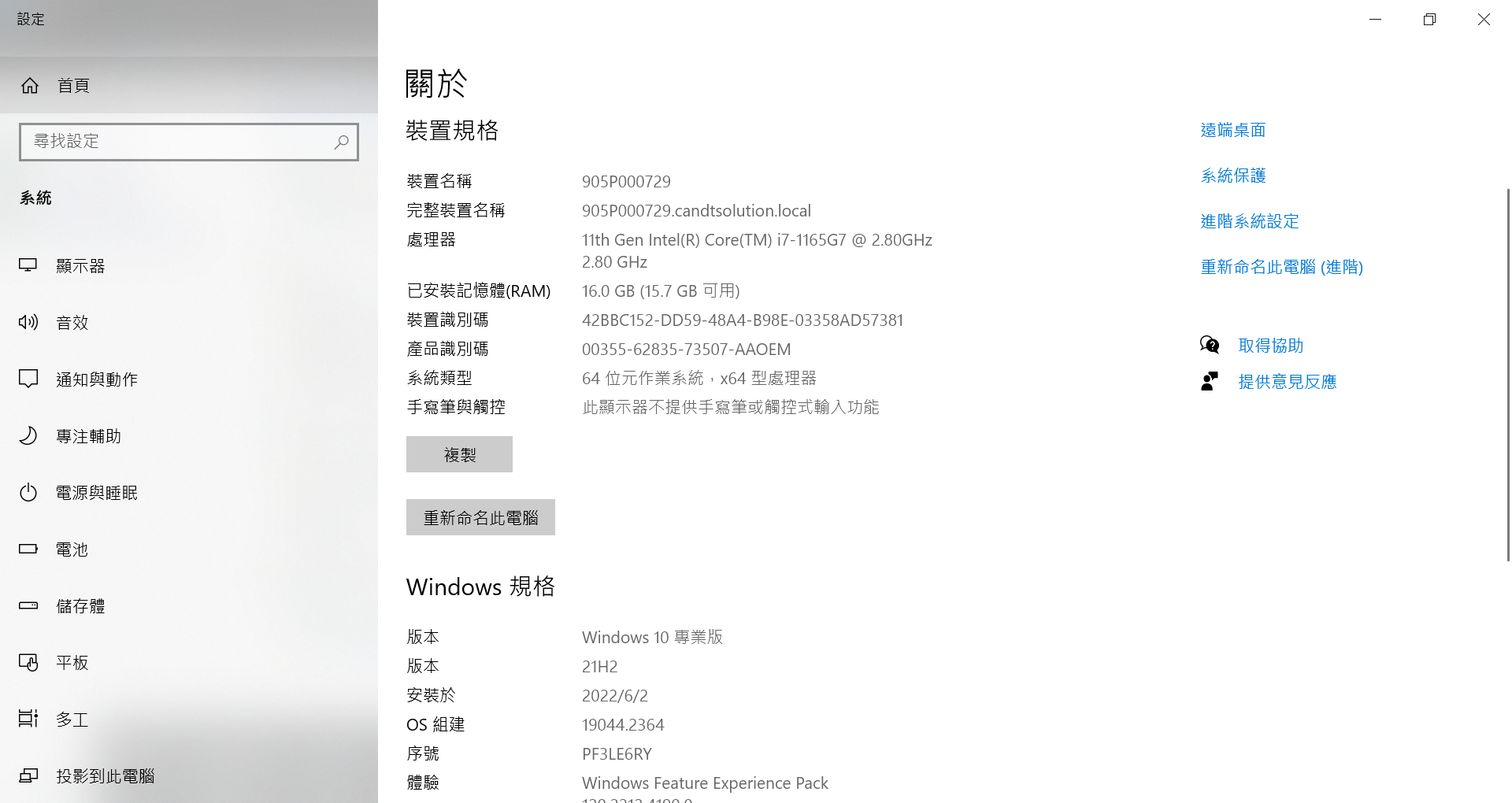
  • check windows version

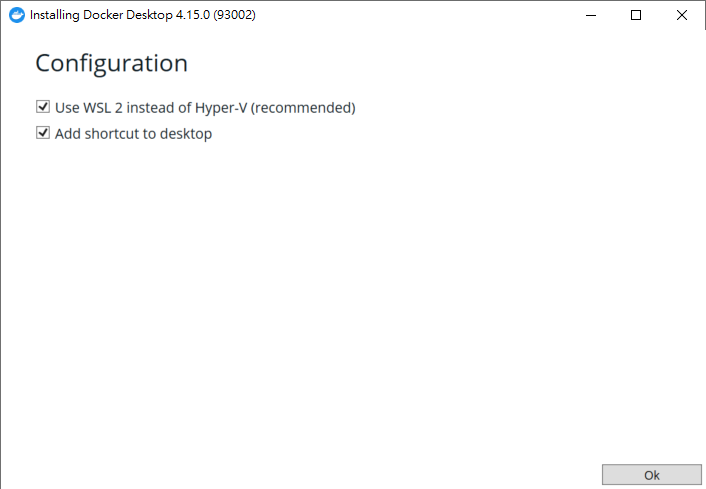
  • install picture

Create Docker Hub account then login

Inspall Splash(cmd)

1
2
3
4
5
6
7
8
9
10
11
12
C:\Users\robertkao>docker pull scrapinghub/splash
Microsoft Windows [版本 10.0.19044.2364]
(c) Microsoft Corporation. 著作權所有,並保留一切權利。
7595c8c21622: Pull complete
d13af8ca898f: Pull complete
......
6ae21b55ecfd: Pull complete
8ef8d76a1942: Pull complete
Digest: sha256:b4173a88a9d11c424a4df4c8a41ce67ff6a6a3205bd093808966c12e0b06dacf
Status: Downloaded newer image for scrapinghub/splash:latest
docker.io/scrapinghub/splash:latest
8ef8d76a1942: Pulling fs layer

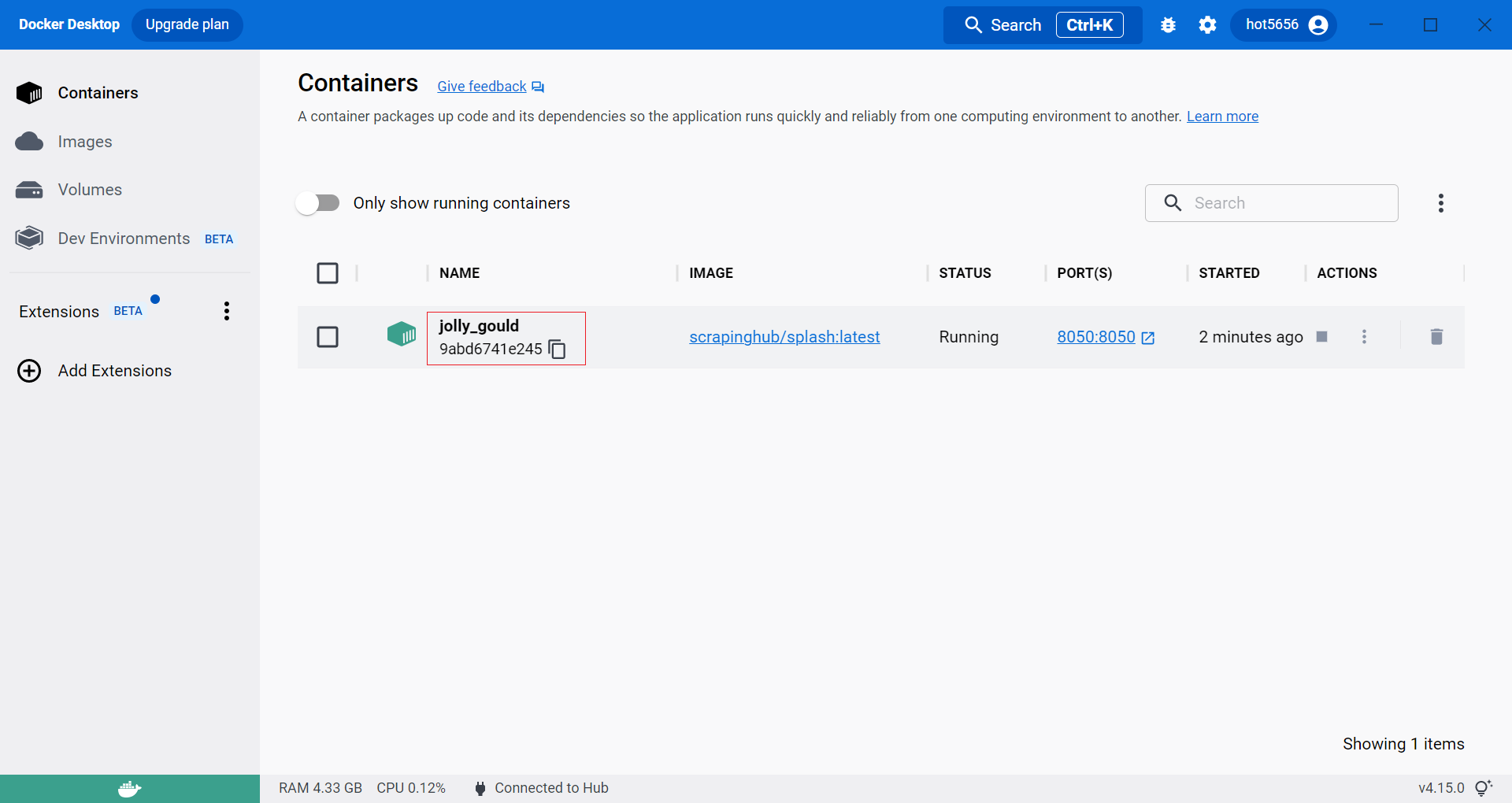
run splash(cmd) - default timeout 90s

1
2
3
4
5
6
7
8
9
10
11
12
13
14
15
16
C:\Users\robertkao>docker run -it -p 8050:8050 scrapinghub/splash
2022-12-22 07:19:18+0000 [-] Log opened.
2022-12-22 07:19:18.115553 [-] Xvfb is started: ['Xvfb', ':521360586', '-screen', '0', '1024x768x24', '-nolisten', 'tcp']
QStandardPaths: XDG_RUNTIME_DIR not set, defaulting to '/tmp/runtime-splash'
2022-12-22 07:19:18.178196 [-] Splash version: 3.5
2022-12-22 07:19:18.210714 [-] Qt 5.14.1, PyQt 5.14.2, WebKit 602.1, Chromium 77.0.3865.129, sip 4.19.22, Twisted 19.7.0, Lua 5.2
2022-12-22 07:19:18.210912 [-] Python 3.6.9 (default, Jul 17 2020, 12:50:27) [GCC 8.4.0]
2022-12-22 07:19:18.211018 [-] Open files limit: 1048576
2022-12-22 07:19:18.211083 [-] Can't bump open files limit
2022-12-22 07:19:18.228274 [-] proxy profiles support is enabled, proxy profiles path: /etc/splash/proxy-profiles
2022-12-22 07:19:18.228489 [-] memory cache: enabled, private mode: enabled, js cross-domain access: disabled
2022-12-22 07:19:18.353906 [-] verbosity=1, slots=20, argument_cache_max_entries=500, max-timeout=90.0
2022-12-22 07:19:18.354131 [-] Web UI: enabled, Lua: enabled (sandbox: enabled), Webkit: enabled, Chromium: enabled
2022-12-22 07:19:18.354491 [-] Site starting on 8050
2022-12-22 07:19:18.354579 [-] Starting factory <twisted.web.server.Site object at 0x7fa4041ee5c0>
2022-12-22 07:19:18.354902 [-] Server listening on http://0.0.0.0:8050

run splash(cmd) - set timeout to 3600s

1
2
3
4
5
6
7
8
9
10
11
12
13
14
15
16
C:\Users\robertkao>docker run -it -p 8050:8050 scrapinghub/splash --max-timeout 3600
2023-01-06 02:35:38+0000 [-] Log opened.
2023-01-06 02:35:38.524319 [-] Xvfb is started: ['Xvfb', ':870545562', '-screen', '0', '1024x768x24', '-nolisten', 'tcp']
QStandardPaths: XDG_RUNTIME_DIR not set, defaulting to '/tmp/runtime-splash'
2023-01-06 02:35:38.610007 [-] Splash version: 3.5
2023-01-06 02:35:38.645337 [-] Qt 5.14.1, PyQt 5.14.2, WebKit 602.1, Chromium 77.0.3865.129, sip 4.19.22, Twisted 19.7.0, Lua 5.2
2023-01-06 02:35:38.645542 [-] Python 3.6.9 (default, Jul 17 2020, 12:50:27) [GCC 8.4.0]
2023-01-06 02:35:38.645685 [-] Open files limit: 1048576
2023-01-06 02:35:38.645762 [-] Can't bump open files limit
2023-01-06 02:35:38.665818 [-] proxy profiles support is enabled, proxy profiles path: /etc/splash/proxy-profiles
2023-01-06 02:35:38.666088 [-] memory cache: enabled, private mode: enabled, js cross-domain access: disabled
2023-01-06 02:35:38.813553 [-] verbosity=1, slots=20, argument_cache_max_entries=500, max-timeout=3600.0
2023-01-06 02:35:38.813828 [-] Web UI: enabled, Lua: enabled (sandbox: enabled), Webkit: enabled, Chromium: enabled
2023-01-06 02:35:38.814301 [-] Site starting on 8050
2023-01-06 02:35:38.814452 [-] Starting factory <twisted.web.server.Site object at 0x7fd3d806e5f8>
2023-01-06 02:35:38.815222 [-] Server listening on http://0.0.0.0:8050

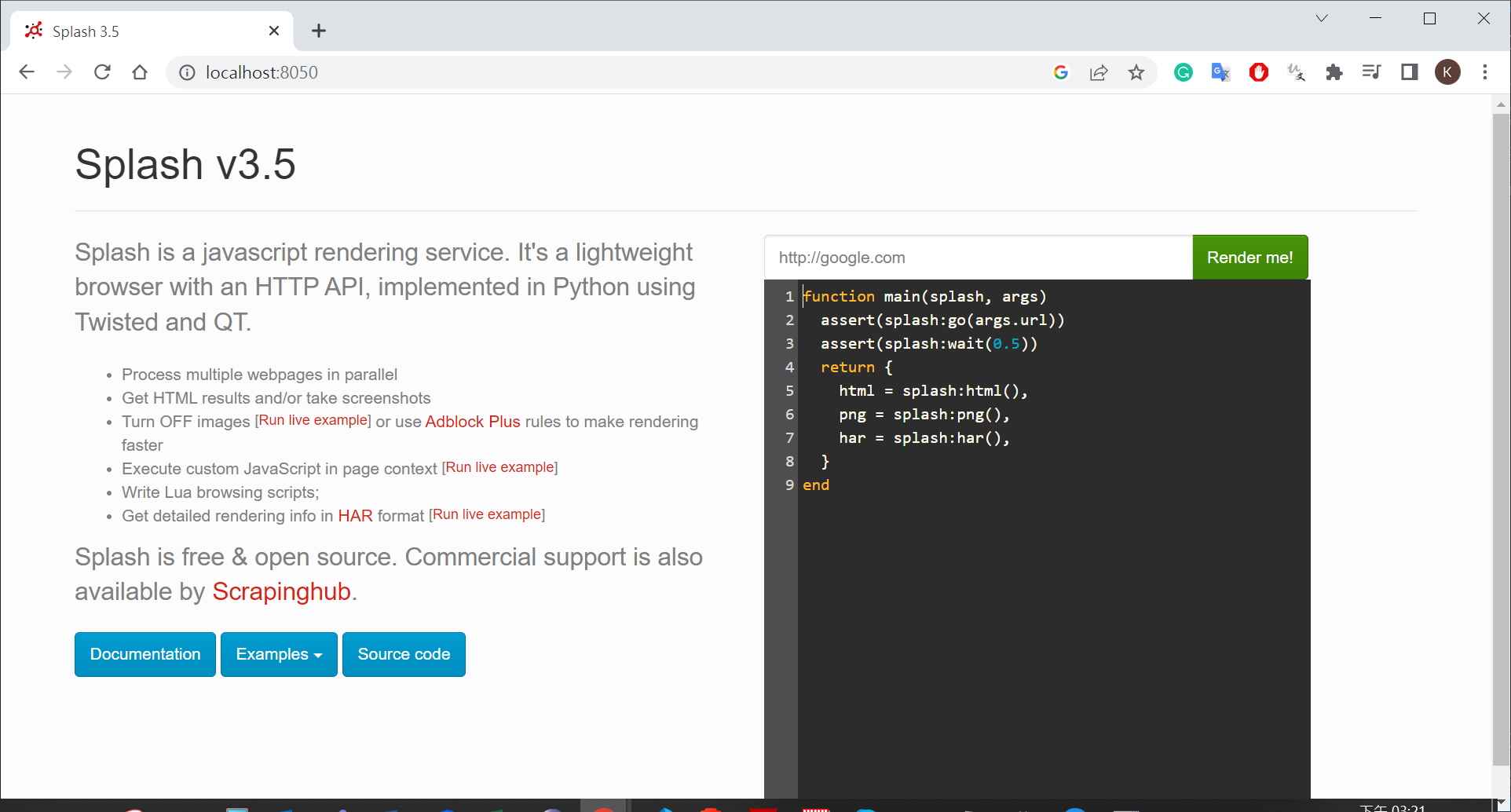
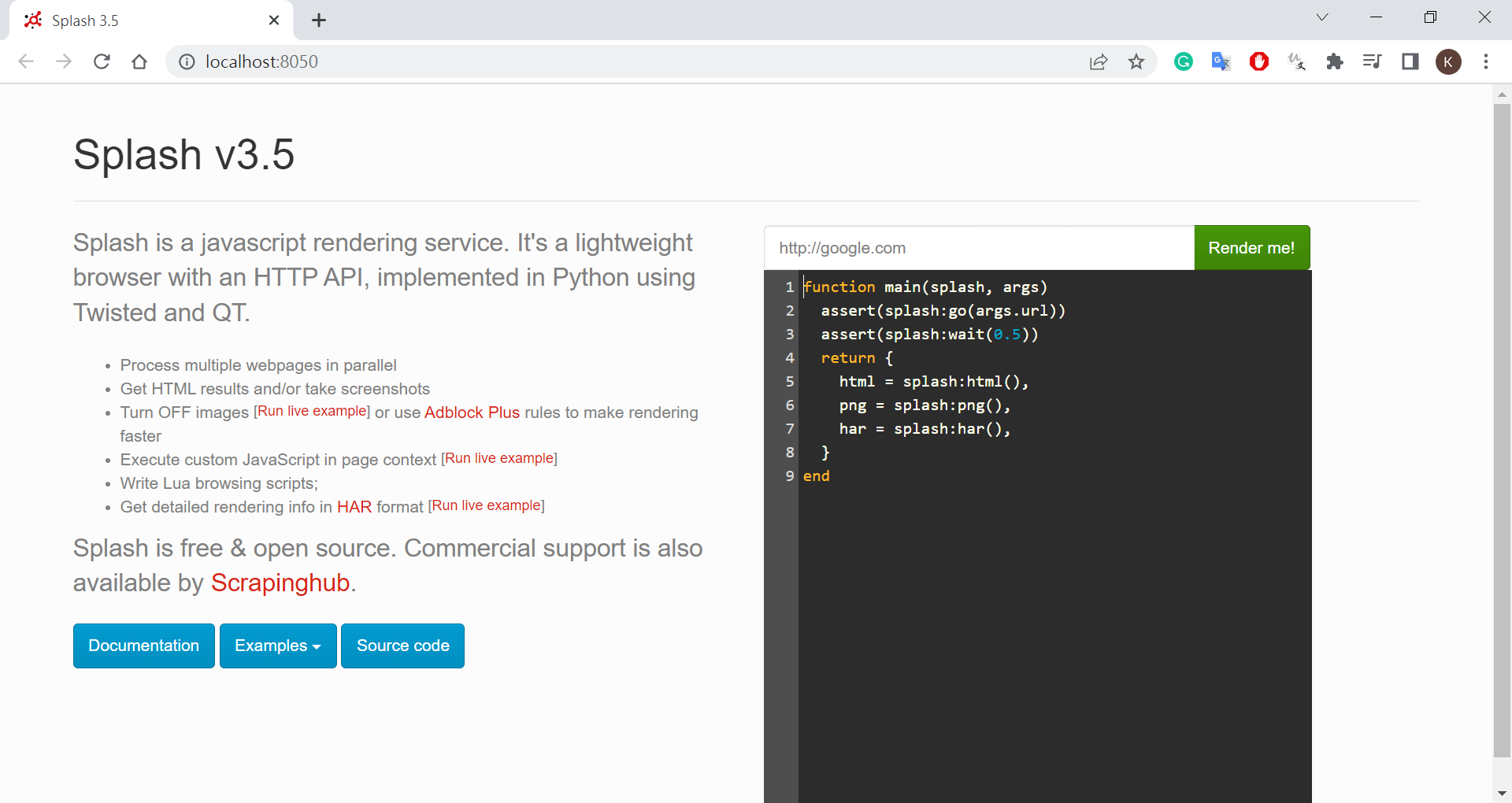
open Splash by chrome

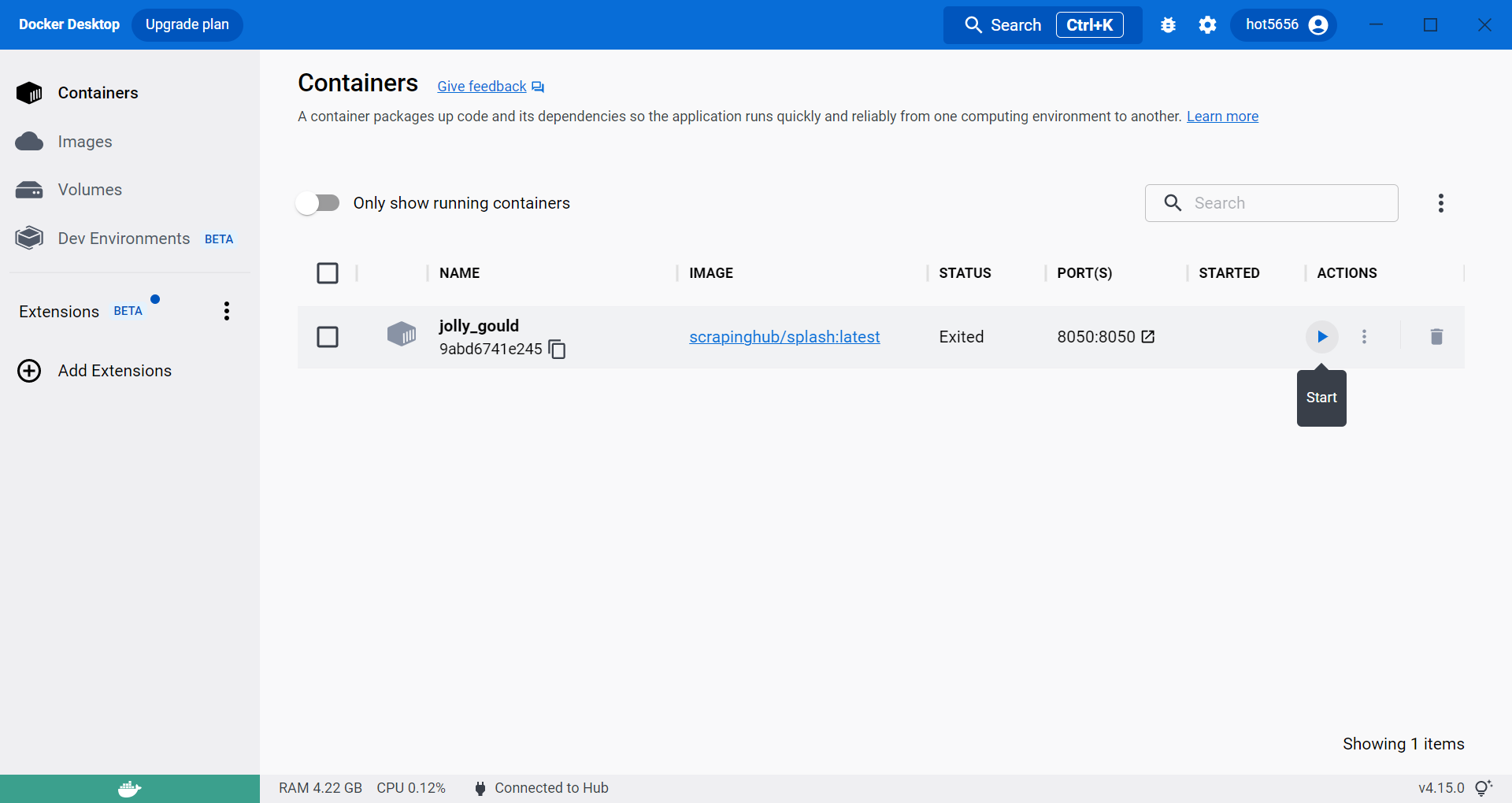
2nd time run splash

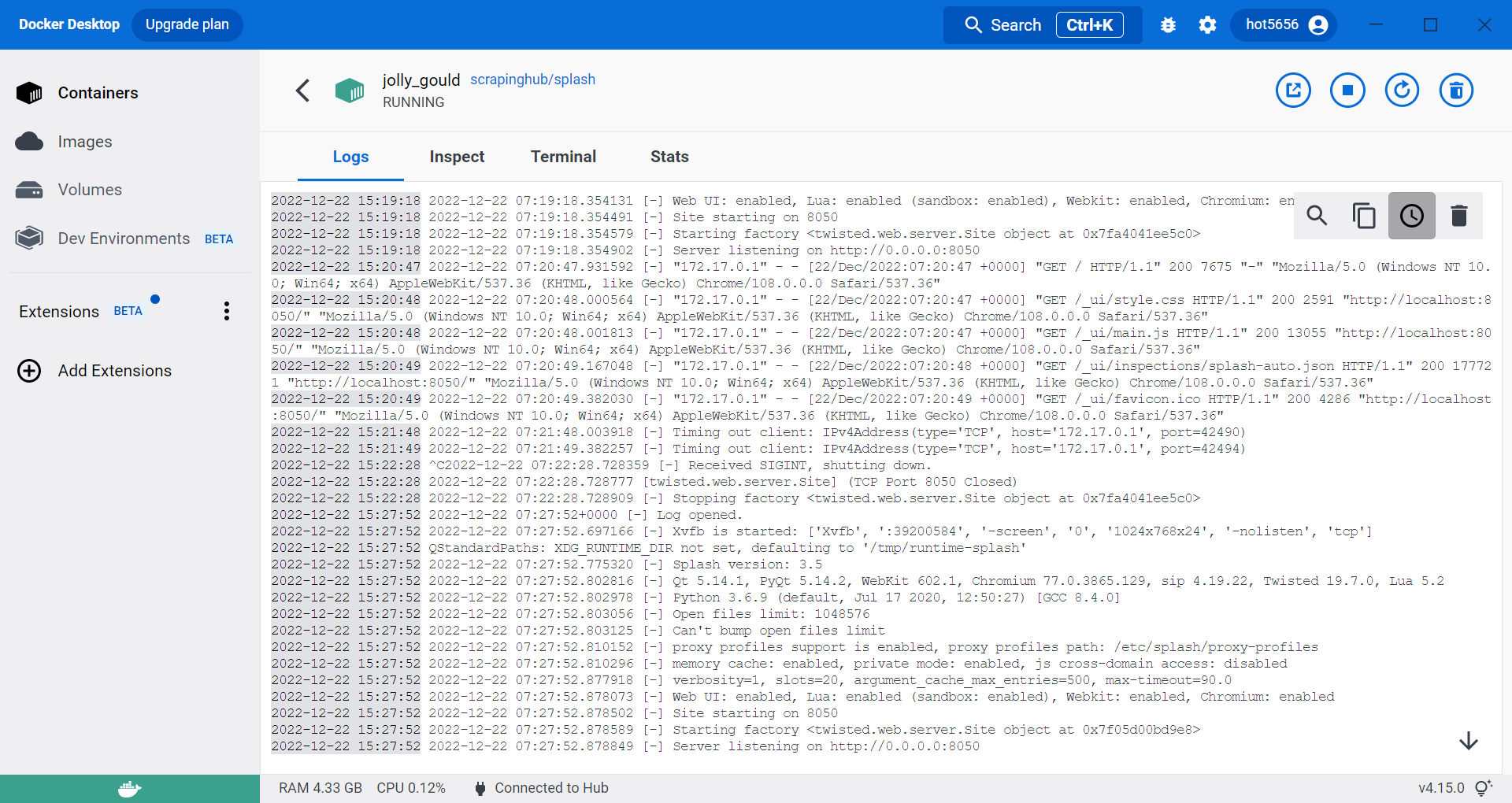
open log

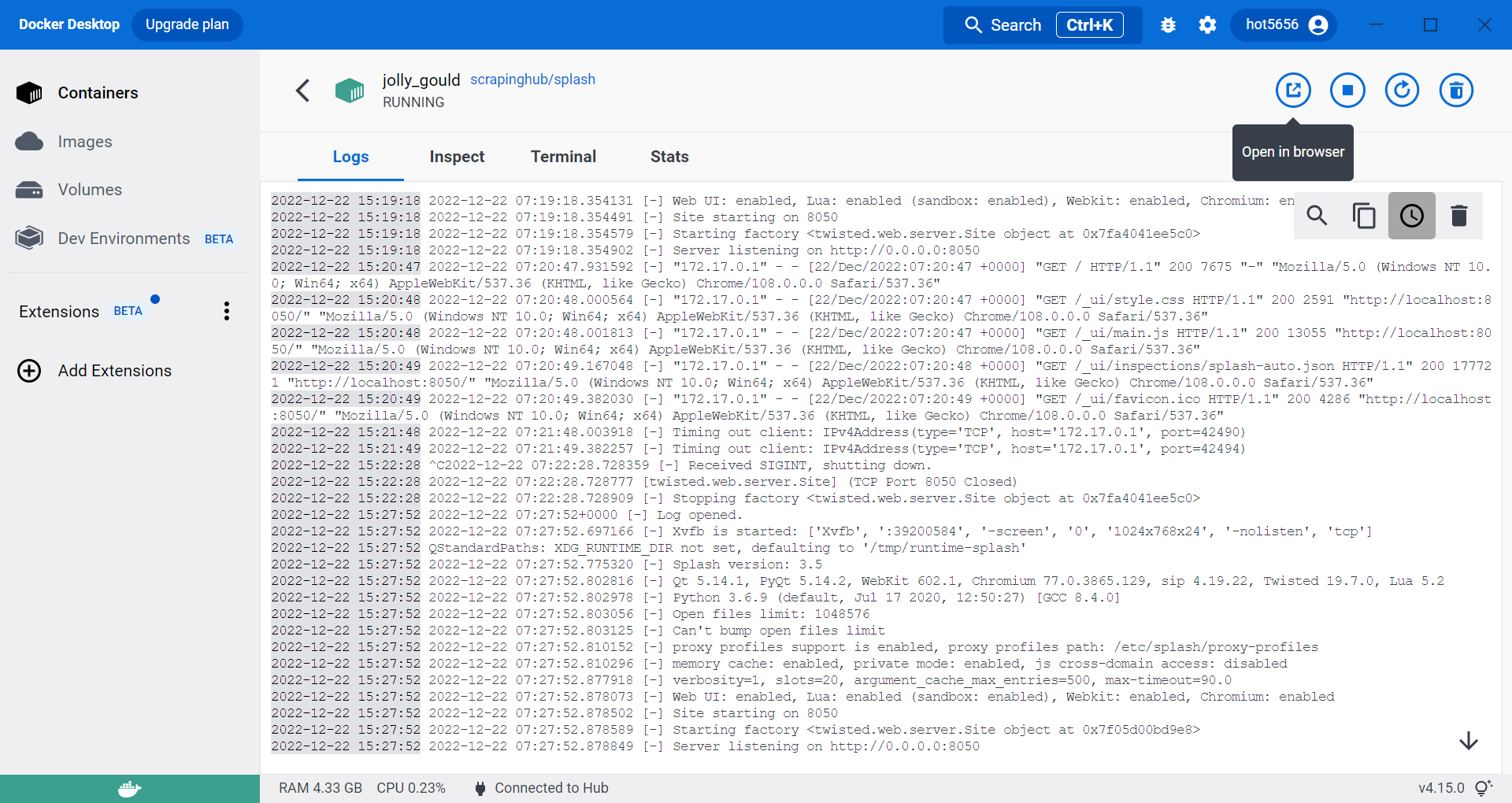
open Splash by browser

Command

create project and spider

1
2
3
4
5
6
7
8
9
10
11
(myenv10_scrapy) D:\work\run\python_crawler\106-scrapy-splash>scrapy startproject livecoin
New Scrapy project 'livecoin', using template directory 'D:\app\python_env\myenv10_scrapy\lib\site-packages\scrapy\templates\project', created in:
D:\work\run\python_crawler\106-scrapy-splash\livecoin
You can start your first spider with:
cd livecoin
scrapy genspider example example.com

(myenv10_scrapy) D:\work\run\python_crawler\106-scrapy-splash>cd livecoin
(myenv10_scrapy) D:\work\run\python_crawler\106-scrapy-splash\livecoin>scrapy genspider coin web.archive.org/web/20200116052415/https://www.livecoin.net/en/
Created spider 'coin' using template 'basic' in module:
livecoin.spiders.coin

install scrapy-splash

1
pip install scrapy-splash

run

1
scrapy crawl quote_list -o quotes_all.json

settings.py

basic setting

1
2
3
4
5
6
7
8
9
10
11
12
13
14
15
16
17
18
19
20
21
22
23
24
# put lastest
SPLASH_URL = 'http://localhost:8050'

# Enable or disable downloader middlewares
# See https://docs.scrapy.org/en/latest/topics/downloader-middleware.html
#DOWNLOADER_MIDDLEWARES = {
# 'livecoin.middlewares.LivecoinDownloaderMiddleware': 543,
#}
DOWNLOADER_MIDDLEWARES = {
'scrapy_splash.SplashCookiesMiddleware': 723,
'scrapy_splash.SplashMiddleware': 725,
'scrapy.downloadermiddlewares.httpcompression.HttpCompressionMiddleware': 810,
}

# Enable or disable spider middlewares
# See https://docs.scrapy.org/en/latest/topics/spider-middleware.html
#SPIDER_MIDDLEWARES = {
# 'livecoin.middlewares.LivecoinSpiderMiddleware': 543,
#}
SPIDER_MIDDLEWARES = {
'scrapy_splash.SplashDeduplicateArgsMiddleware': 100,
}

DUPEFILTER_CLASS = 'scrapy_splash.SplashAwareDupeFilter'

set JSON utf-8 format

1
2
# set JSON utf-8 format
FEED_EXPORT_ENCODING = 'utf-8'

Coding(browser)

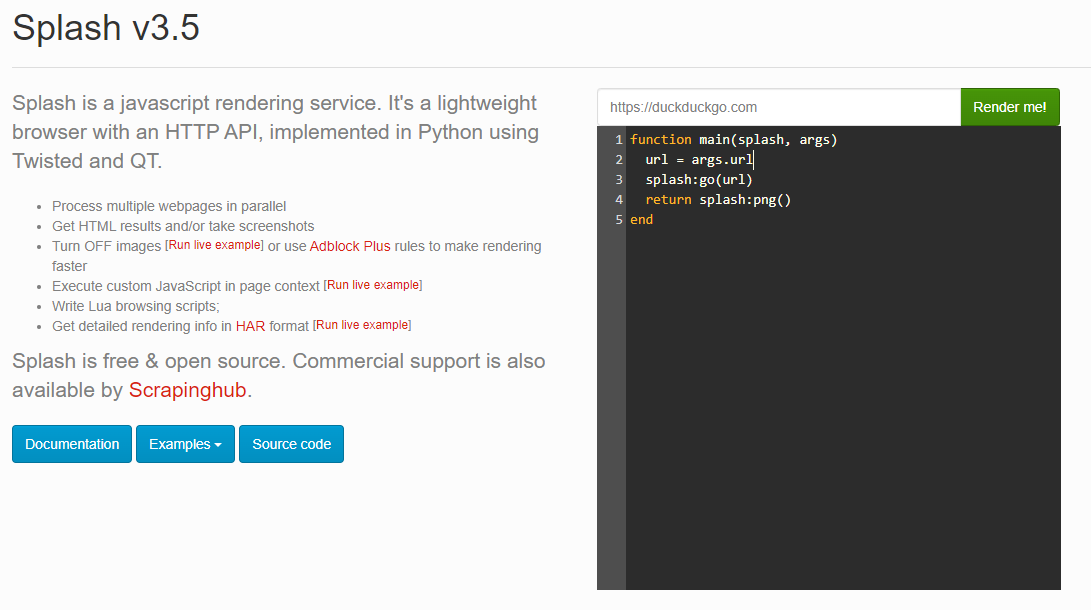
Introduction

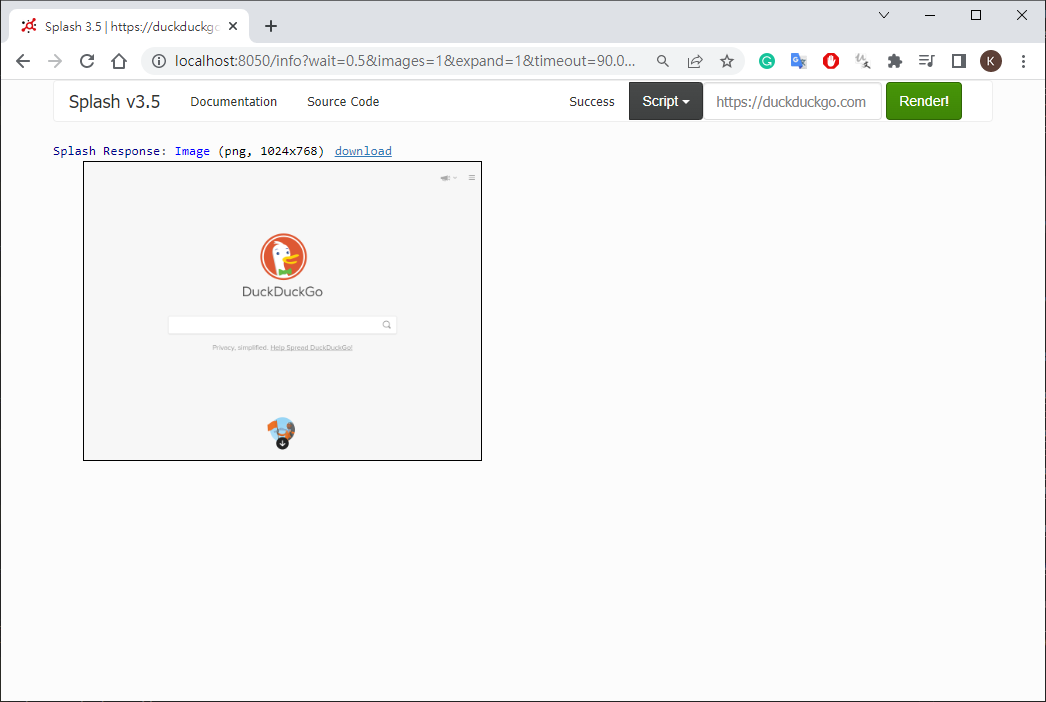
1st run
1
2
3
4
5
6
# https://duckduckgo.com
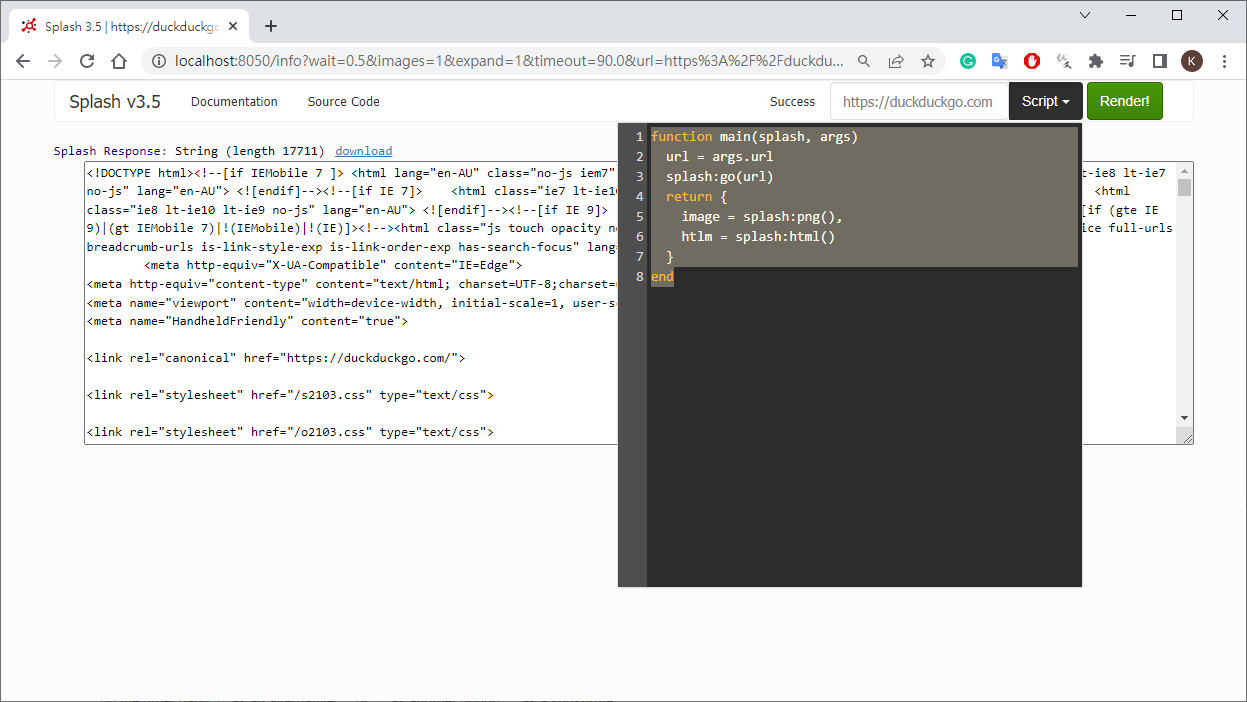
function main(splash, args)
url = args.url
splash:go(url)
return splash:png()
end
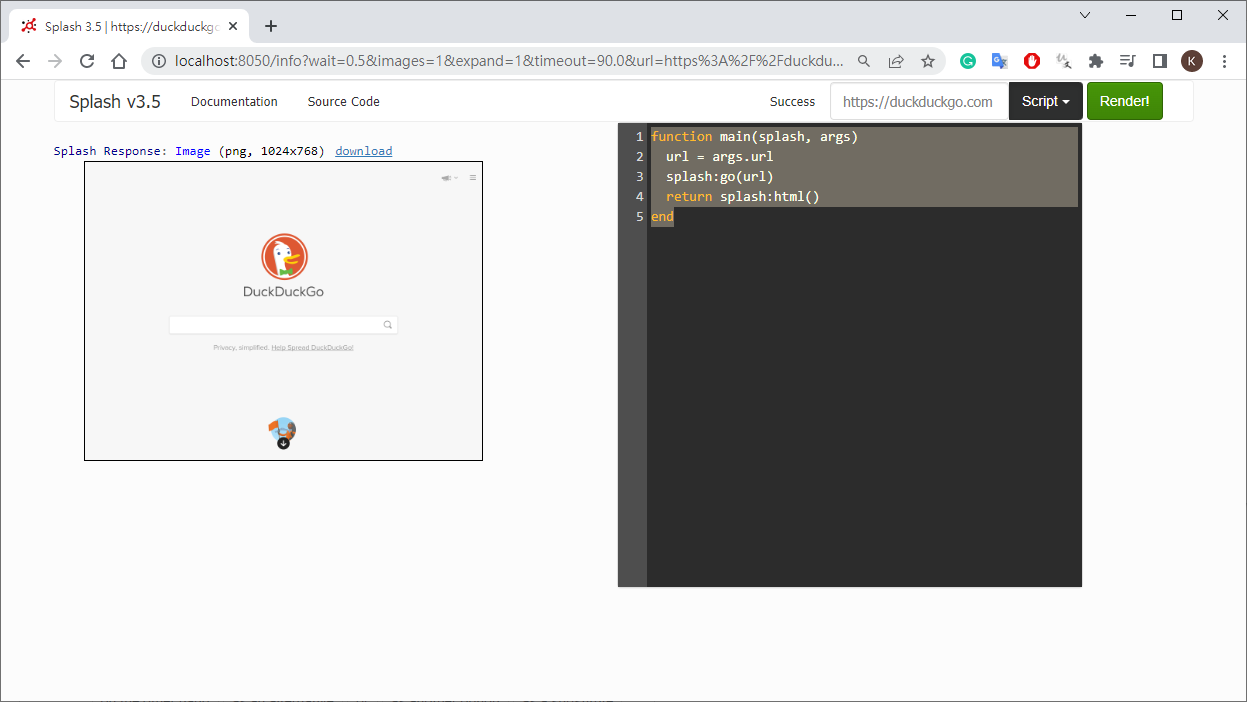
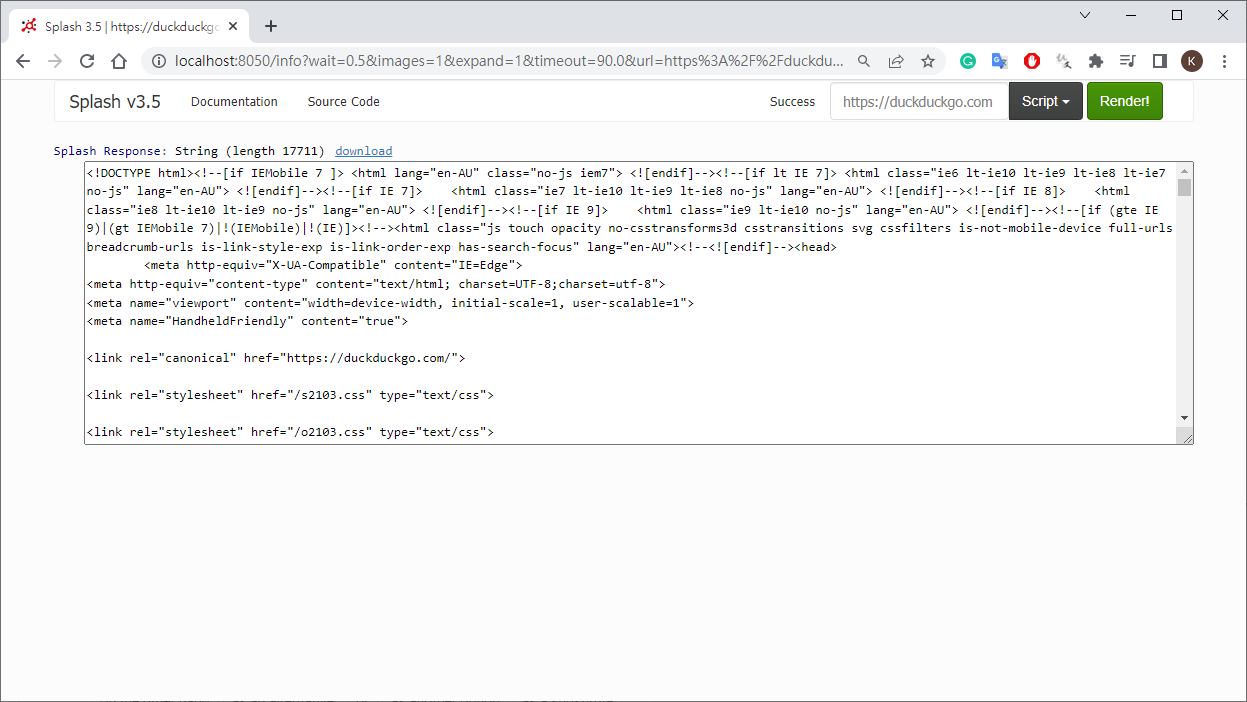
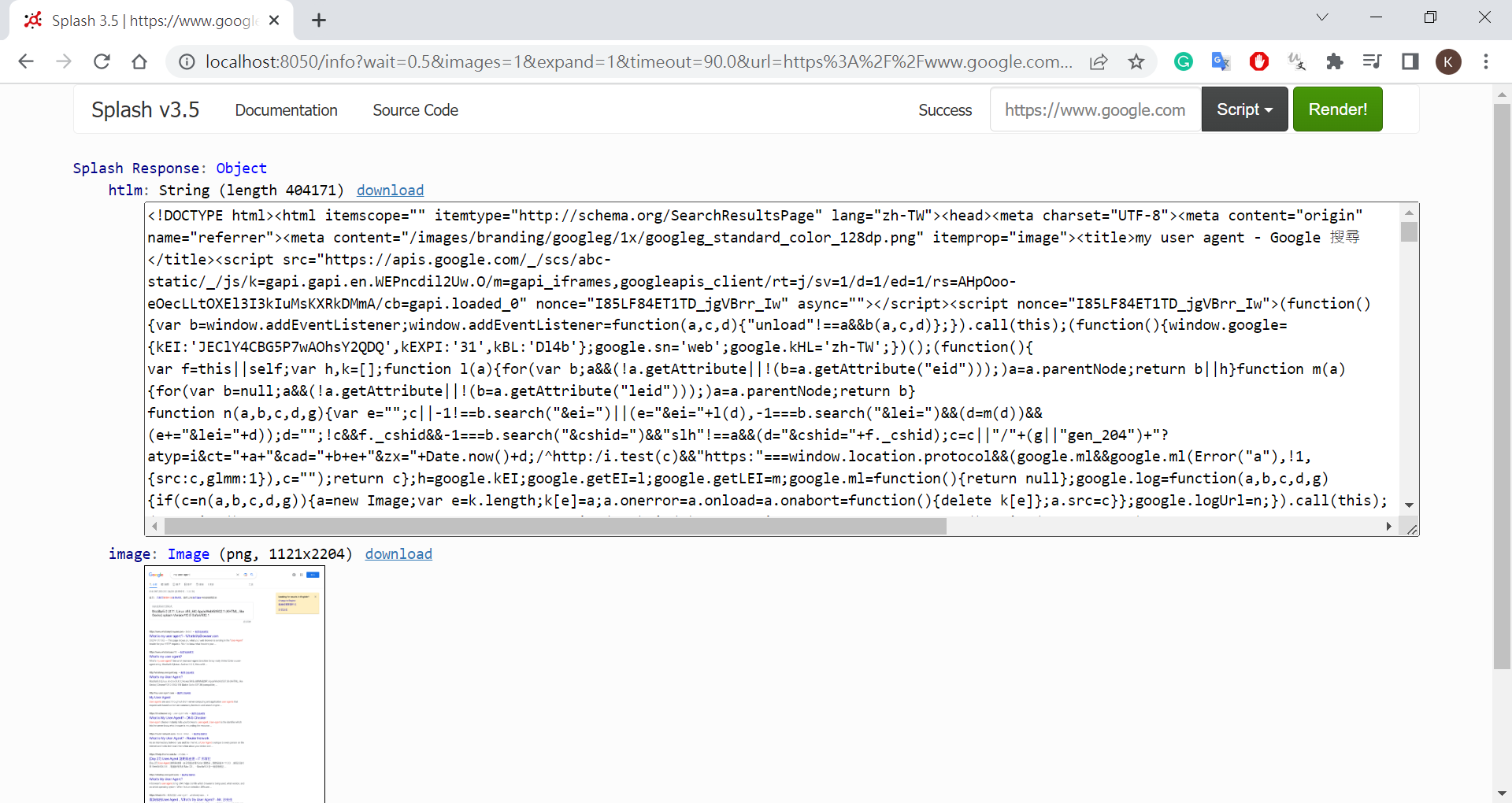
show html
1
2
3
4
5
6
function main(splash, args)
url = args.url
splash:go(url)
-- show html
return splash:html()
end
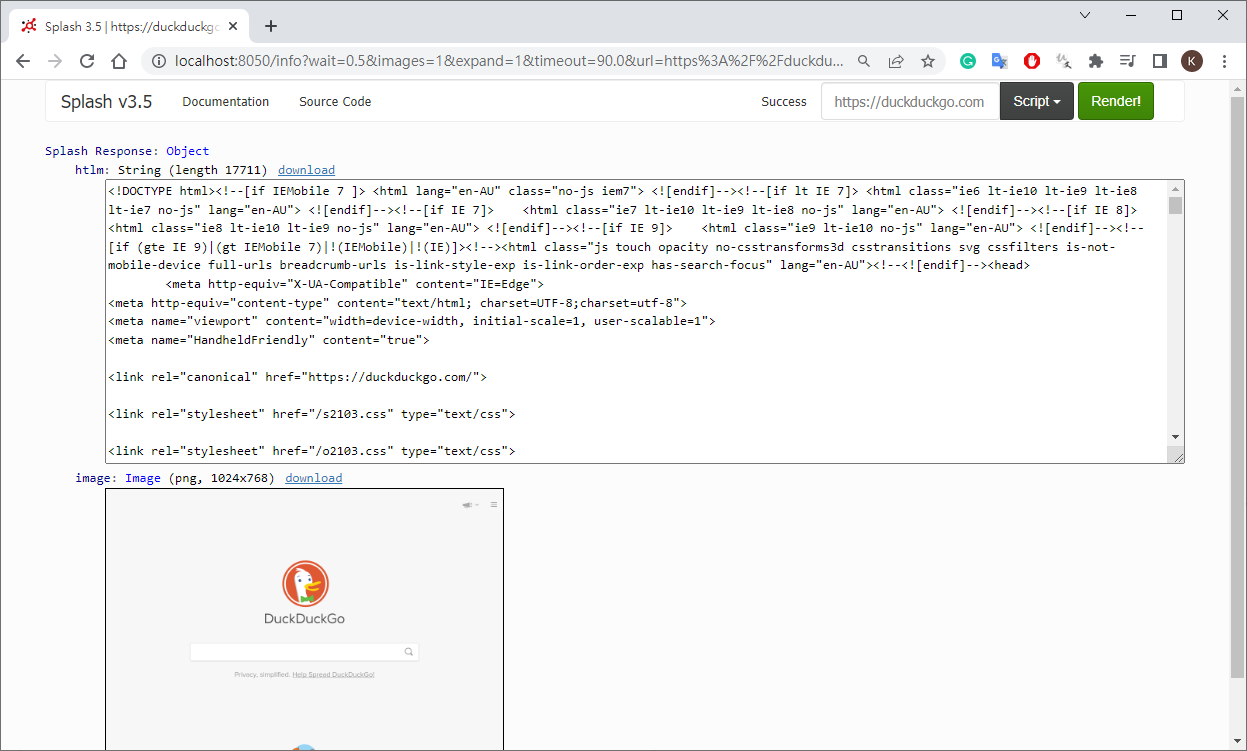
show image + html
1
2
3
4
5
6
7
8
9
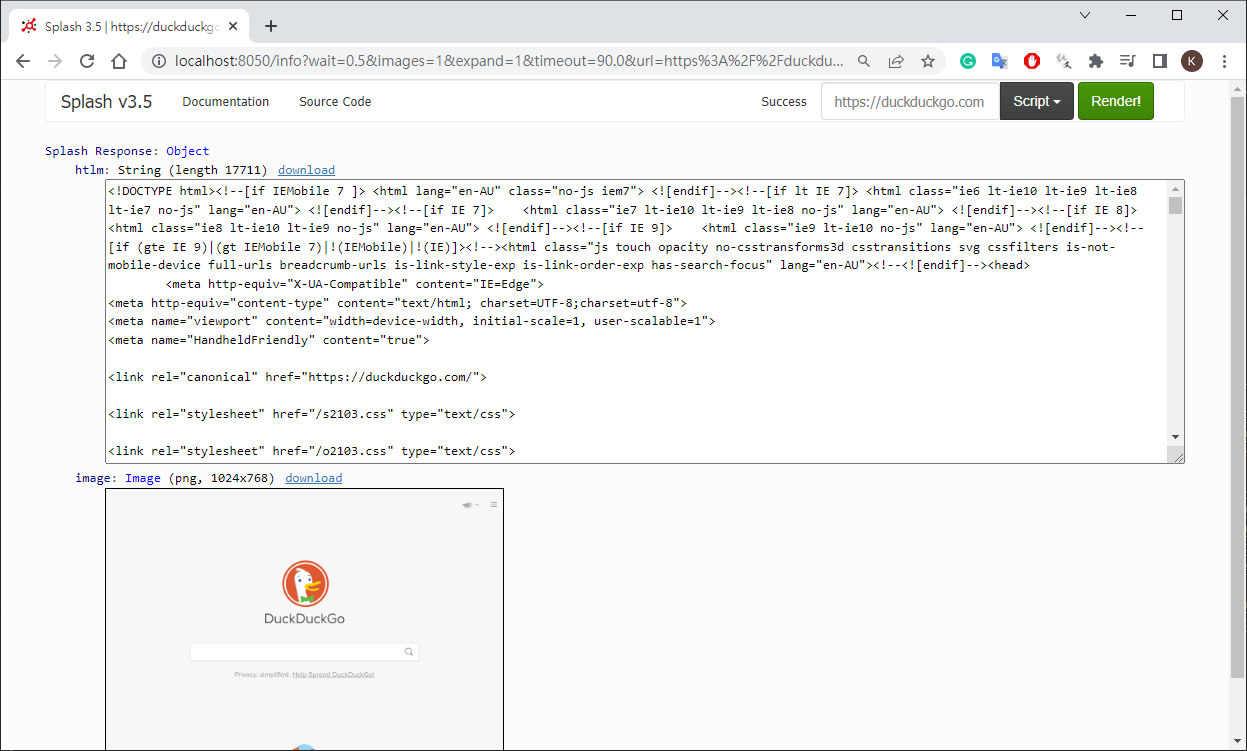
function main(splash, args)
url = args.url
splash:go(url)
-- show image + html
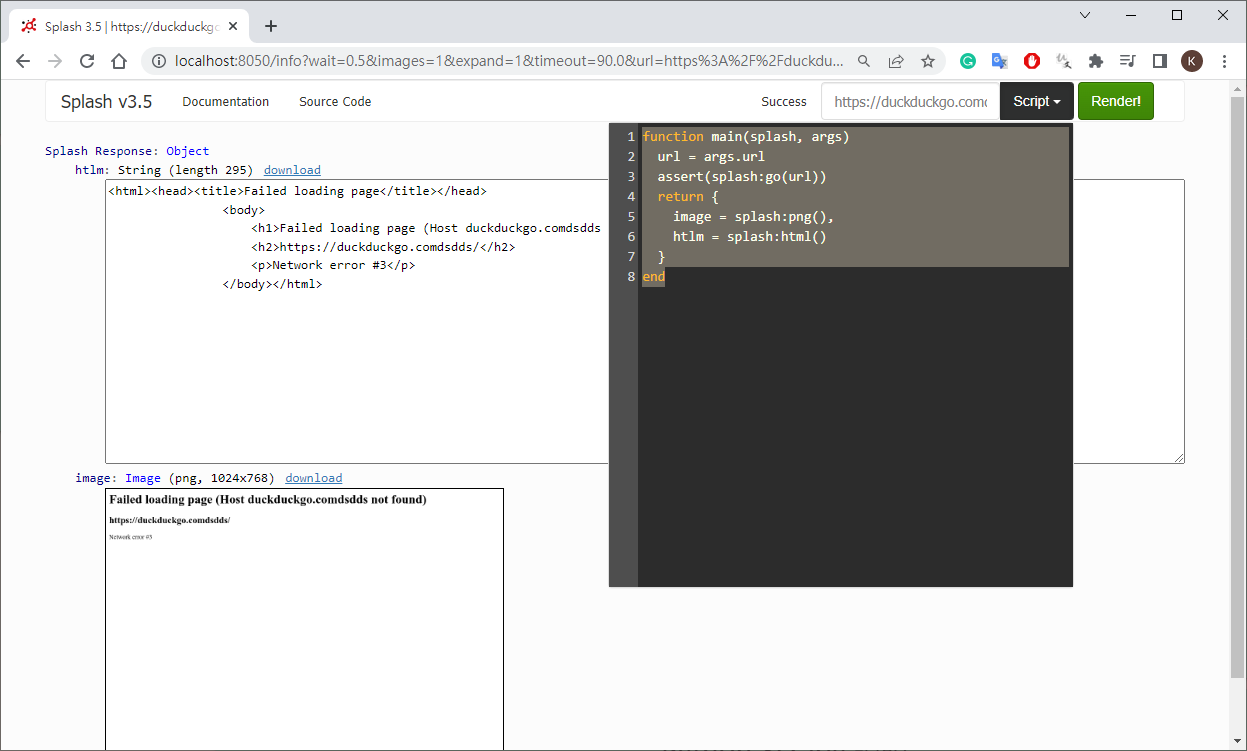
return {
image = splash:png(),
htlm = splash:html()
}
end
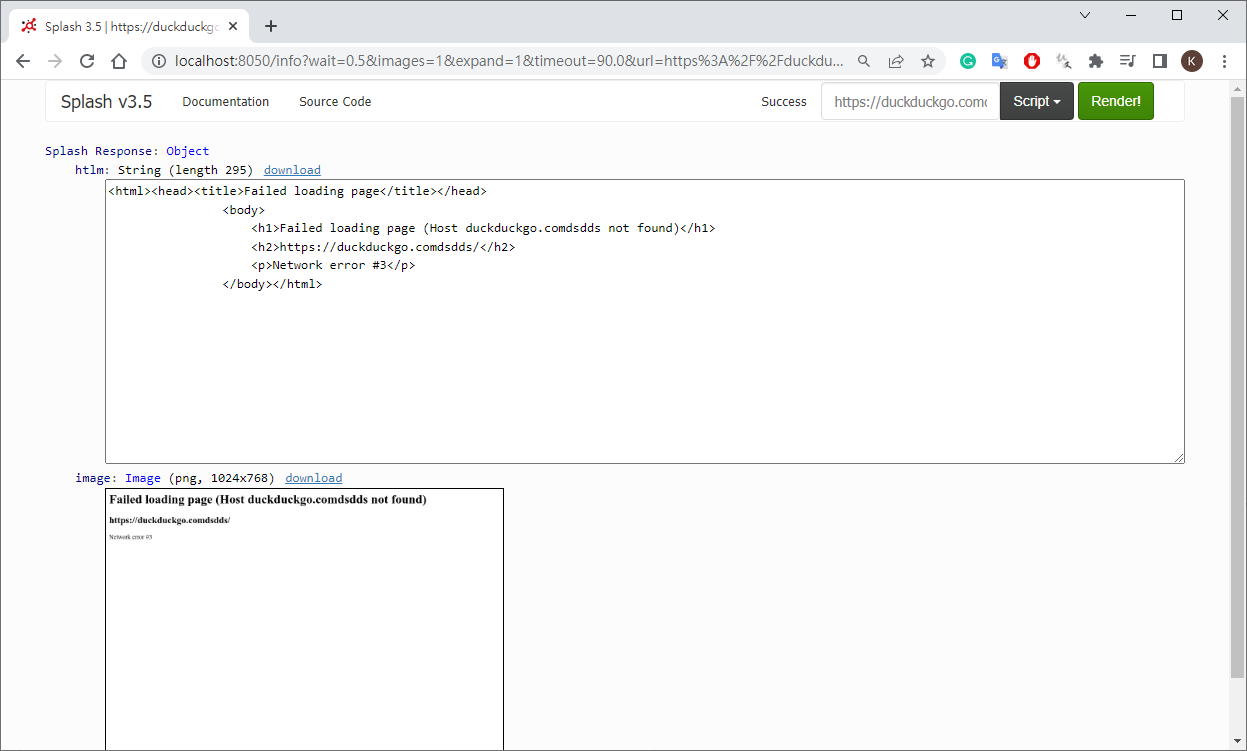
wrong url
assert - show error message
1
2
3
4
5
6
7
8
9
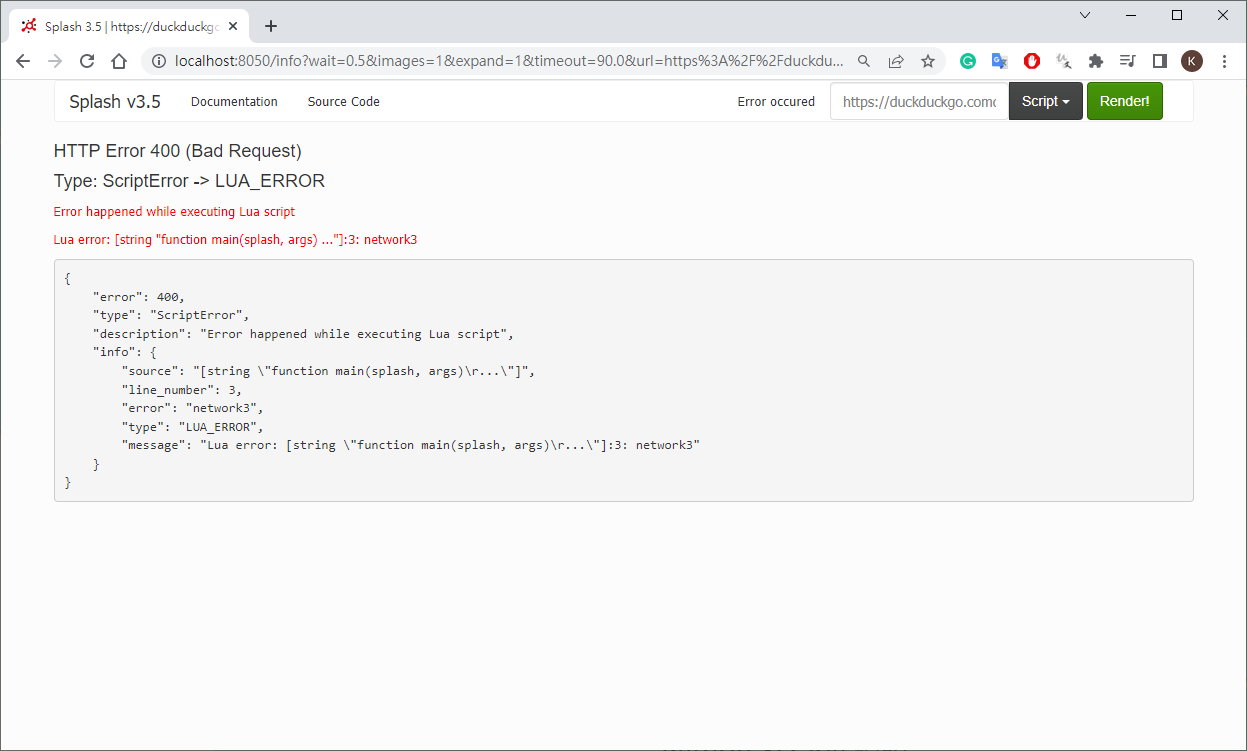
function main(splash, args)
url = args.url
-- add assert
assert(splash:go(url))
return {
image = splash:png(),
htlm = splash:html()
}
end
add wait response
1
2
3
4
5
6
7
8
9
10
11
# delay 1 sec for display
function main(splash, args)
url = args.url
assert(splash:go(url))
-- add wait
assert(splash:wait(1))
return {
image = splash:png(),
htlm = splash:html()
}
end

select element

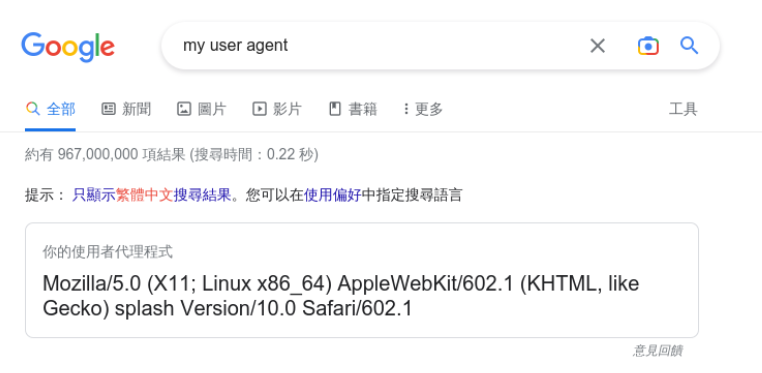
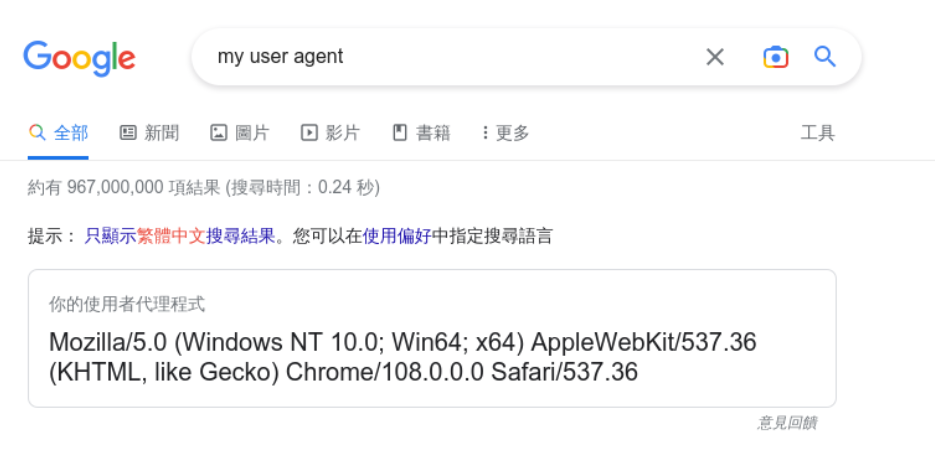
search “my user agent”
1
2
3
4
5
6
7
8
9
10
11
12
13
14
15
16
17
18
19
20
21
22
23
24
25
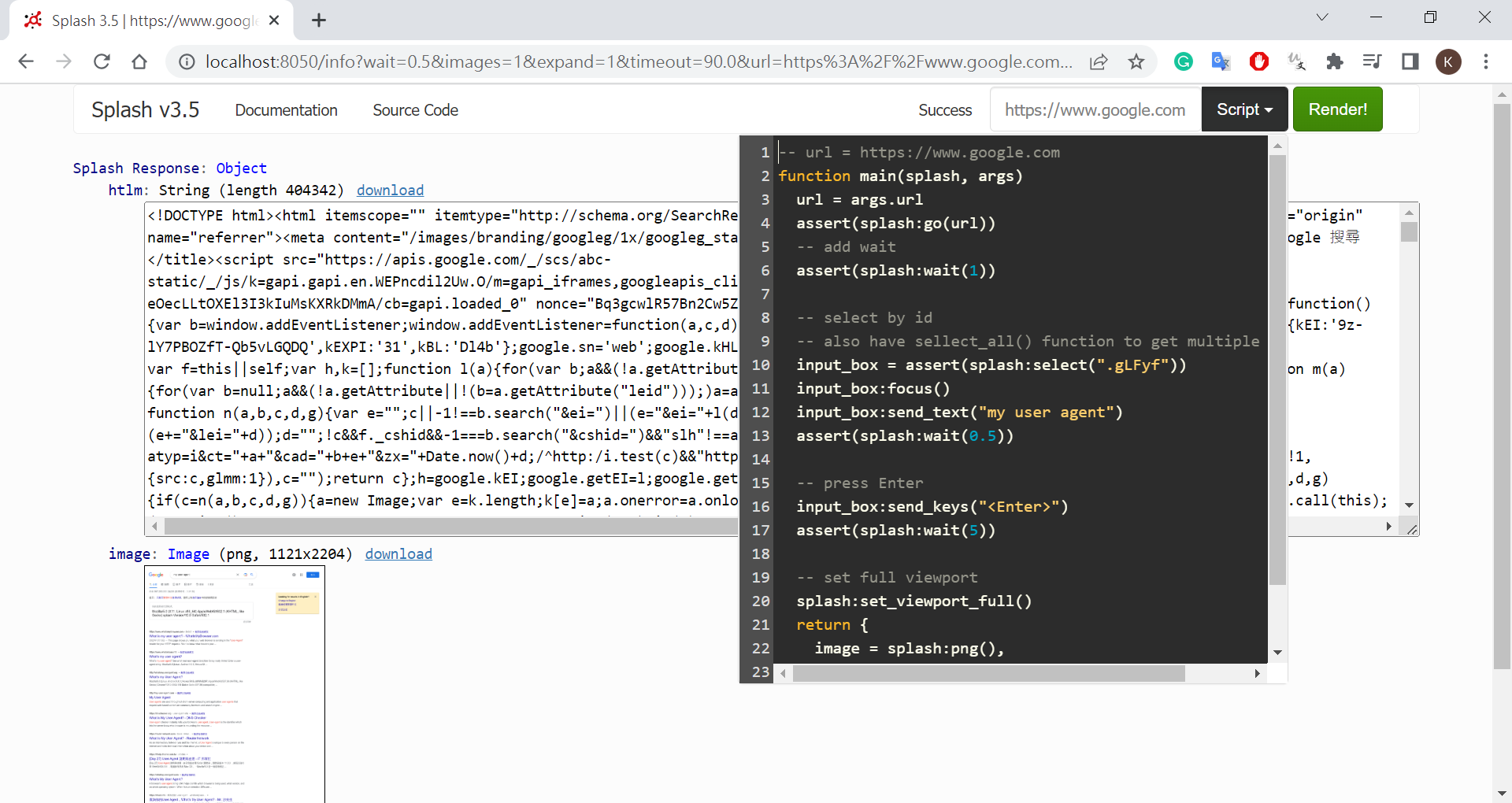
-- url = https://www.google.com
function main(splash, args)
url = args.url
assert(splash:go(url))
-- add wait
assert(splash:wait(1))

-- select by id
-- also have sellect_all() function to get multiple elements
input_box = assert(splash:select(".gLFyf"))
input_box:focus()
input_box:send_text("my user agent")
assert(splash:wait(0.5))

-- press Enter
input_box:send_keys("<Enter>")
assert(splash:wait(5))

-- set full viewport
splash:set_viewport_full()
return {
image = splash:png(),
htlm = splash:html()
}
end
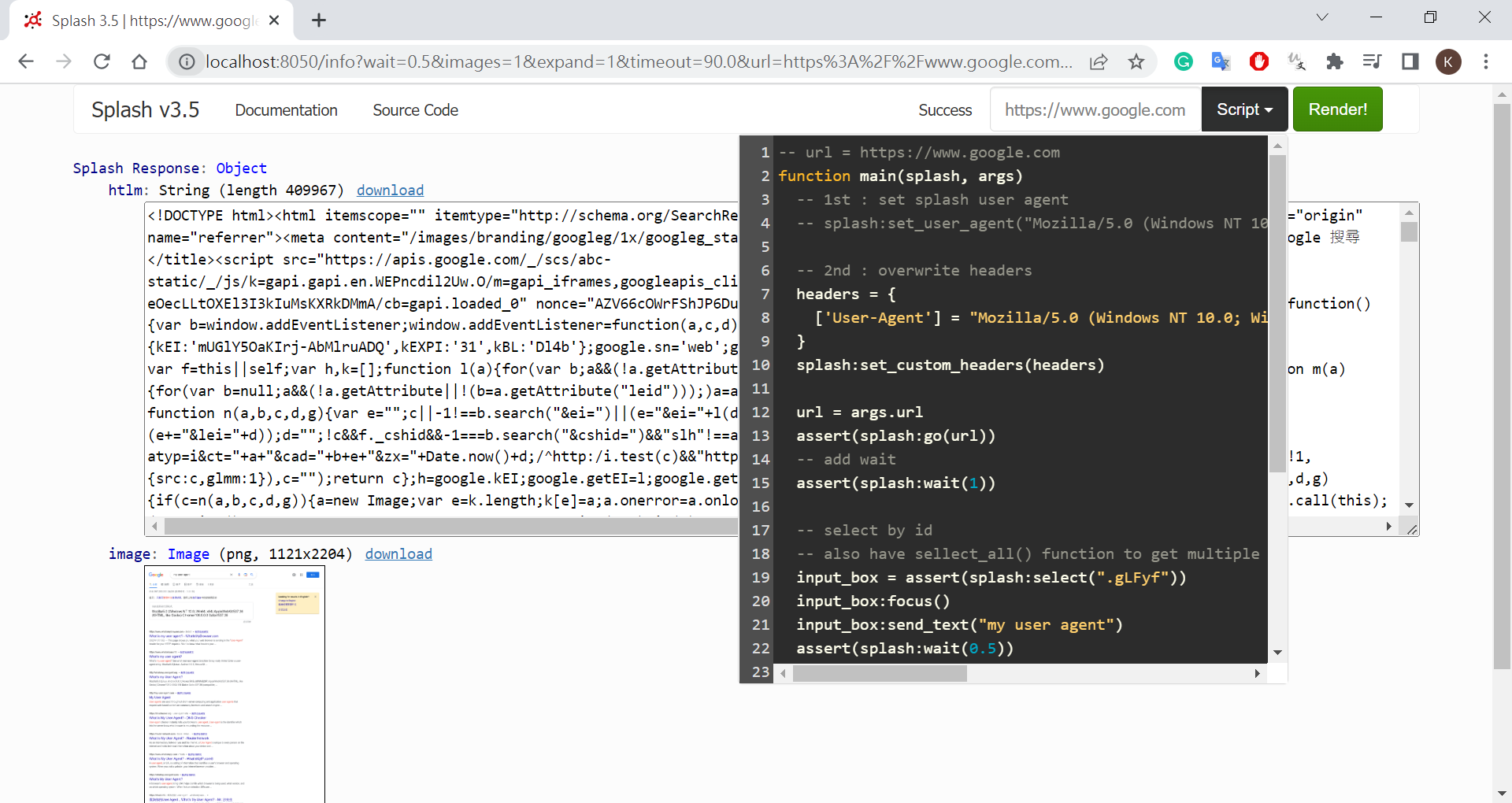
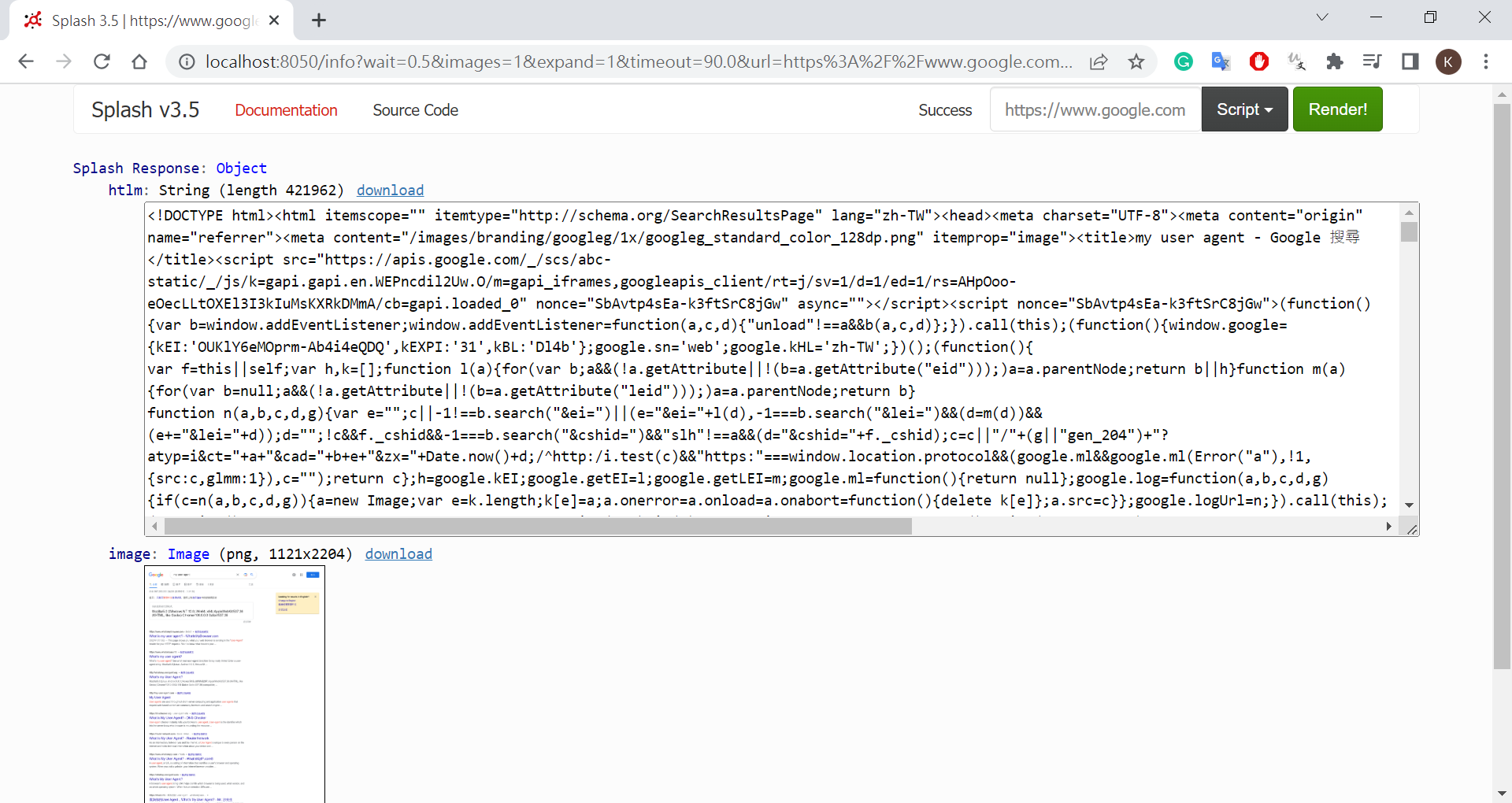
change heads(user agent)
1
2
3
4
5
6
7
8
9
10
11
12
13
14
15
16
17
18
19
20
21
22
23
24
25
26
27
28
29
30
31
32
33
34
-- url = https://www.google.com
function main(splash, args)
-- 1st : set splash user agent
-- splash:set_user_agent("Mozilla/5.0 (Windows NT 10.0; Win64; x64) AppleWebKit/537.36 (KHTML, like Gecko) Chrome/108.0.0.0 Safari/537.36")

-- 2nd : overwrite headers
headers = {
['User-Agent'] = "Mozilla/5.0 (Windows NT 10.0; Win64; x64) AppleWebKit/537.36 (KHTML, like Gecko) Chrome/108.0.0.0 Safari/537.36"
}
splash:set_custom_headers(headers)

url = args.url
assert(splash:go(url))
-- add wait
assert(splash:wait(1))

-- select by id
-- also have sellect_all() function to get multiple elements
input_box = assert(splash:select(".gLFyf"))
input_box:focus()
input_box:send_text("my user agent")
assert(splash:wait(0.5))

-- press Enter
input_box:send_keys("<Enter>")
assert(splash:wait(5))

-- set full viewport
splash:set_viewport_full()
return {
image = splash:png(),
htlm = splash:html()
}
end

Coding(scrapy)

basic .py

1
2
3
4
5
6
7
8
9
10
11
12
13
14
15
16
17
18
19
20
21
22
23
24
25
26
27
28
29
30
31
32
33
34
35
36
37
38
import scrapy
from scrapy_splash import SplashRequest

class QuoteListSpider(scrapy.Spider):
name = 'quote_list'
allowed_domains = ['quotes.toscrape.com']

script = '''
-- http://quotes.toscrape.com/js
function main(splash, args)
url = args.url
assert(splash:go(url))
assert(splash:wait(1))

splash:set_viewport_full()
return splash:html()
end
'''

def start_requests(self):
yield SplashRequest(url="http://quotes.toscrape.com/js/", callback=self.parse, endpoint="execute", args={
'lua_source': self.script
})

def parse(self, response):
for quote in response.xpath("//div[@class='quote']"):
yield {
'quote text': quote.xpath(".//span[1]/text()").get(),
'author': quote.xpath(".//span[2]/small/text()").get(),
'tags': quote.xpath(".//div/a/text()").getall(),
}

next_page = quote.xpath("//li[@class='next']/a/@href").get()
if next_page:
absolute_url = f'http://quotes.toscrape.com{next_page}'
yield SplashRequest(url=absolute_url, callback=self.parse, endpoint="execute", args={
'lua_source': self.script
})
settings.py
1
2
# debug show cookie
# SPLASH_COOKIES_DEBUG=True
beauty.py
1
2
3
4
5
6
7
8
9
10
11
12
13
14
15
16
17
18
19
20
21
22
23
24
25
26
27
28
29
30
31
32
33
34
35
36
37
38
39
40
41
42
43
44
45
46
47
48
49
50
51
52
53
54
55
56
57
58
59
60
61
62
63
64
65
66
67
68
69
70
71
72
73
74
75
76
77
78
79
80
81
82
83
84
85
86
87
88
89
90
91
92
93
94
95
96
97
98
99
100
101
102
103
104
105
106
107
108
109
110
111
112
113
114
115
116
117
118
119
120
121
122
123
124
125
126
127
128
129
130
131
132
133
134
135
import scrapy
from scrapy_splash import SplashRequest
import ppt.items as items
from scrapy.loader import ItemLoader
import urllib
import os


class BeautySpider(scrapy.Spider):
JPG = '.jpg'
PNG = '.png'
IMAGE_FOLDER = 'images'
IMAGE_MAX = 5
name = 'beauty'
allowed_domains = ['www.ptt.cc']
URL_ENTRY = 'https://www.ptt.cc/bbs/Beauty/index.html'
index = 1

# change to record cookie
script_1st = '''
function main(splash, args)
splash:on_request(function(request)
if request.url:find('css') then
request.abort()
end
end)
splash.images_enabled = false
-- need run js for click --
-- splash.js_enabled = false --

assert(splash:go(args.url))
assert(splash:wait(0.5))

local element = splash:select('.over18-button-container > button')
element:mouse_click()
assert(splash:wait(1))

return {
cookies = splash:get_cookies(),
html = splash:html(),
}
end
'''

# change to record cookie
script_2nd = '''
function main(splash, args)
splash:init_cookies(splash.args.cookies)

splash:on_request(function(request)
if request.url:find('css') then
request.abort()
end
end)
splash.images_enabled = false
-- need run js for click --
-- splash.js_enabled = false --

assert(splash:go(args.url))
assert(splash:wait(0.5))

assert(splash:wait(1))

return {
cookies = splash:get_cookies(),
html = splash:html(),
}
end
'''

def start_requests(self):
yield SplashRequest(url=self.URL_ENTRY,
callback=self.parse,
endpoint='execute',
args={'lua_source': self.script_1st})

def parse(self, response):
# with open('index.html', 'wb') as f:
# f.write(response.body)

# change to record cookie
self.cookies = response.data['cookies']
posts = response.xpath("//div[@class='r-ent']")
for post in posts:
beaudy_item = items.PptBeautyItem()
beaudy_item['title'] = post.xpath(".//div[@class='title']/a/text()").get()
beaudy_item['url'] = post.xpath(".//div[@class='title']/a/@href").get()
beaudy_item['push_count'] = post.xpath(".//div[@class='nrec']/span/text()").get()
beaudy_item['author'] = post.xpath(".//div[@class='author']/text()").get()

if beaudy_item['title']:
# if '公告' in beaudy_item['title']:
if '公告' not in beaudy_item['title']:
# yield beaudy_item

# change to record cookie
yield SplashRequest(url=response.urljoin(beaudy_item['url']),
callback=self.post_parse,
endpoint='execute',
args={'lua_source': self.script_2nd},
cookies = self.cookies
)

def post_parse(self, response):
# change to record cookie
self.cookies = response.data['cookies']
if self.index < self.IMAGE_MAX:
title = response.xpath("(//div[@class='article-metaline']//span[@class='article-meta-value'])[2]/text()").get()
lists = response.xpath("//div[@class='richcontent']")
list_index = 1
for list in lists:
image_url = list.xpath(".//img/@src").get()
loader = ItemLoader(item=items.PptPostItem())
loader.add_value('image_urls', [image_url])
loader.add_value('index', self.index)
if self.PNG in image_url:
file_name = f"{title}{list_index}{self.PNG}"
elif self.JPG in image_url:
file_name = f"{title}{list_index}{self.JPG}"
else:
file_name = f"{title}{list_index}None{self.JPG}"
list_index += 1

self.image_download(image_url, file_name, self.IMAGE_FOLDER)
self.index += 1
yield loader.load_item()

if self.index > self.IMAGE_MAX:
break

def image_download(self, url, name, folder):
dir=os.path.abspath(folder)
work_path=os.path.join(dir,name)
# print(f"-->{name}")
urllib.request.urlretrieve(url, work_path)

Issue

ScrapyDeprecationWarning(function to_native_str. Use to_unicode instead.)

1st method - seem better
  • install scrapy to version 2.8.0
  • install scrapy-spkash to 0.9.0
2nd method

ScrapyDeprecationWarning: Call to deprecated function to_native_str. Use to_unicode instead.
url = to_native_str(url)

scrapy_splash/request.py
1
2
3
4
5
6
7
8
9
10
# ScrapyDeprecationWarning: Call to deprecated function to_native_str. Use to_unicode instead.
# url = to_native_str(url)
# from scrapy_splash.utils import to_native_str
# from scrapy_splash.utils import to_unicode
from scrapy.utils.python import to_unicode

# ScrapyDeprecationWarning: Call to deprecated function to_native_str. Use to_unicode instead.
# url = to_native_str(url)
url = to_unicode(url)

py.warnings] WARNING: D:\app\python_env\myenv10_scrapy\lib\site-packages\scrapy_splash\dupefilter.py:24: ScrapyDeprecationWarning: Call to deprecated function scrapy.utils.request.request_fingerprint().

Ref